 TechniquesNew
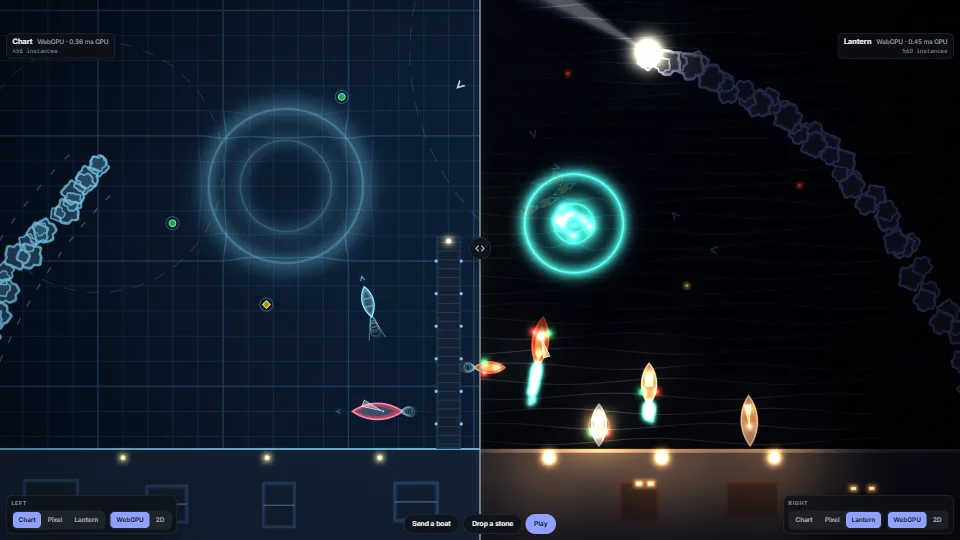
Reskin seam for 2D games and visual apps
A contract that lets one simulation wear any number of looks.
0.43 GPU · 0.69 CPU ms
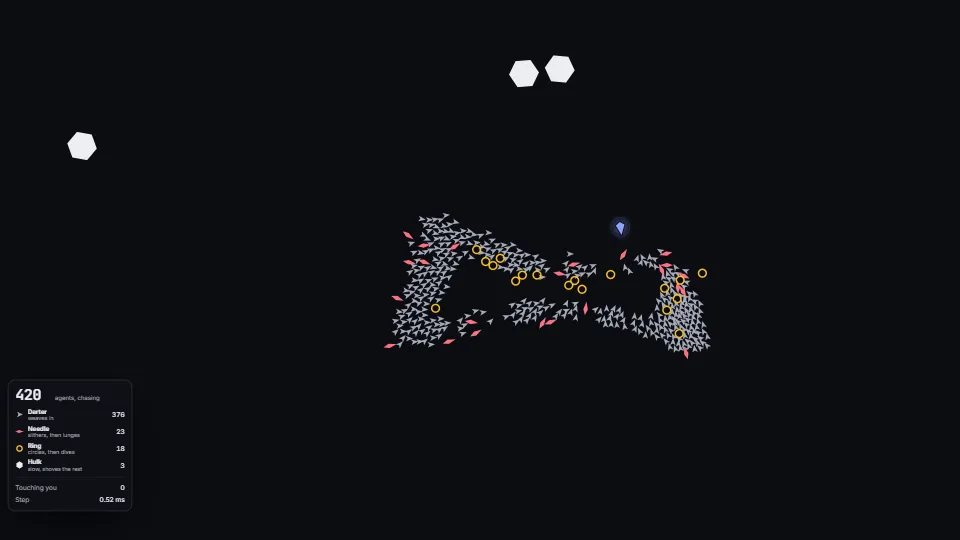
A 2D action game in the browser, top-down or twin-stick: hundreds of things on screen drawn in a few instanced layers, a run shaped by waves, hits that feel like hits, a HUD that lives in the world, a pause that is a breath, and an end that makes people play again. Keys, pads and touch; a frame well under 4 ms of CPU, a lighter phone tier, Canvas 2D where there is no WebGPU.
Swarm run, the kit’s own game, runs above: three minutes, four waves, one kite against a swarm of hundreds. Gather gems, burst when it closes in, and play it in whatever look the page wears: switch the look and the world, the HUD and the menus all change with it.
TechniquesNewA contract that lets one simulation wear any number of looks.
SimulationNewThe swarm under a 2D action game: hundreds of agents as typed-array columns (struct of arrays), each kind with its own way of closing in…
 Systems & toolingNew
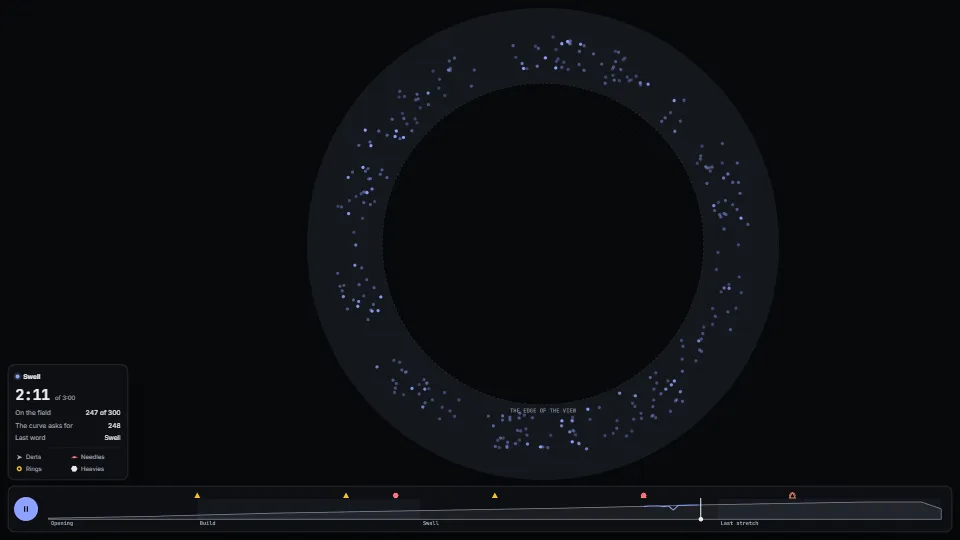
Who comes, how many, from where and when, over a run’s clock.
 Systems & toolingNew
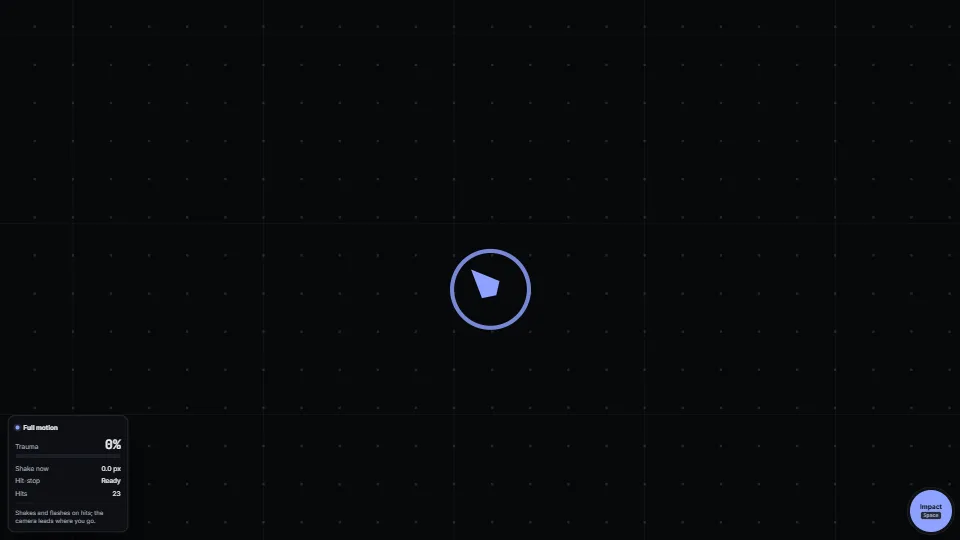
Three small pieces that make hits land in a 2D action game.
 UI & interactionNew
 Systems & toolingNew
 UI & interactionNew
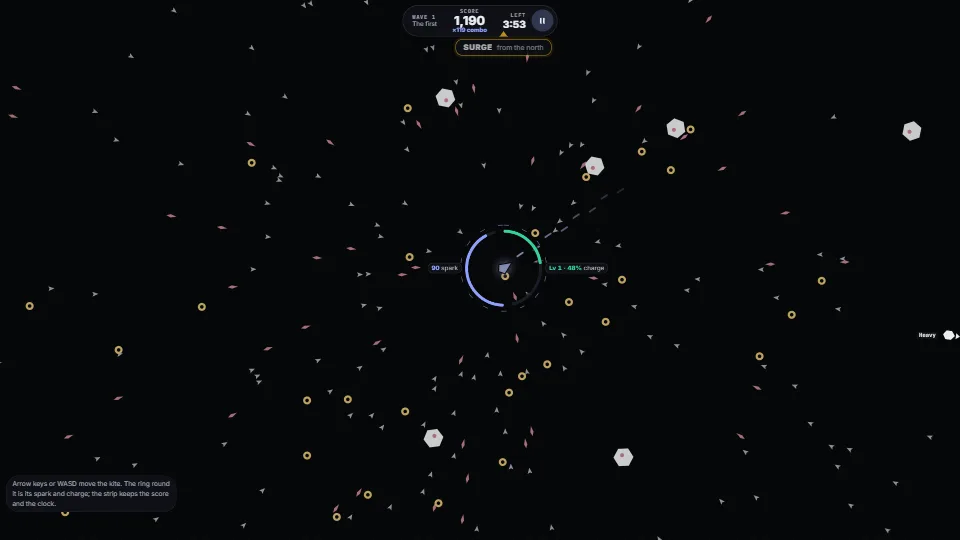
A HUD for 2D action games that keeps the eyes on the action.
 UI & interactionNew
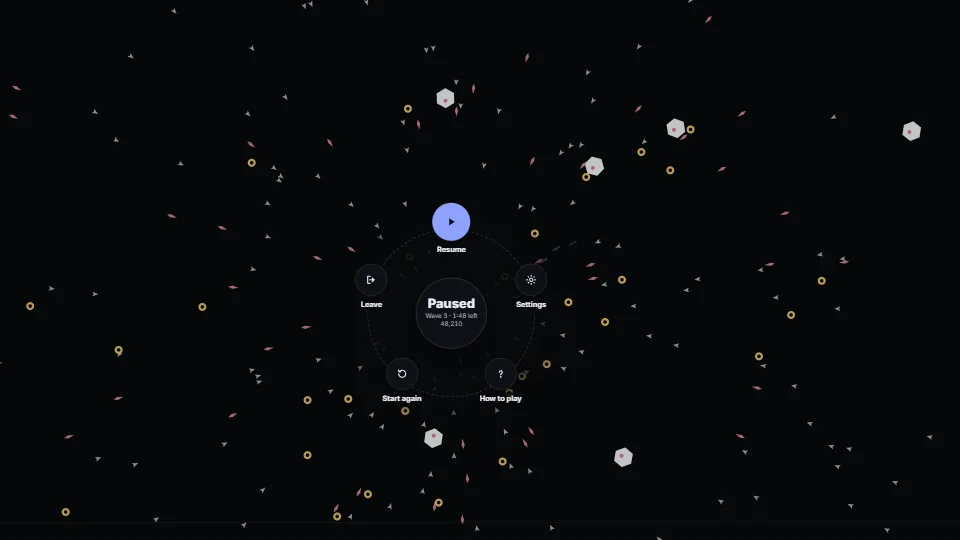
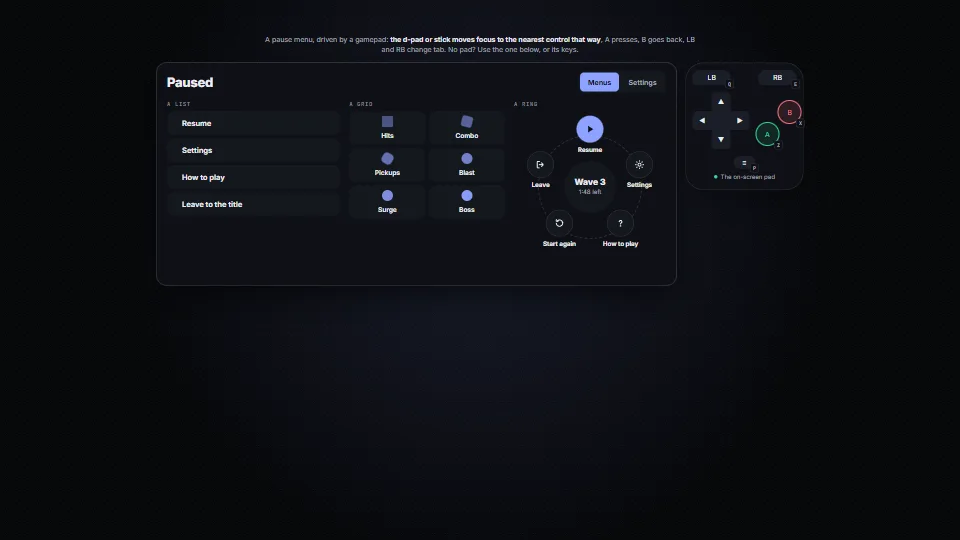
The pause menu as a ring of round buttons gathered round the frozen player, chosen with the arrow keys or by pushing a stick toward one, and settings that a…
 UI & interactionNew
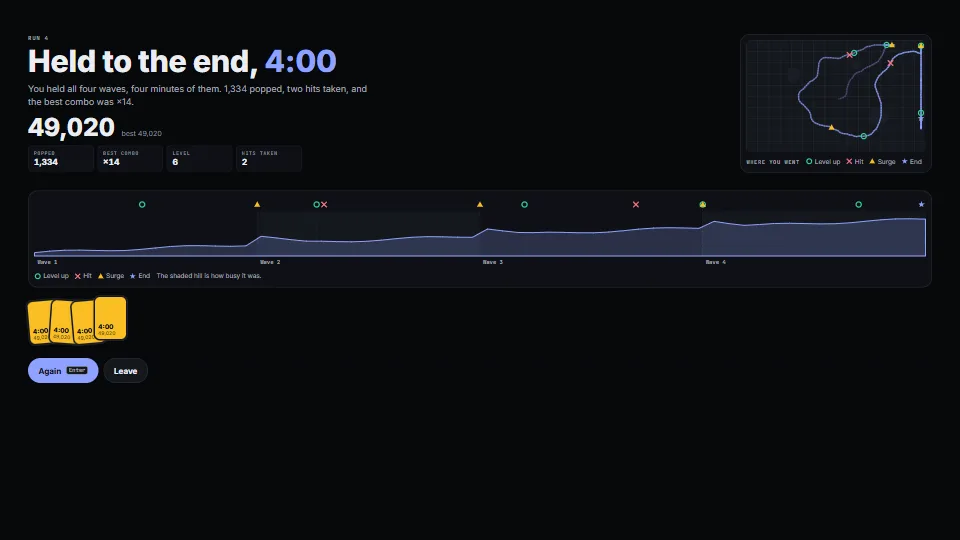
The end of a game run that makes people want one more.
 UI & interactionNew
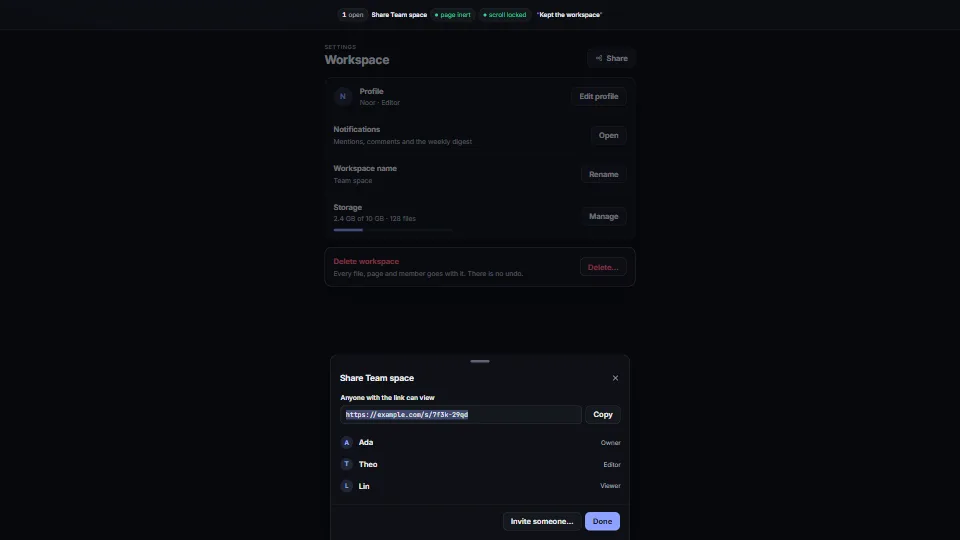
One small dialog core that does the whole job: a modal, side and bottom sheets you can drag away, and awaitable confirm() and prompt().
 UI & interactionNew
 UI & interactionNew
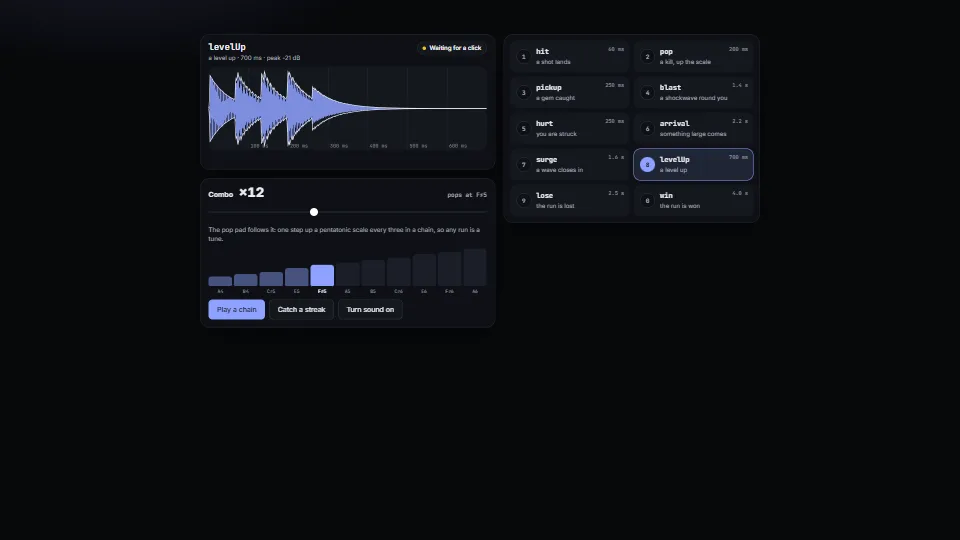
The sounds of play for a 2D action game, made live with the Web Audio API and no files.
 UI & interactionNew
Ask for it by name: get_kit("2d-action") on the store’s MCP server plans a build from these parts, free. See With AI to connect one.