 UI & interaction
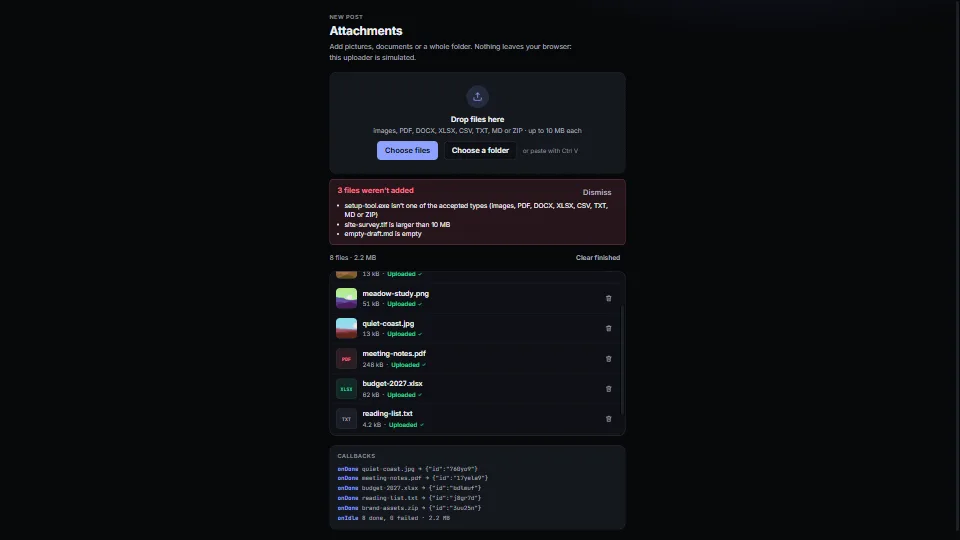
File drop and upload list
A drop zone with a real button, folders walked, paste from the clipboard, and checks by type, size, count and duplicates (by content.
0.04 CPU ms
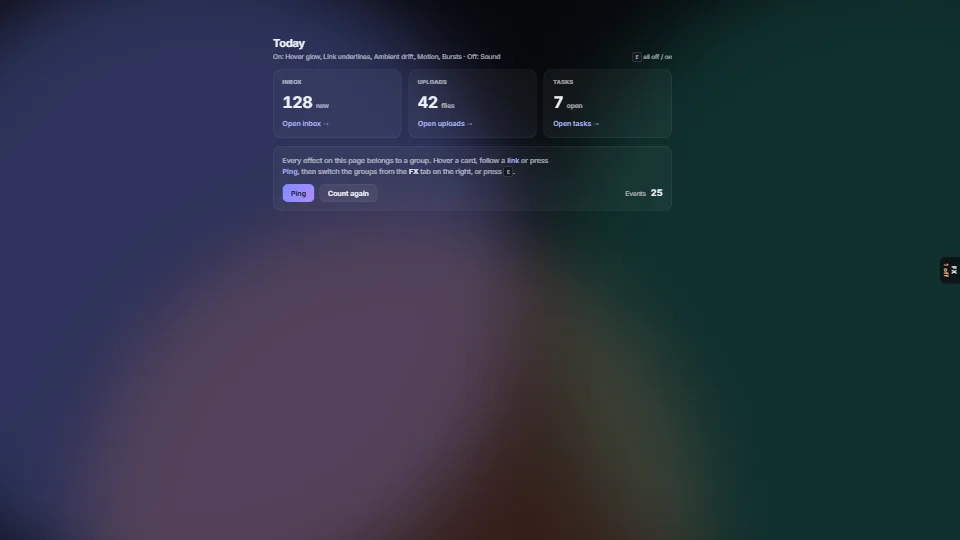
One place that says which of an app’s effects are on.
Measured 3 November 2026 on 13th Gen Intel(R) Core(TM) i9-13900H, Chrome 156, 1920×1080 at 1×. 600 frames × 3 rounds, median kept. What ran: Measured with every group at its default (sound off): the per-frame cost is the ambient drift moving three blurred layers and the counters easing. The switchboard itself does nothing per frame; it only acts when a switch changes. Phones: tiers are being measured next.
| Machine | GPU ms | CPU ms | CPU p95 |
|---|---|---|---|
| unknown GPU · 13th Gen Intel(R) Core(TM) i9-13900Hreference · measuring tool | not timed | 0.04 | 0.07 |
| apple · Apple A19 Proin a browser tab · 16 November 2026 | not timed | 0.08 | 0.12 |
| Intel Arc 140V (Xe2-LPG) · Intel Core Ultra 7 258Vin a browser tab · 15 November 2026 | not timed | 0.06 | 0.11 |
Bars against one 16.7 ms frame. A browser-tab run is timed in a visible tab without the tool’s scripted input, so read it as close, not exact.
on(group) each frame, or subscribe) or be gated in CSS through reflectEffects.hotkey: null if E already means something in your app.set(…, { silent: true }): use silent when your app moved the value itself (its own controls, an undo), or the two will echo.From HaTac. Fully custom code.
WAI-ARIA Authoring Practices Guide (W3C): The slider pattern for each dial: role="slider", its value attributes and keys.
UI & interactionA drop zone with a real button, folders walked, paste from the clipboard, and checks by type, size, count and duplicates (by content.
 UI & interaction
The states every view needs, done calmly: a tiny state machine (idle → loading → slow → ready | empty | error) with a grace delay so fast loads never flash a…
 UI & interaction
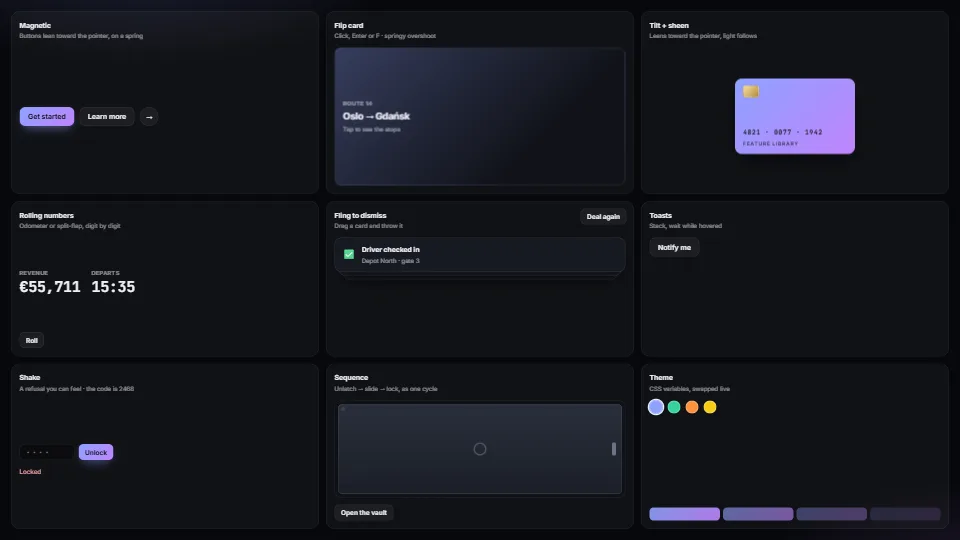
Magnetic buttons, springy flip cards, tilt with sheen, rolling and split-flap numbers, fling-to-dismiss, toasts, toasts that hang on a string and swing to…
 UI & interaction
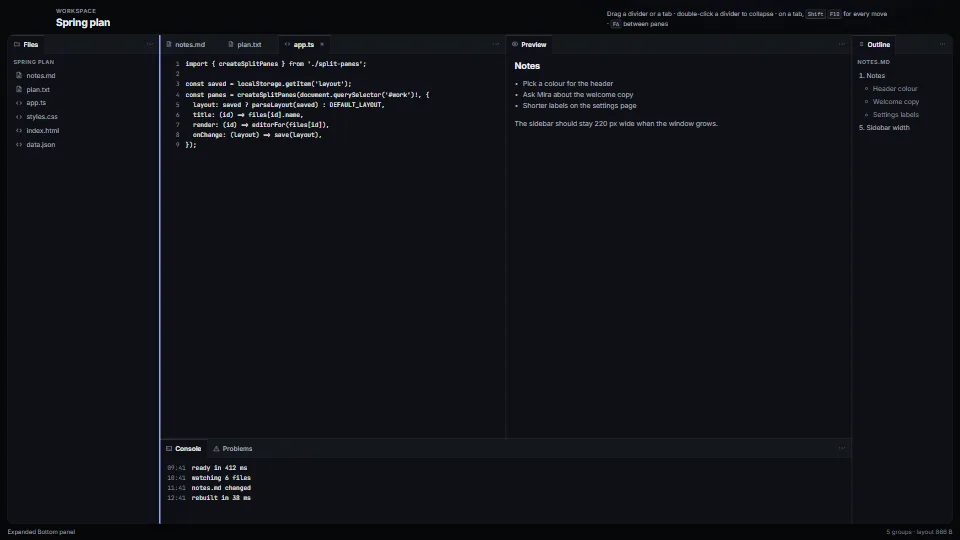
The layout of every editor, from a JSON tree you can save and restore.