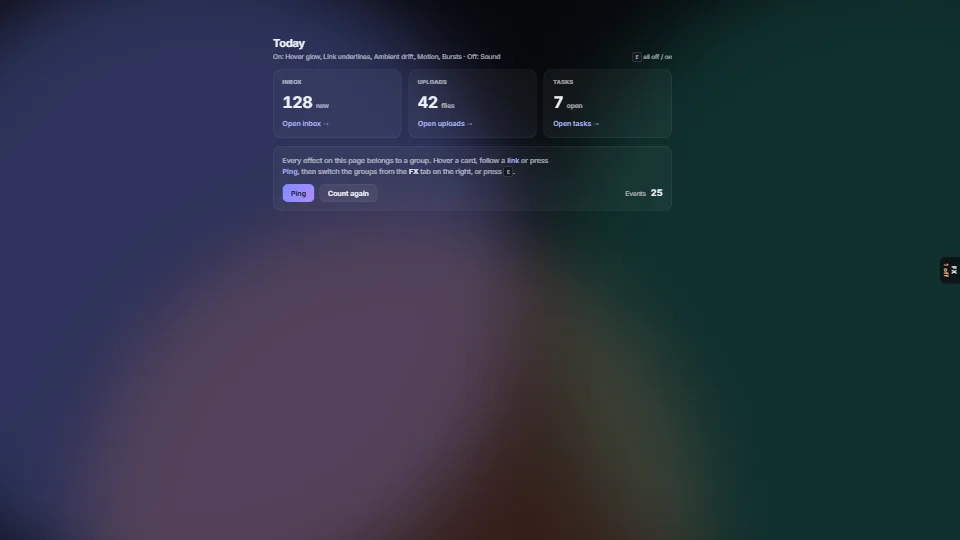
 UI & interaction
Micro-interactions pack
0.03 CPU ms
Still
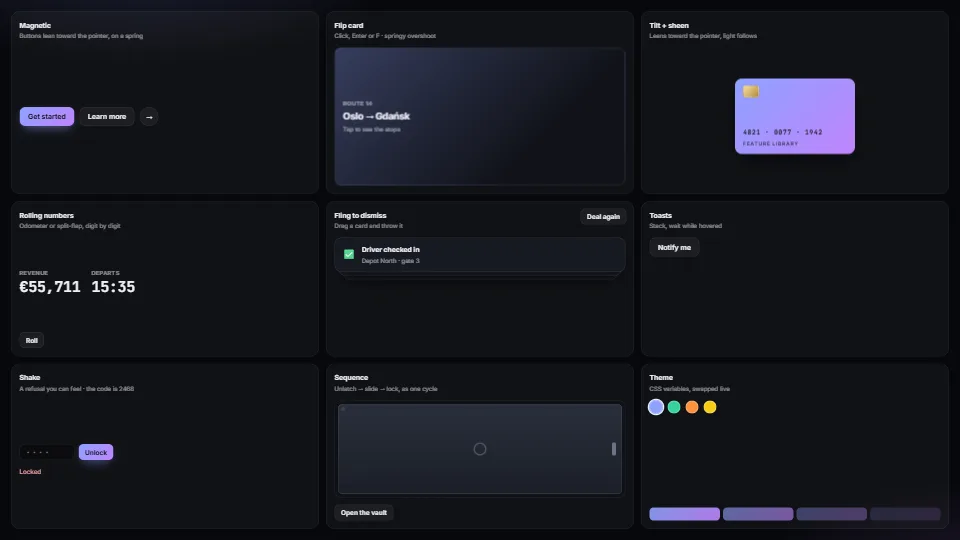
The live demo starts when it’s in view.Everything is live: hover, drag, click, type · move the pointer anywhere for the light trail
Magnetic buttons, springy flip cards, tilt with sheen, rolling and split-flap numbers, fling-to-dismiss, toasts, toasts that hang on a string and swing to…
What it costs a frame
0.03 ms
- GPU
- not used
- CPU, median
- 0.03 ms
- CPU, 95th pct
- 0.04 ms
- Draw calls
- 0
- Weight
- Light
Measured 7 November 2026 on 13th Gen Intel(R) Core(TM) i9-13900H, Chrome 156, 1920×1080 at 1×. 600 frames × 3 rounds, median kept. What ran: Measured idle, the pointer away from the buttons: the per-frame cost is the magnetic springs checking their buttons. While the pointer pulls them, each moving button adds a style write. Phones: tiers are being measured next.
| Machine | GPU ms | CPU ms | CPU p95 |
|---|---|---|---|
| unknown GPU · 13th Gen Intel(R) Core(TM) i9-13900Hreference · measuring tool | not timed | 0.03 | 0.04 |
| apple · Apple A19 Proin a browser tab · 16 November 2026 | not timed | 0.04 | 0.08 |
| Intel Arc 140V (Xe2-LPG) · Intel Core Ultra 7 258Vin a browser tab · 15 November 2026 | not timed | 0.04 | 0.08 |
Bars against one 16.7 ms frame. A browser-tab run is timed in a visible tab without the tool’s scripted input, so read it as close, not exact.
What it needs
- Renders with
- DOM and CSSPlain DOM and CSS: every current browser.
- Your browser
- Runs hereNo WebGPU needed
- Depends on
- NothingNo other packages
What it’s for
- Buttons and calls to action
- Cards and dashboards
- Notifications
- Playful notifications on a string
- Counters and prices
- Forms that refuse nicely
- Onboarding
- A cursor that leaves light behind it on a dark page
Pitfalls, in brief
- flipCard turns the card in 3D on its own layer, where text is a little soft until the turn ends.
- Magnetic reads every element’s getBoundingClientRect each frame: keep the selector to a handful of buttons, or step it only while the pointer is near.
- Magnetic writes a CSS translate (not transform), so a style’s own transform still applies; tilt and fling do write transform: do not combine them on one element.
- Flip cards need preserve-3d all the way down: an overflow: hidden or filter on .fx-inner flattens them and the back shows through.
- Split-flap steps need the digits’ strip height to match the line height (1em by default); a bigger font needs .fx-digit and .fx-strip i sized to match.
7 more in brief
- prefers-reduced-motion turns off the magnetic pull, the strip transitions and tilt: keep anything that carries meaning readable without motion.
- The trail’s canvas fills its layer, so give it a positioned layer that does not scroll (a stage around a scrolling area), or leave it on the page, where it is fixed to the viewport.
- The trail is decoration: it never says anything a person needs, so it is off under reduced motion and for touch, and it is hidden from screen readers.
- The trail’s colour is read once (and on refresh()): call refresh() after a theme change, or it keeps the old colour.
- Hanging tags pivot where the strings end: the container needs fx-tags (or the same gap and top padding as --fx-tag-gap and --fx-tag-top), or a tag swings round a point beside its string.
- A hanging tag writes its own transform while it swings: flingable on it works (the swing waits while it is dragged), but tilt or magnetic on the same tag fight it.
- A tag’s string is drawn outside its box (bottom: 100%): no overflow: hidden on the tag itself.
12 pitfalls in full, the hook-up guide, the module source and its tests come with the part.
Where it comes from
From HaTac. Fully custom code.
Near it in the frame
UI & interaction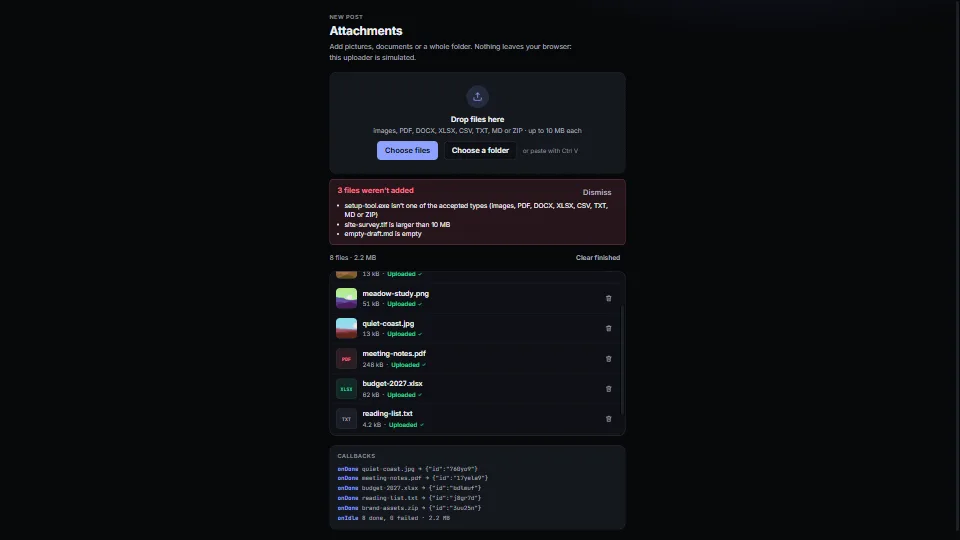 UI & interaction
File drop and upload list
A drop zone with a real button, folders walked, paste from the clipboard, and checks by type, size, count and duplicates (by content.
0.04 CPU ms
 UI & interaction
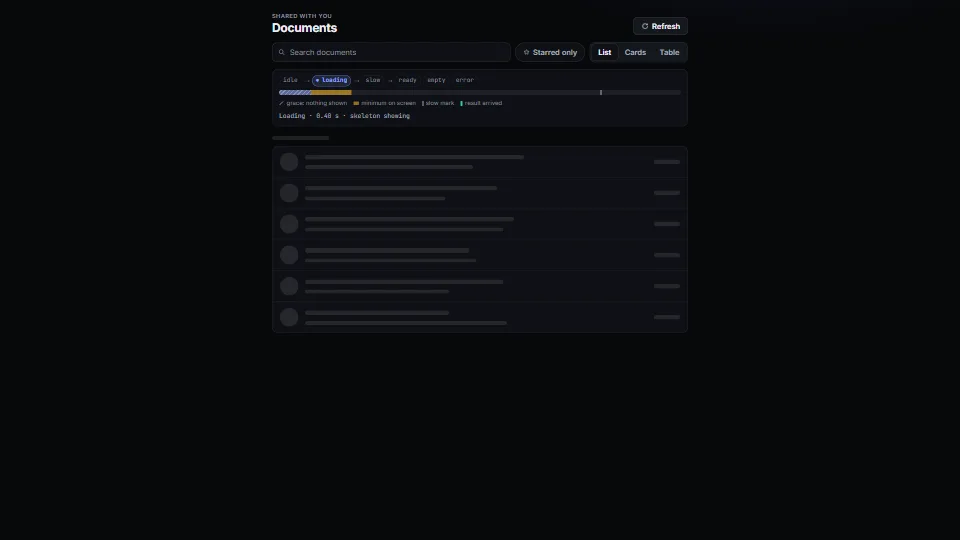
Loading, empty and error states
The states every view needs, done calmly: a tiny state machine (idle → loading → slow → ready | empty | error) with a grace delay so fast loads never flash a…
0.05 CPU ms
 UI & interaction
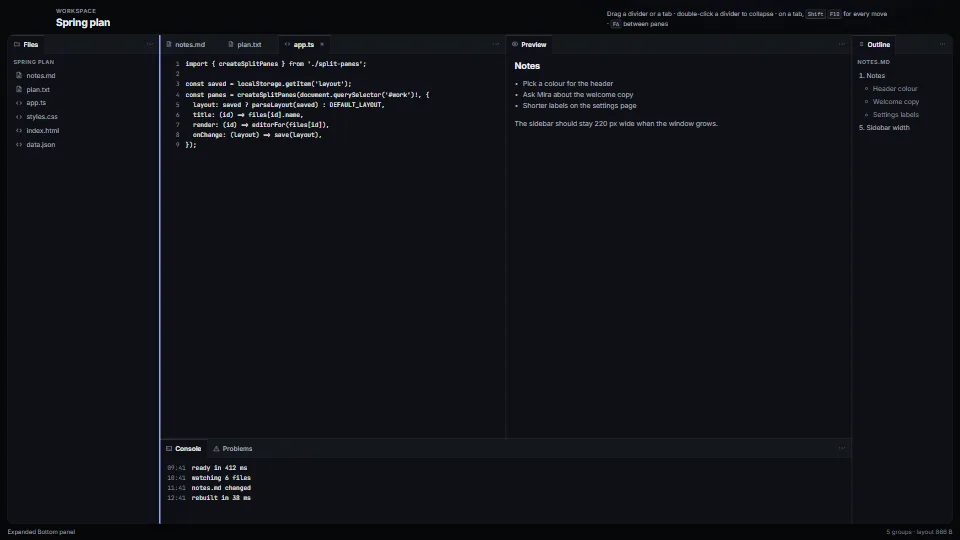
Split panes and docking tab groups
The layout of every editor, from a JSON tree you can save and restore.
0.05 CPU ms