 UI & interaction
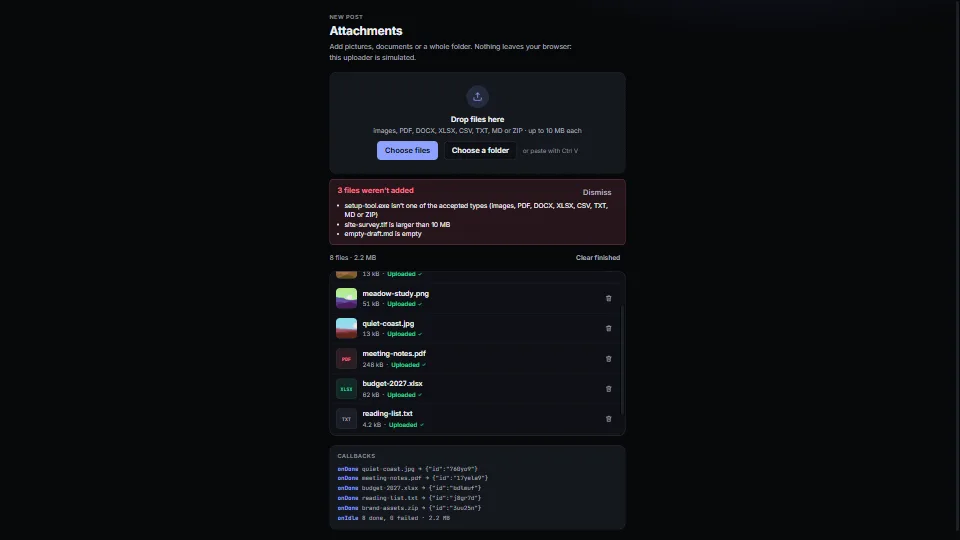
File drop and upload list
0.04 CPU ms
Still
The live demo starts when it’s in view.Drop files or a folder on the zone, choose them, or paste · ↑ ↓ move through the list, Delete removes · nothing leaves your browser
A drop zone with a real button, folders walked, paste from the clipboard, and checks by type, size, count and duplicates (by content.
What it costs a frame
0.04 ms
- GPU
- not used
- CPU, median
- 0.04 ms
- CPU, 95th pct
- 0.09 ms
- Draw calls
- 0
- Weight
- Light
Measured 11 November 2026 on 13th Gen Intel(R) Core(TM) i9-13900H, Chrome 157, 1920×1080 at 1×. 600 frames × 3 rounds, median kept. What ran: Measured with the demo exercising itself: 40 files (eight of them pictures with thumbnails) added every 240 frames and uploaded by the simulated uploader, three at a time, with the list cleared before each batch, while the list scrolls 3 px a frame. Each frame writes only the rows that changed (progress, status) and the summary, in one batch. Nothing runs between changes. Phones: tiers are being measured next.
| Machine | GPU ms | CPU ms | CPU p95 |
|---|---|---|---|
| unknown GPU · 13th Gen Intel(R) Core(TM) i9-13900Hreference · measuring tool | not timed | 0.04 | 0.09 |
| apple · Apple A19 Proin a browser tab · 16 November 2026 | not timed | 0.30 | 4.74 |
| Intel Arc 140V (Xe2-LPG) · Intel Core Ultra 7 258Vin a browser tab · 15 November 2026 | not timed | 0.06 | 0.10 |
Bars against one 16.7 ms frame. A browser-tab run is timed in a visible tab without the tool’s scripted input, so read it as close, not exact.
What it needs
- Renders with
- DOM and CSSPlain DOM and CSS: every current browser.
- Your browser
- Runs hereNo WebGPU needed
- Depends on
- NothingNo other packages
What it’s for
- Attachments in a form or a message
- Uploading photos and documents
- Importing a folder of assets
- Avatar and single-file fields
- Pasting screenshots
- Bulk uploads with retry
- Catching the same file sent twice under another name
Pitfalls, in brief
- Checks in the browser are a courtesy, not security: a file’s type comes from its name, and anyone can send anything to your URL.
- Read a drop inside the drop handler: the browser empties the DataTransfer when the handler returns. filesFromDrop takes every entry at once and reads the folders afterwards; call it before any await.
- A dropped folder is read in batches (readEntries gives 100 at a time in Chrome), and a big one takes a moment: the limit option (10,000) stops a dropped home folder from hanging the page.
- browse() and the file chooser open only during a click or a key press: browsers block them from timers, promises and page load.
- guardPage stops a file dropped beside the zone from opening in the tab and leaving your app.
9 more in brief
- Sizes are in powers of 1000, as most systems show them: give maxSize as 10e6 to read "10 MB".
- fetch can’t report upload progress in most browsers yet: httpUploader uses XMLHttpRequest for that.
- Thumbnails are cut from the picture’s width: a very wide panorama comes out soft.
- Firefox and Safari without folder support hand a folder over as an empty file with no type; the rules turn it away as empty (minSize 1).
- Duplicates by content read every file the rules take before it is listed: small ones go to crypto.subtle whole (it can’t be fed in pieces), bigger ones (whole, 8 MB) are hashed in 1 MiB slices with a pause between, a few milliseconds of script each.
- crypto.subtle exists only in secure contexts (https and localhost): a page on plain http over the LAN has none, and the sliced SHA-256 does all the hashing there.
- add() resolves once its batch is checked and listed (it used to return at once); batches go one after another so each sees the one before. onAdd and onReject may come in parts while a big batch is read: rows show as soon as they and every file before them are known.
- A hash in the browser is a courtesy too: the server can’t trust it.
- With name set, the hidden input carries the files only where the DataTransfer constructor exists (every current engine); otherwise read value and append the files to your FormData yourself.
14 pitfalls in full, the hook-up guide, the module source and its tests come with the part.
Where it comes from
Written for the library. Fully custom code.
WAI-ARIA Authoring Practices Guide (W3C): a native button with a labelled group for the drop region, progressbar roles, roving tabindex in the list (as in the toolbar pattern), and announcements through a polite live region. Written here from scratch.
FIPS 180-4, Secure Hash Standard (NIST): SHA-256 as specified, written here from the standard for hashing in slices; checked against its test vectors and node:crypto
WHATWG HTML: the accept attribute and drag and drop: how accept tokens (extensions, MIME types, type/*) are matched, and when a drag’s DataTransfer can be read
Near it in the frame
UI & interaction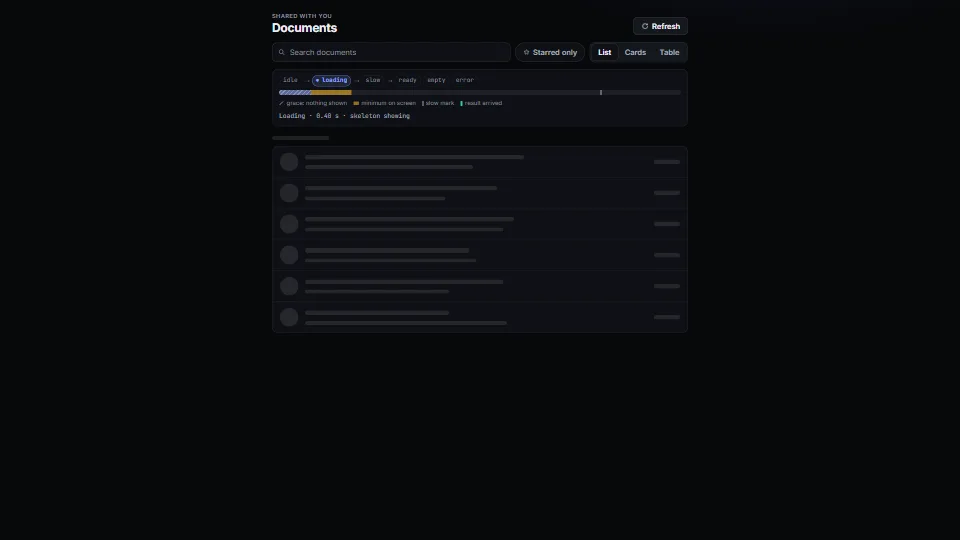 UI & interaction
Loading, empty and error states
The states every view needs, done calmly: a tiny state machine (idle → loading → slow → ready | empty | error) with a grace delay so fast loads never flash a…
0.05 CPU ms
 UI & interaction
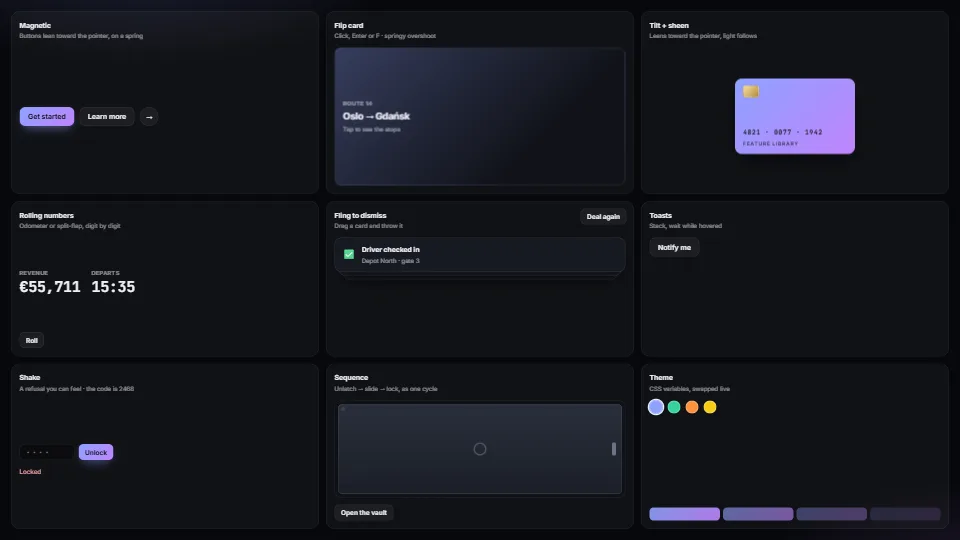
Micro-interactions pack
Magnetic buttons, springy flip cards, tilt with sheen, rolling and split-flap numbers, fling-to-dismiss, toasts, toasts that hang on a string and swing to…
0.03 CPU ms
 UI & interaction
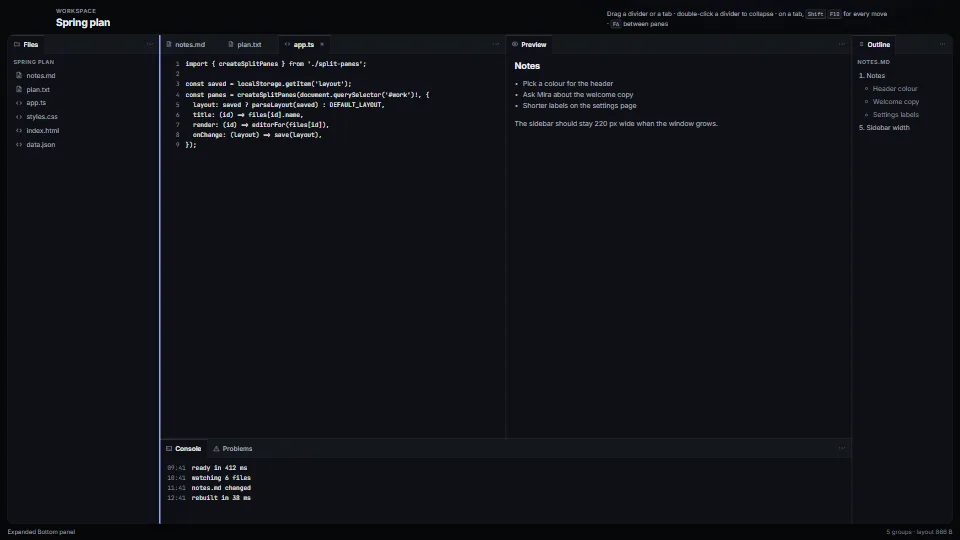
Split panes and docking tab groups
The layout of every editor, from a JSON tree you can save and restore.
0.05 CPU ms