A scene built in code looks right from the default camera long before it is right. Every rule here comes from one week of building demo scenes and a showcase village with two different agents (November 2026), and from what the owner found on a closer look: fences hanging in the air, a road the grass grew through, rocks on the street, a roof that didn't touch its walls, gulls flying with their legs down. Each one passed its tests and looked fine from the overview. Each one was the simplest thing that worked, placed by its end points or its centre and never looked at from where a visitor stands.
Rules marked always protect people and hold; defaults are where to start, and you may break one when you can say why; ideas are suggestions.
Before you start
- (default) Everything stands on the ground along its whole length, not only at its ends or its centre.
- (default) Nothing lands on something else: props keep clear of roads, paths, doors and each other.
- (default) Parts that meet are built to meet: a roof sits on its walls, a step on its ground, a trim beside its door.
- (default) Moving things move as the real thing does, seen from the side as well as from above.
- (default) A pattern's size matches the thing it covers: a paving stone, a plank and a brick at their real sizes.
- (default) No surface flickers: the camera's near plane fits how close it gets, and no two surfaces share a plane.
- (default) Before calling it done, it was looked at close up, from eye level, from three or four sides, and while the camera moved.
On the ground at every point
A long thing placed by its two ends (a fence, a wall, a road, a pipe) is a straight line, and the ground under it is not. The village's fences were one segment from end to end across terraces two metres high, so most of each fence hung in the air. Its streets followed the ground only at their two edges, so wherever the land bulged between them, grass and sand came up through the paving.
- (default) Sample the ground along the thing, not at its ends. A fence gets a point (and a post) every two metres at the ground's height; a road gets its edges and its centre line sampled every metre.
- (default) Grade the ground to the thing when it has to be flat. A road is level across its width: lower or raise the ground under it, ease it back over a shoulder beside it, and let a terrace step become a ramp along it (terrain-shaping does this for pads and terraces; the village's streets do it for roads).
- (default) Stop at a drop rather than span it. A fence ends where a terrace wall falls away, as a field fence would; it doesn't bridge the step on stilts.
- (default) Sample the ground the renderer draws. A heightfield drawn as triangles is not the height function: between its vertices it is flat. Place against the stored triangles, or grade the ground first so they agree.
- (default) Small things sink a little. A rock, a post or a doorstep goes a few centimetres into the ground, so no gap shows on a slope.
Clear of each other
Things scattered by a rule (along the shore, around a square, under trees) land wherever the rule says, including on top of what was placed before. The village's shore rocks sat on the road wherever the coast bent in to meet it.
- (default) Keep a clearance map. Roads, paths, doorways and footprints go in first; scattered things test their own size plus a margin against it and are left out, not squeezed in.
- (default) Place in order of importance. Ground, then roads, then buildings, then props, then scatter: each later thing yields to the earlier ones.
Joins that meet
A lean-to roof tilted over a flat-topped box leaves a wedge of air on its high side; a door trim placed by the door's centre ends up in front of it; a step coplanar with the floor fights it. These come from building parts separately, each right on its own.
- (default) Build the meeting edge from the same numbers. The shed's walls slope at the roof's pitch, computed once and used for both; a trim's depth is the wall's face plus its own.
- (default) Overlap a little rather than touch exactly. Where two solids meet, one goes a few millimetres into the other; exact contact shows a seam, a gap shows the sky.
- (default) Look at every join from both sides, including from below where a visitor can see it.
Motion that is true
A bird drawn once and flapped by a shader flies with whatever pose it was modelled in. The swarm's gulls were modelled standing, so they flew with their legs hanging, which looked like walking on air, and worse from the side.
- (default) Model the pose it moves in. A flying bird tucks its feet under its tail; it lowers them only to land (ambient-swarms gives each vertex a perched pose for that).
- (default) Check motion from the side and at eye level, not only from above, where most mistakes hide.
- (idea) Watch one at full size. Follow a single animal, vehicle or person for ten seconds before judging the crowd.
Patterns at their real size
A surface chosen by name brings its default size. The village's streets got the yard-concrete slab at three metres, which made a street look like a car park.
- (default) Set the pattern's size for what it covers. Paving setts are about 0.2–0.6 m, planks 0.15–0.25 m wide, bricks 0.22 × 0.075 m; world-surfaces gives each finish its sizes in metres.
- (default) Pick the finish for the place. A village street is setts or packed earth, a yard is concrete, a road is asphalt.
No flicker
Two surfaces at nearly the same depth swap places from frame to frame as the camera moves: the coast where land meets sea at a shallow angle, a decal on the ground, two roads where they cross. Depth precision is spent close to the near plane, so a near plane of 0.1 m on a camera that never comes closer than 16 m leaves too little for the coast a hundred metres out.
- (default) Set the near plane to how close the camera really comes. The village moved it from 0.1 m to 2 m and the coast settled.
- (default) Never put two surfaces in one plane. Lift paving a few centimetres and give it a polygon offset; let shallow water meet land at a slope steep enough that the band where they cross stays narrow.
Look before it's done
Tests prove the numbers; they can't see a fence in the air. Every finding above was visible in the first close look and invisible from the overview the agent checked.
- (default) Walk it. Move the camera to eye level and go along every road, every shore and every fence line, and around every building.
- (default) Turn it. Look from three or four sides and from below where a visitor can.
- (default) Move it. Pan and orbit while watching edges: flicker, popping and swimming only show in motion.
- (default) Turn a finding into a check. When a close look finds a mistake, add a test that would have caught it (the village's streets now have one: level across their whole width).
Parts that show it
 Techniques
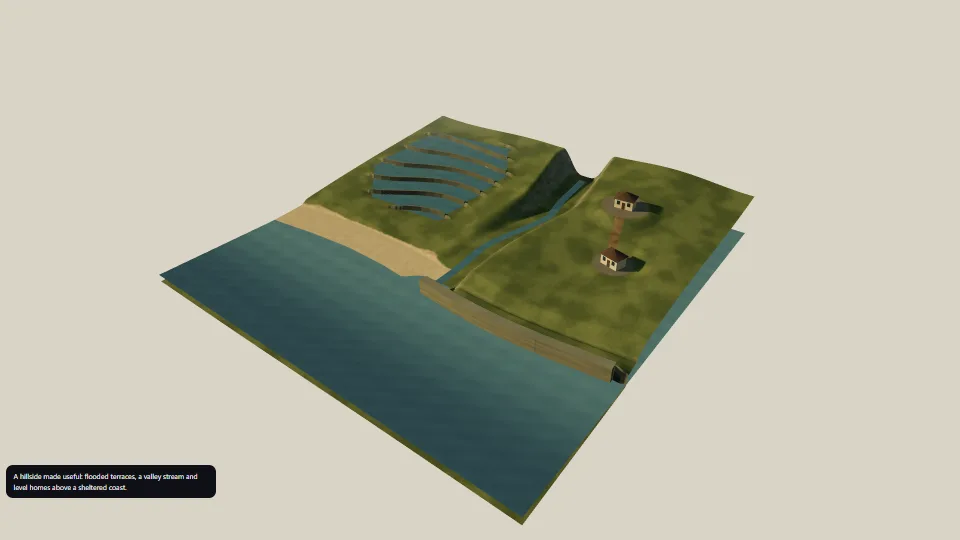
Terrain shaping
Pure height-function transforms for contour terraces, a carved valley, level pads and a coastline of cliffs and beaches.
 Techniques
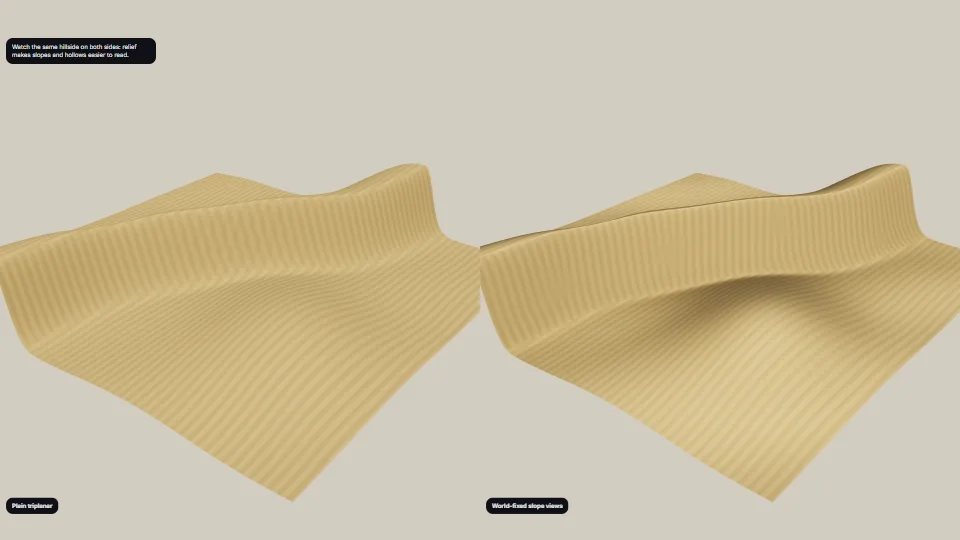
Ground relief light and slope views
Make the shape of bright ground readable: lengthen its normal’s tilt for lighting, distinguish lee and windward faces, and bake local horizon occlusion into hollows.
 Techniques
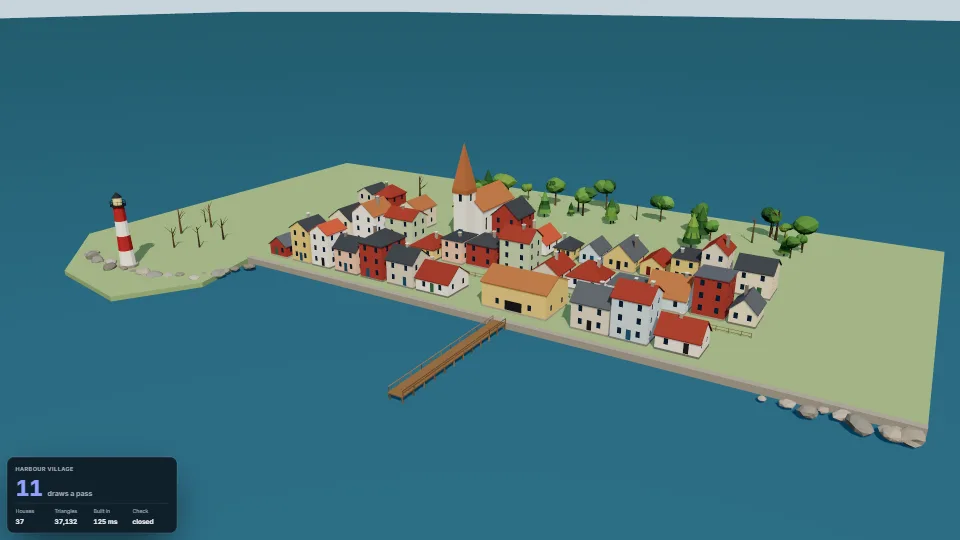
Low-poly props
Coastal and village set dressing in one faceted low-poly style, each prop from a few numbers and a seed.
 Techniques
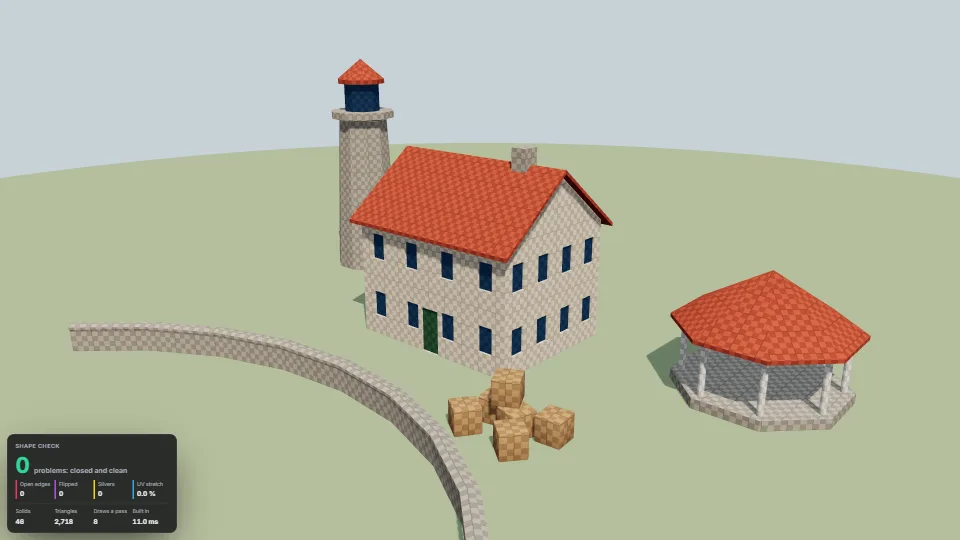
Shape kit
Closed shapes from a few numbers, so a scene made in code never needs a hand-built mesh.
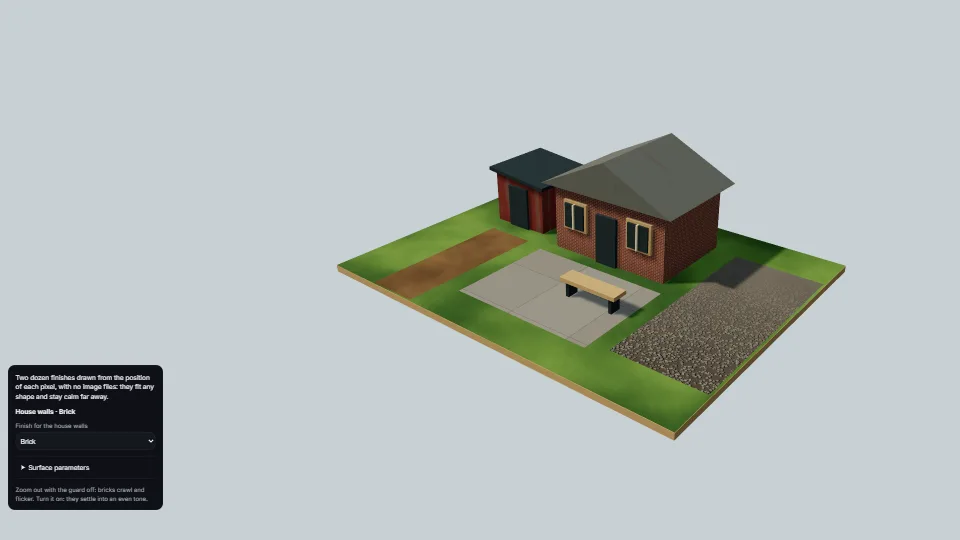 Surfaces & materials
World-space procedural surfaces
Twenty-four ground, wall and roof finishes evaluated directly from world coordinates: brick, timber, corrugated metal, concrete, grass, gravel, snow, lava and more.
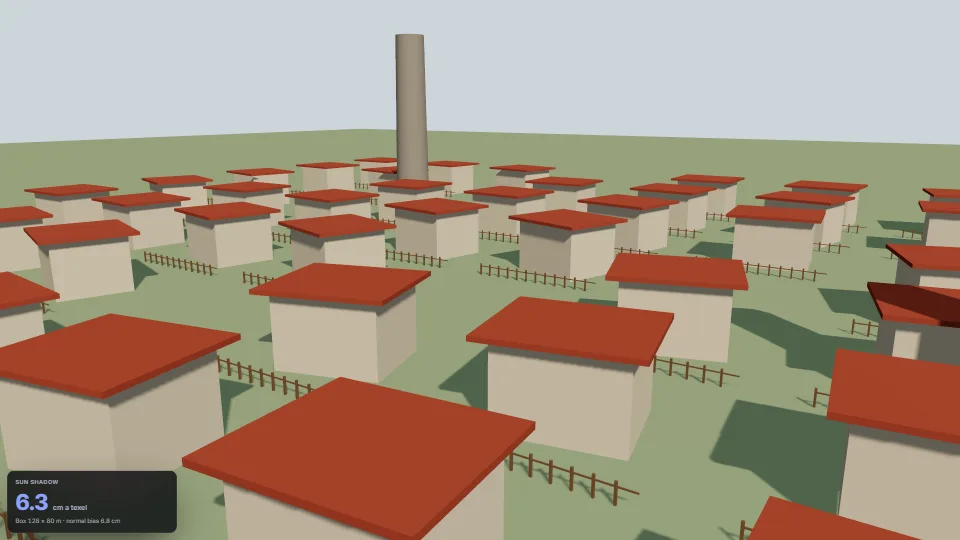 Techniques
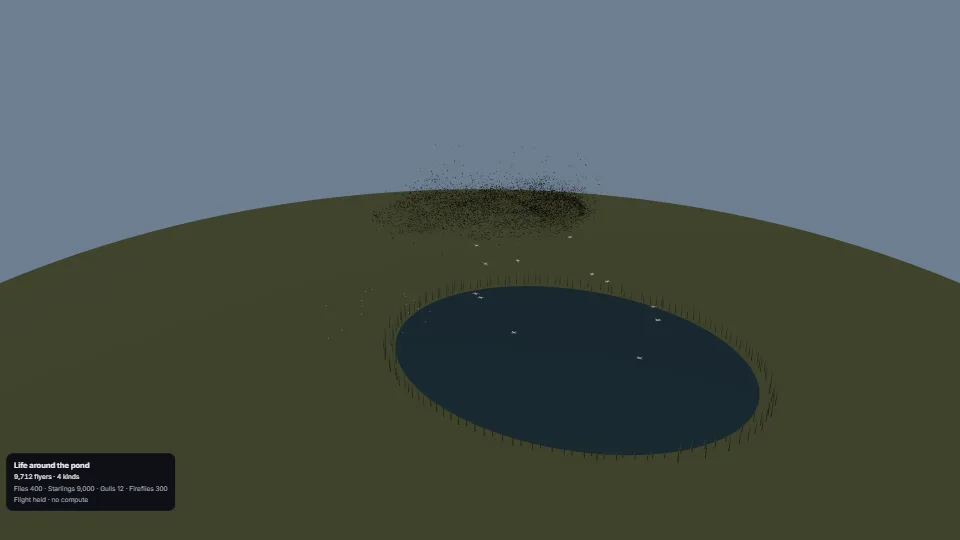 Particles
Ambient GPU swarms
Flies over a pond, fireflies at dusk, a starling murmuration and long-gliding gulls: nine kinds of small flyers with their own shapes and flight patterns.