 UI & interactionNew
Menus by gamepad
0.04 CPU ms
Still
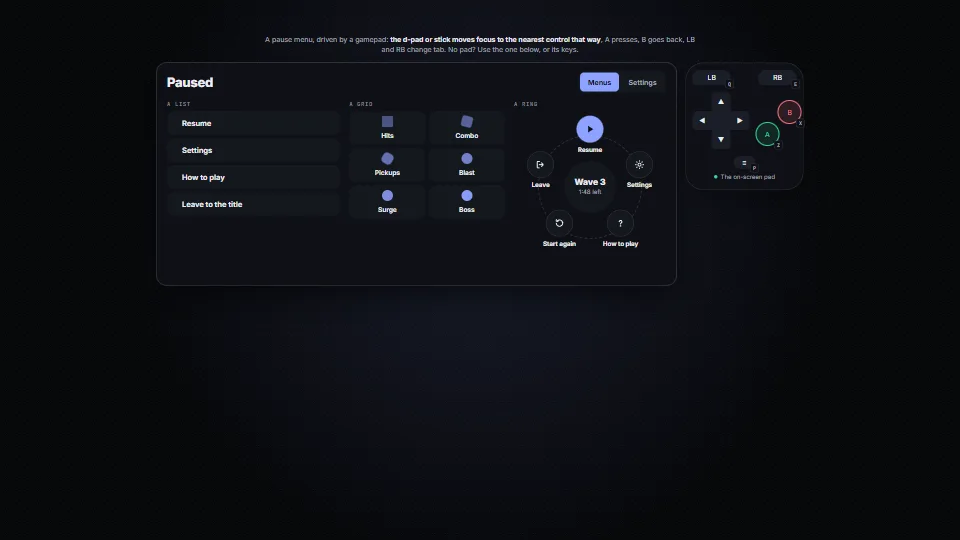
The live demo starts when it’s in view.A real gamepad, or the on-screen pad (hold a direction to repeat) · keys: arrows d-pad, Z A, X B, Q and E the shoulders, P Start
A game’s menus driven by a gamepad on top of ordinary focus.
A game’s menus driven by a gamepad on top of ordinary focus: A presses the focused control, the d-pad or the left stick moves focus to the nearest control in that direction (so a list, a grid of tiles and a ring of round buttons all work without any layout table), a held direction repeats like a key, B goes back, LB and RB step through tabs, Start pauses. Radios, tabs and sliders take the arrows themselves on their own axis. Nothing draws: the controls stay plain buttons, so keyboard, pointer and screen reader keep working beside the pad, and an on-screen or keyboard pad can drive it the same way.
What it costs a frame
0.04 ms
- GPU
- not used
- CPU, median
- 0.04 ms
- CPU, 95th pct
- 0.32 ms
- Draw calls
- 0
- Weight
- Light
Measured 21 November 2026 on RTX 4060 Laptop, 13th Gen Intel(R) Core(TM) i9-13900H, Chrome 157, 1920×1080 at 1×. 600 frames × 3 rounds, median kept (rounds ranged CPU 0.04–0.04 ms). What ran: The bench drives the on-screen pad itself: a move every 18 frames round the ring, list and grid (each move reads the layer’s controls and their boxes), and a tab switch now and then. No gamepad is connected headless. Phones: tiers are being measured next.
How steadily it runs on RTX 4060 Laptop · 13th Gen Intel(R) Core(TM) i9-13900H · reference
- Typical frame ?
- 29.52 ms
- 1% low ?
- 29 fps
- Varies by ?
- ±5.24 ms
All metricsRTX 4060 Laptop · 13th Gen Intel(R) Core(TM) i9-13900H · reference
Frames run on a 60 Hz timer (a page demo), so most frames take about one tick, 16.7 ms: the spread around it is what matters.
Frames
- Median (p50) ?
- 29.52 ms
- p95 ?
- 31.45 ms
- p99 ?
- 32.44 ms
- Slowest ?
- 39.88 ms
- Mean ?
- 26.56 ms
- Standard deviation ?
- 5.24 ms
- 1% low ?
- 29 fps
- 0.1% low ?
- 25 fps
- Hitches ?
- 0 of 600
- Over budget ?
- 0 of 600
Main thread
- Long tasks ?
- 0
- Long frames ?
- 0
- Event-loop delay ?
- 0.1 / 0.5 / 3.0 ms
Input
- Interactions ?
- 6
- Input to paint ?
- 5.3 ms, worst 13.7
- Longest handler ?
- under 16 ms
Memory
- JavaScript heap ?
- 33.4 → 34.2 MB
- Growth ?
- +0.78 MB
Browser
- JavaScript a frame ?
- 0.19 ms
- All tasks a frame ?
- 0.51 ms
- Layout / style ?
- 0.03 / 0.05 ms
- Main thread busy ?
- 2%
Garbage collection
- Collections ?
- 0 (0 minor, 0 major)
- Pauses ?
- 0.0 ms in all, longest 0.0
What it needs
- Renders with
- DOM and CSSPlain DOM and CSS: every current browser.
- Your browser
- Runs hereNo WebGPU needed
- Depends on
- NothingNo other packages
- With an agent
install("pad-menus")Your coding agent reads its pitfalls and installs it through the library’s MCP server. Set it up
What it’s for
- Pause, settings and title menus in a browser game played with a controller
- A radial menu or a grid of tiles picked with the stick
- Tabs in a settings screen changed with the shoulder buttons
- A couch or TV app driven by a pad or a remote
- A kiosk with a hardware joystick
Pitfalls, in brief
- The Gamepad API has no button events: call poll() once a frame, also while the game is paused (that is when the menus are up).
- Give layer() the top dialog’s panel while a dialog is open and null while playing, so the pad never moves focus behind a modal and play keeps the pad to itself.
- B dispatches an Escape keydown on the focused element by default: accessible-dialog closes on it.
- Focus is the pad’s cursor, so it must always show: programmatic focus after a pointer click may not match :focus-visible.
- Spatial movement reads the controls’ boxes (getBoundingClientRect) on each move, not each frame.
3 more in brief
- A radio group, a tab list or a slider takes left and right (or up and down when aria-orientation is vertical) as arrow keys; the other axis leaves it.
- Use the standard mapping’s indices (A 0, B 1, LB 4, RB 5, Start 9, d-pad 12 to 15); a pad without mapping "standard" may number them differently: pass buttons.
- An on-screen pad must not take focus itself: its buttons are out of the tab order and prevent the pointerdown default, or every press would move focus out of the menu.
8 pitfalls in full, the hook-up guide, the module source and its tests come with the part.
Where it comes from
From another of the maker’s apps. Fully custom code.
Near it in the frame
UI & interactionNew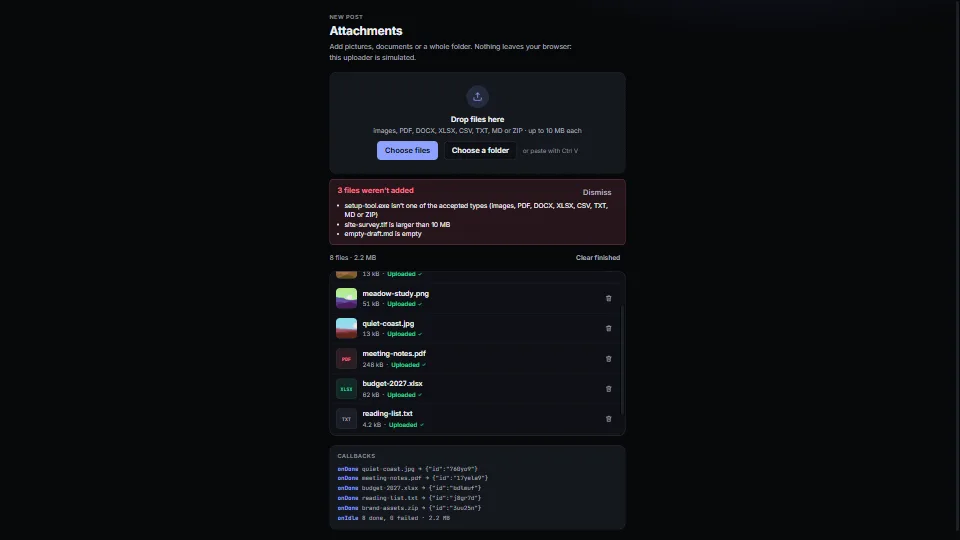 UI & interactionNew
File drop and upload list
A drop zone with a real button, folders walked, paste from the clipboard, and checks by type, size, count and duplicates…
0.04 CPU ms
 UI & interactionNew
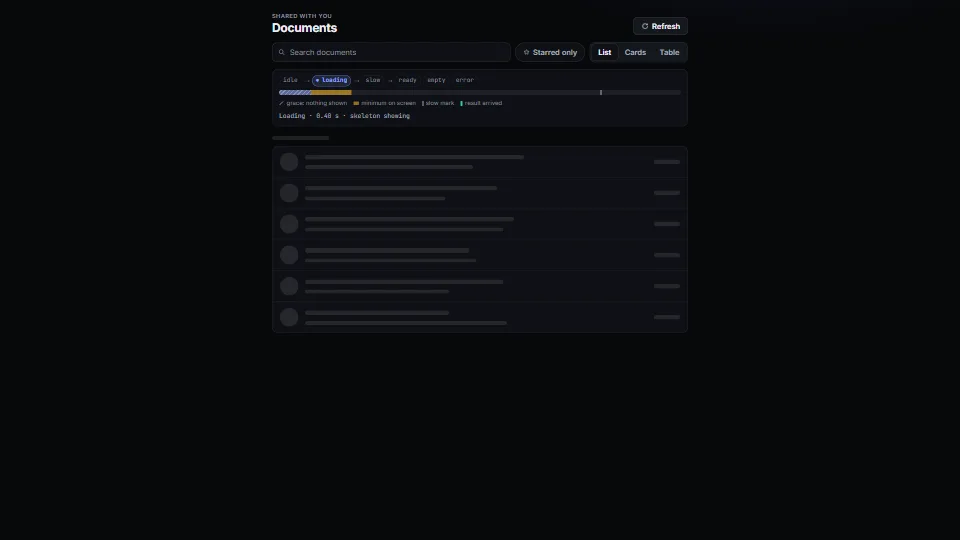
Loading, empty and error states
The states every view needs, done calmly: a tiny state machine (idle → loading → slow → ready | empty | error) with a grace delay so fast loads never flash a…
0.05 CPU ms
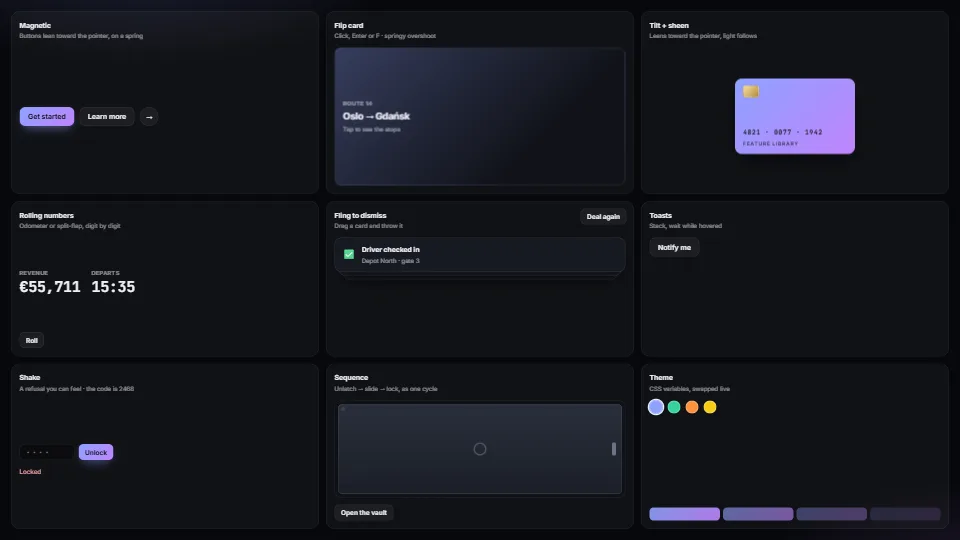 UI & interactionNew
Micro-interactions pack
Magnetic buttons, springy flip cards, tilt with sheen, rolling and split-flap numbers, fling-to-dismiss, toasts, toasts that hang on a string and swing to…
0.03 CPU ms