The live demo starts when it’s in view.Simulate a weaker device or slow first frames in the controls, then replay the start-up · Lose it under One GPU device
Decides how much a page may draw on this device.
What it costs a frame
CPU
0.94 ms
02468101216.7 ms
GPU
not used
CPU, median
0.94 ms
CPU, 95th pct
1.15 ms
Draw calls
0
Weight
Moderate
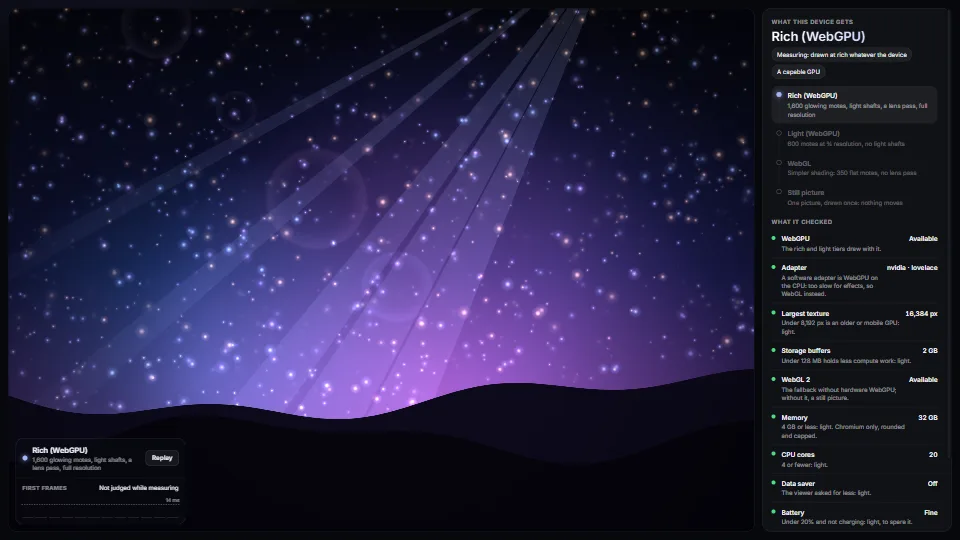
Measured 3 November 2026 on 13th Gen Intel(R) Core(TM) i9-13900H, Chrome 156, 1920×1080 at 1×. 600 frames × 3 rounds, median kept. What ran: Measured at the rich tier whatever the device: 1,600 glowing motes, light shafts and the lens pass drawn with Canvas 2D every frame. The probes run once before the first frame and cost nothing per frame. Phones: tiers are being measured next.
apple · Apple A19 Proin a browser tab · 16 November 2026
not timed
0.12
0.18
Intel Arc 140V (Xe2-LPG) · Intel Core Ultra 7 258Vin a browser tab · 15 November 2026
not timed
1.96
2.17
Bars against one 16.7 ms frame. A browser-tab run is timed in a visible tab without the tool’s scripted input, so read it as close, not exact.
What it needs
Renders with
DOM and CSSPlain DOM and CSS: every current browser.
Your browser
Runs hereNo WebGPU needed
Depends on
NothingNo other packages
What it’s for
Splash and intro animations
Hero scenes on landing pages
3D viewers and configurators
Games picking a quality preset
Any effect that must not stutter on a weak laptop
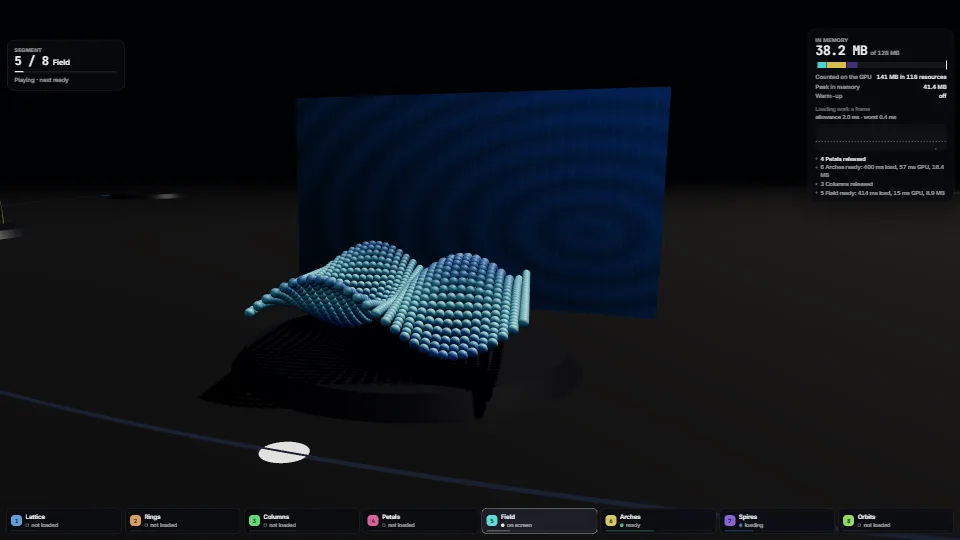
One GPU device shared by every effect in an app
Surviving a lost GPU device on phones
Pitfalls, in brief
Judge GPU time, not frame time: a 60 Hz display holds every frame to 16.7 ms whatever the GPU did.
Skip the first frames: shaders compile and the page is still loading behind them.
A tier the viewer chose is never stepped down, and choosing one forgets the remembered downgrade, so Auto measures afresh next time.
navigator.deviceMemory, connection.saveData and getBattery are Chromium only: elsewhere they read as unknown or off, so a weak device there is caught by the first frames instead.
requestAdapter can take a moment and getBattery much longer: probe once a page (probe() caches it) and give the battery no more than 200 ms.
8 more in brief
Reduced motion is not a lower tier: show one still frame of the chosen tier rather than a worse picture.
The remembered downgrade never expires by itself: offer a way to forget it (a menu item, or a new app version clearing the key), or a once-slow laptop stays on light after its drivers improve.
One device for the app: a canvas configured with one device can’t draw another’s textures, and every device compiles its own pipelines.
A lost device takes everything made on it (buffers, pipelines, bind groups, each canvas’s configuration): on the null from subscribe, drop them all, and build them again on the next device.
An adapter hands out one device: after a loss the shared device asks for a new adapter.
A “no device” at a tier without WebGPU is kept: call retry() after the person picks another tier, or the app stays on its fallback until reload.
Measure a tier on the device it is for: a phone (an iPhone 17 Pro in Safari) took 54 ms a frame for the demo’s rich scene, which a laptop draws in about 1 ms.
quality-tier.ts: an integrated GPU is told by its adapter’s architecture (Intel’s gen-*, xe-lpg, xe-2lpg), as browsers hide the model; a probe draw catches a weak discrete card.
13 pitfalls in full, the hook-up guide, the module source and its tests come with the part.
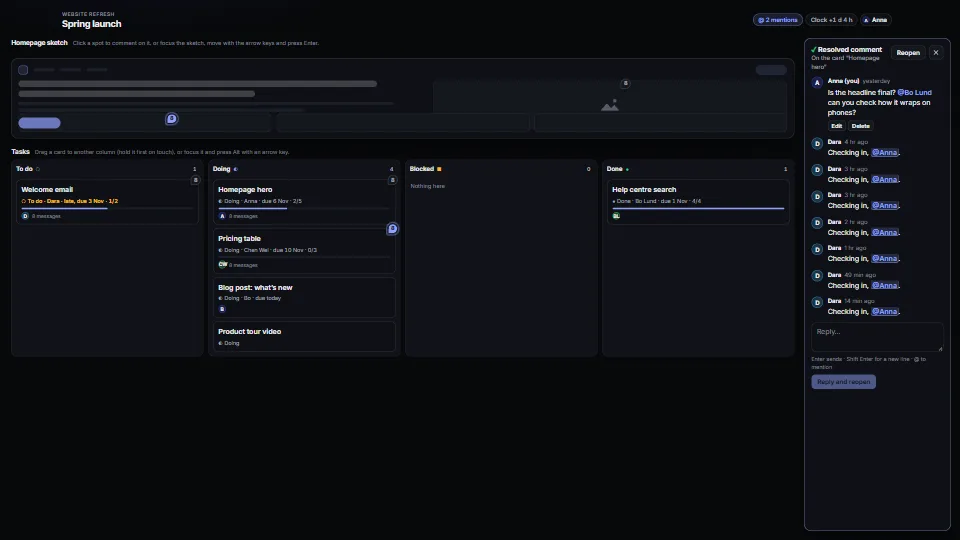
Comment threads pinned to items or to spots, with replies, @mentions (the longest name wins), edit, resolve and reopen; task cards with a status, an assignee…
 Systems & tooling
 Systems & tooling
 Systems & tooling
 Systems & tooling