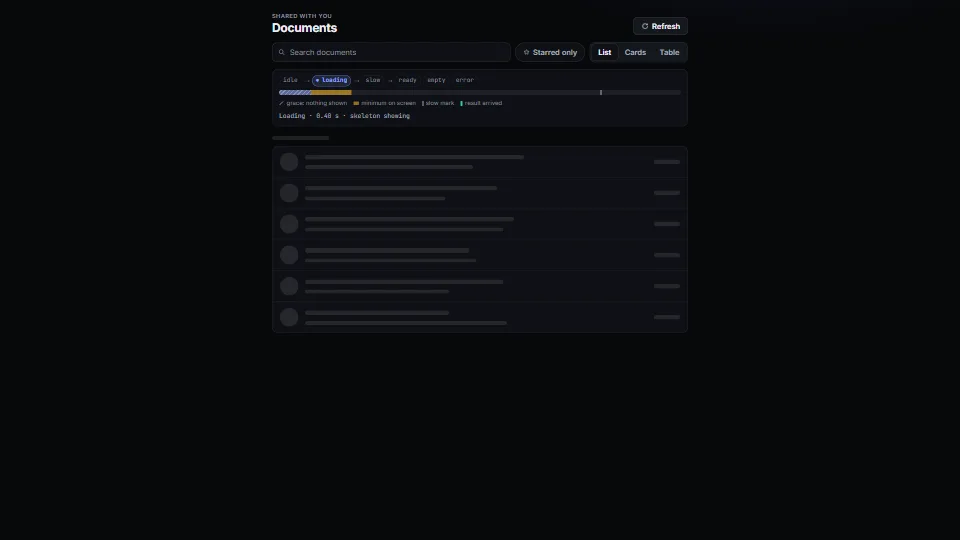
 UI & interaction
Loading, empty and error states
The states every view needs, done calmly: a tiny state machine (idle → loading → slow → ready | empty | error) with a grace delay so fast loads never flash a…
0.05 CPU ms
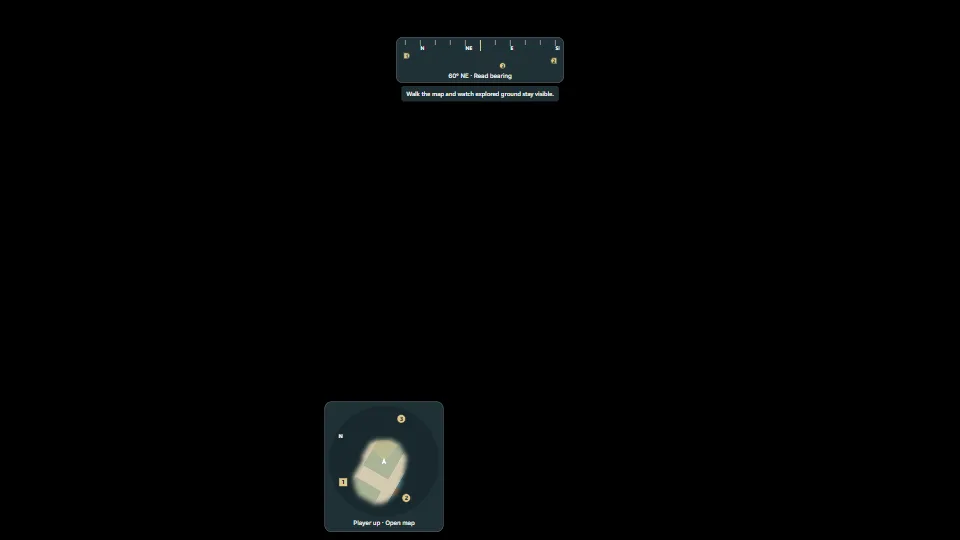
A change-driven navigation HUD: player-up or north-up minimap, numbered markers pinned at its rim, a saveable exploration bitmap, an accessible full map and a…
A change-driven navigation HUD: player-up or north-up minimap, numbered markers pinned at its rim, a saveable exploration bitmap, an accessible full map and a compass strip. Canvas redraws only for changed map content or position; turns move the map and player view cone with CSS transforms. No framework or map server required.
Measured 19 November 2026 on RTX 4060 Laptop, 13th Gen Intel(R) Core(TM) i9-13900H, Chrome 157, 1920×1080 at 1×. 600 frames × 3 rounds, median kept (rounds ranged CPU 0.06–0.06 ms). What ran: Navigation alone: a 64×64 exploration bitmap, three markers and a cached 1024-pixel atlas. A scripted walk updates the pose each frame; canvas redraws are coalesced to at most 10 Hz, while the compass and player view cone use CSS transforms. No 3D scene is constructed or rendered. Phones: tiers are being measured next.
Frames run back to back, each starting once the GPU has finished the last, so frame times show the work itself. They have a floor of about 4–5 ms from the browser’s own scheduling: GPU and CPU ms stay the measure of cost.
install("minimap-compass")Your coding agent reads its pitfalls and installs it through the library’s MCP server. Set it upFrom HaTac. Fully custom code.
WAI-ARIA Authoring Practices Guide (W3C): Dialog labelling, focus containment and return, via the copied accessible-dialog core.
UI & interactionThe states every view needs, done calmly: a tiny state machine (idle → loading → slow → ready | empty | error) with a grace delay so fast loads never flash a…
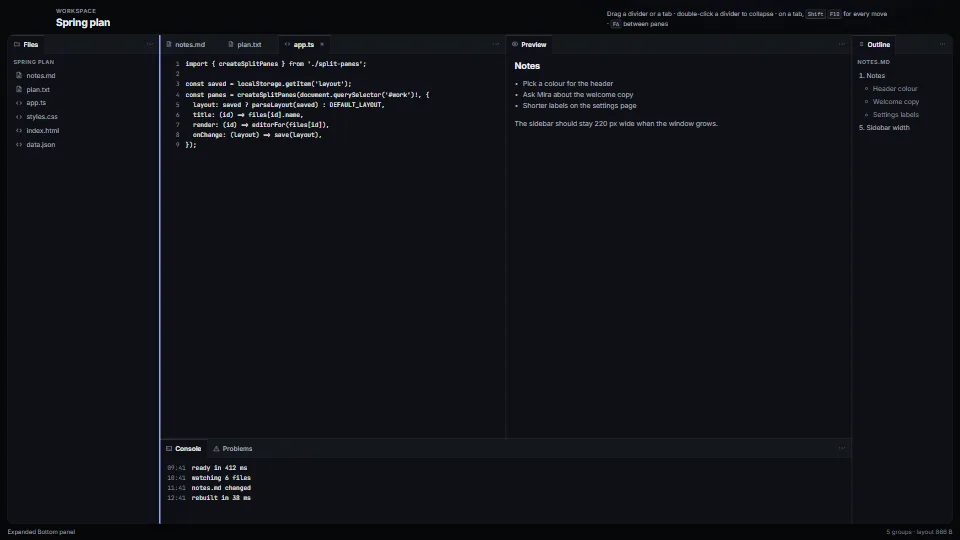 UI & interaction
The layout of every editor, from a JSON tree you can save and restore.
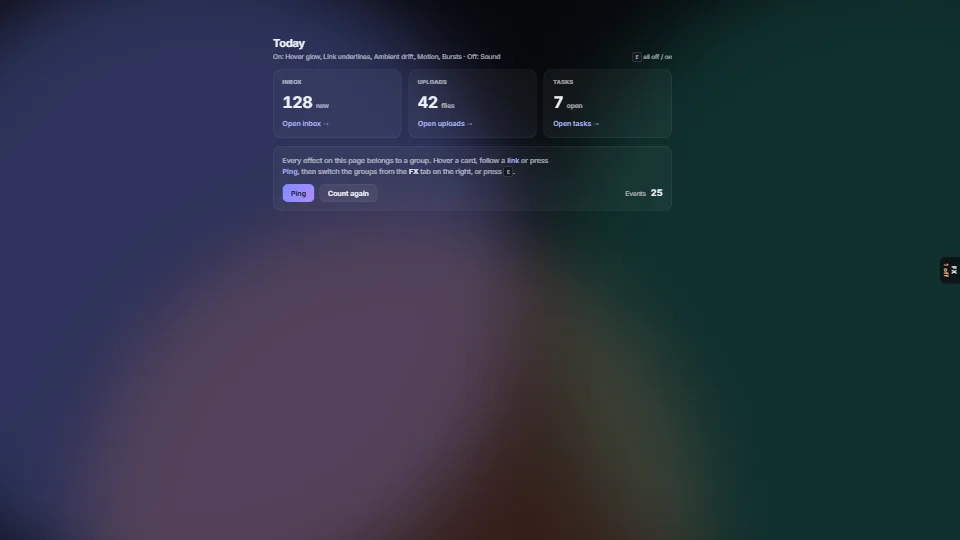 UI & interaction
 UI & interaction
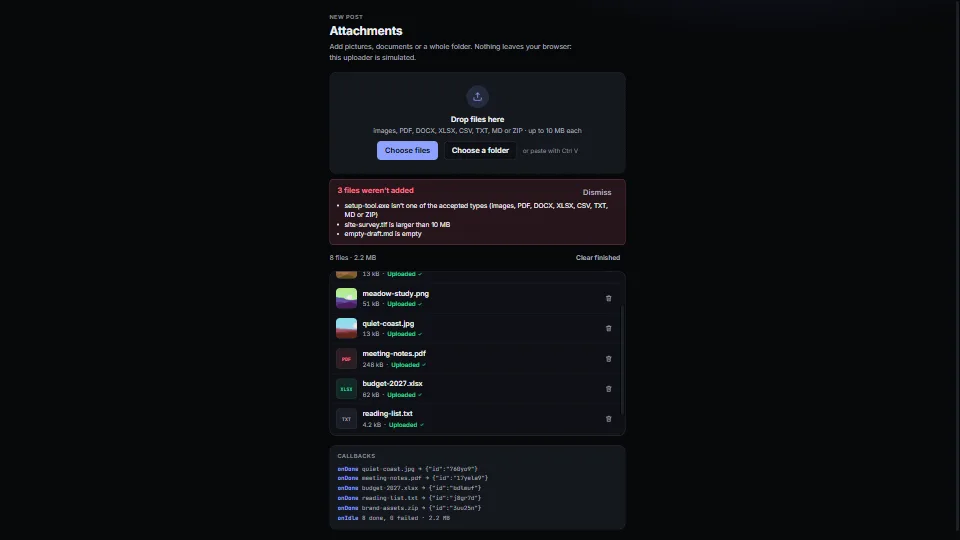
A drop zone with a real button, folders walked, paste from the clipboard, and checks by type, size, count and duplicates…