 UI & interaction
Pick and transform rig
0.36 GPU · 0.51 CPU ms
Still
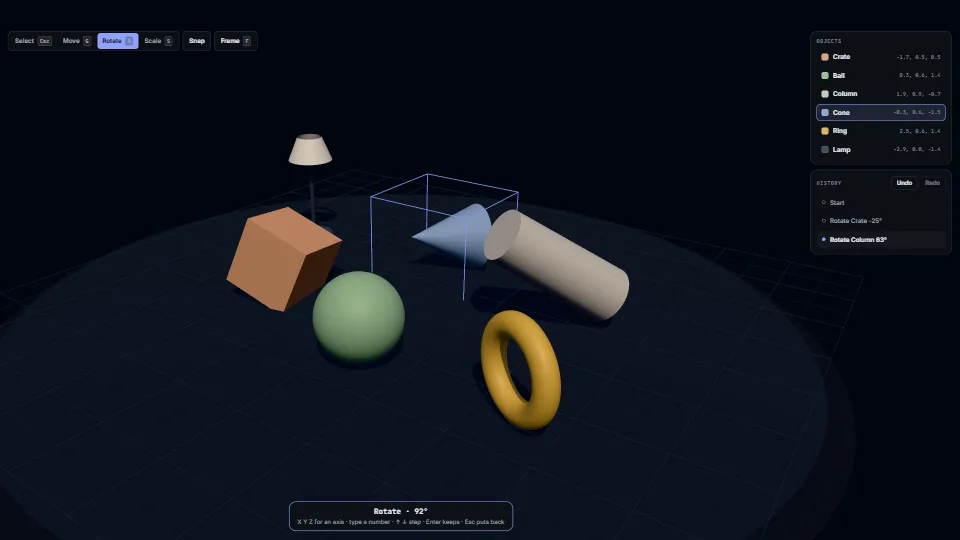
The live demo starts when it’s in view.Click an object, drag a handle · or G R S, move the mouse, X Y Z, Enter · Ctrl Z undoes
Click an object to pick it, then move, turn or size it with the gizmo or the Blender way.
What it costs a frame
0.36 ms
0.51 ms
- GPU
- 0.36 ms
- CPU, median
- 0.51 ms
- CPU, 95th pct
- 0.82 ms
- Draw calls
- 21
- Weight
- Moderate
Measured 13 November 2026 on RTX 4060 Laptop, 13th Gen Intel(R) Core(TM) i9-13900H, Chrome 157, 1920×1080 at 1×. 600 frames × 3 rounds, median kept (rounds ranged GPU 0.20–0.36, CPU 0.40–0.58 ms). What ran: Measured turning the objects by itself: every 2.4 s the next object is picked and a keyboard rotate gesture follows a pointer round it for 1.6 s, then is kept as one undo step. Six objects, a gizmo and a selection box, shadows from one sun. Phones: tiers are being measured next.
| Machine | GPU ms | CPU ms | CPU p95 |
|---|---|---|---|
| RTX 4060 Laptop · 13th Gen Intel(R) Core(TM) i9-13900Hreference · measuring tool | 0.36 | 0.51 | 0.82 |
| apple · Apple A19 Proin a browser tab · 16 November 2026 | 1.50 | 0.18 | 0.22 |
| Intel Arc 140V (Xe2-LPG) · Intel Core Ultra 7 258Vin a browser tab · 15 November 2026 | 1.25 | 0.93 | 1.48 |
Bars against one 16.7 ms frame. A browser-tab run is timed in a visible tab without the tool’s scripted input, so read it as close, not exact.
How steadily it runs on Intel Arc 140V (Xe2-LPG) · Intel Core Ultra 7 258V · in a browser tab
- Typical frame ?
- 6.25 ms
- 1% low ?
- 69 fps
- Varies by ?
- ±1.73 ms
All metricsIntel Arc 140V (Xe2-LPG) · Intel Core Ultra 7 258V · in a browser tab
Frames run back to back, each starting once the GPU has finished the last, so frame times show the work itself. They have a floor of about 4–5 ms from the browser’s own scheduling: GPU and CPU ms stay the measure of cost.
Frames
- Median (p50) ?
- 6.25 ms
- p95 ?
- 9.19 ms
- p99 ?
- 10.95 ms
- Slowest ?
- 22.54 ms
- Mean ?
- 6.58 ms
- Standard deviation ?
- 1.73 ms
- 1% low ?
- 69 fps
- 0.1% low ?
- 44 fps
- Hitches ?
- 2 of 600
- Over budget ?
- 2 of 600
Main thread
- Long tasks ?
- 0
- Long frames ?
- 0
- Event-loop delay ?
- 0.1 / 1.6 / 1.8 ms
Input
No input during this run. A browser-tab run plays none.
Memory
- JavaScript heap ?
- 85.7 → 89.1 MB
- Growth ?
- +3.39 MB
What it needs
- Renders with
- WebGPU or WebGLWebGPU where there is one, WebGL2 where there is not.
- Your browser
- Runs hereNo WebGPU needed
- Depends on
- three.js 0.187.0No other packages
What it’s for
- A scene or level editor in the browser
- Arranging products, furniture or props in a configurator
- Placing objects on a 3D slide or stage
- A debug tool to nudge things in a running game
- Giving Blender users the keys their hands already know
- Any 3D view where a click picks and a drag orbits
Pitfalls, in brief
- Never pick on
click. - Read the gizmo’s claim at the right moment.
- One undo step per gesture: take the pose on the gizmo’s
mouseDownand report it onmouseUp, never on eachobjectChange(that fires on every pointer move). - End a gizmo drag yourself when something cuts it short.
- A move held to an axis that points almost straight at the viewer swings far for a small pointer move: the axis is foreshortened to a few pixels on screen, so each pixel is a long way along it (worst with an orthographic camera; within about 0.06° of it the gesture stops moving instead).
8 more in brief
- A second finger is never a pick: a pinch or a two-finger orbit with one finger held still would otherwise pick what is under it on lifting.
- Switch the orbit off while the gizmo drags (
dragging-changed) and for the whole of a keyboard gesture: the click that keeps a gesture would otherwise start an orbit. - Listen for G, R and S on the view (a focusable canvas), not on the window: they are letters people type in fields elsewhere.
- Add
transform.getHelper()to the scene (r169 and later), not the controls themselves, and keep the helper and the selection box out of what can be picked. - A keyboard gesture started from the keyboard alone has no pointer to follow: the rig puts a virtual one beside the object, so typed values and the arrow keys still work.
- A keyboard turn goes the way the pointer goes round as seen; about an axis pointing away from the viewer that is the other way round, as in Blender.
- The gizmo’s materials are compiled the first time it is drawn.
- A lens shift (
camera.setViewOffset, to centre the picture beside a side panel) is fine for picking and the gizmo, which both raycast through the camera’s projection; set the camera’s aspect to the full frame’s, not the canvas’s.
13 pitfalls in full, the hook-up guide, the module source and its tests come with the part.
Where it comes from
From My other apps. Fully custom code.
three.js TransformControls and OrbitControls (MIT): used from three’s own addons, not copied: the gizmo and the orbit
Blender: the keyboard gesture follows its conventions: G, R, S, an axis key, typed values, Enter and Esc
Near it in the frame
UI & interaction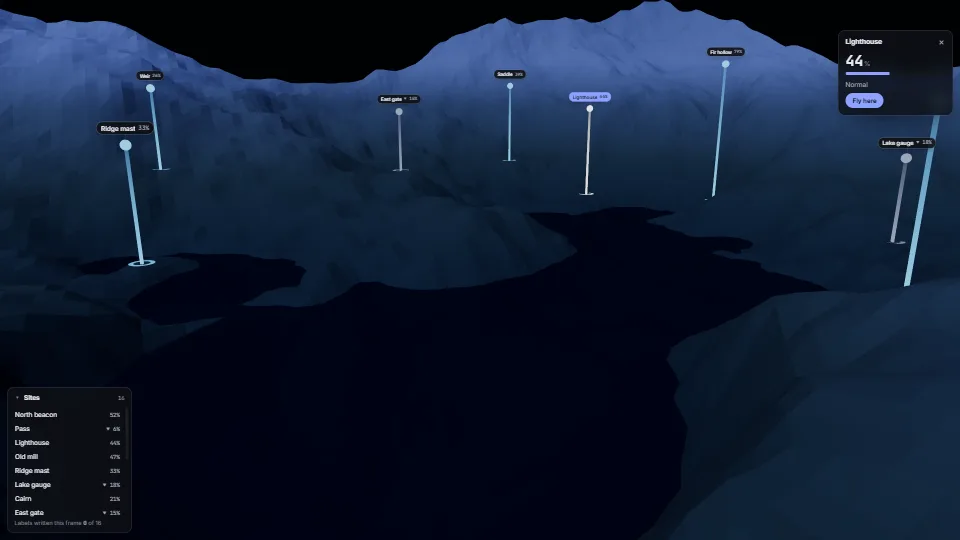 UI & interaction
Labels pinned to a 3D world
Crisp HTML labels that follow points in a 3D scene.
0.35 GPU · 0.46 CPU ms
 UI & interaction
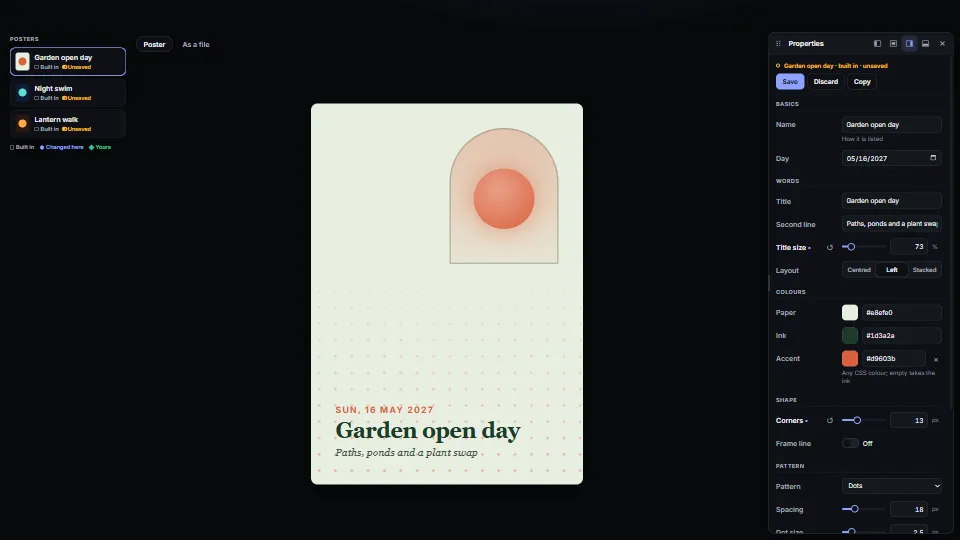
Property panel from a schema, in a dockable window
An inspector built from a description of the settings.
0.55 CPU ms
 UI & interaction