 UI & interaction
Pick and transform rig
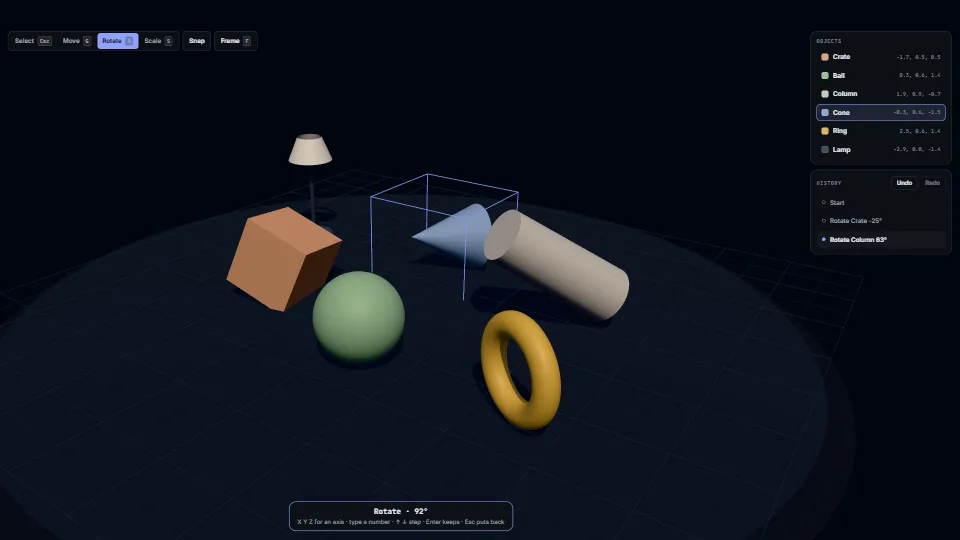
Click an object to pick it, then move, turn or size it with the gizmo or the Blender way.
0.36 GPU · 0.51 CPU ms
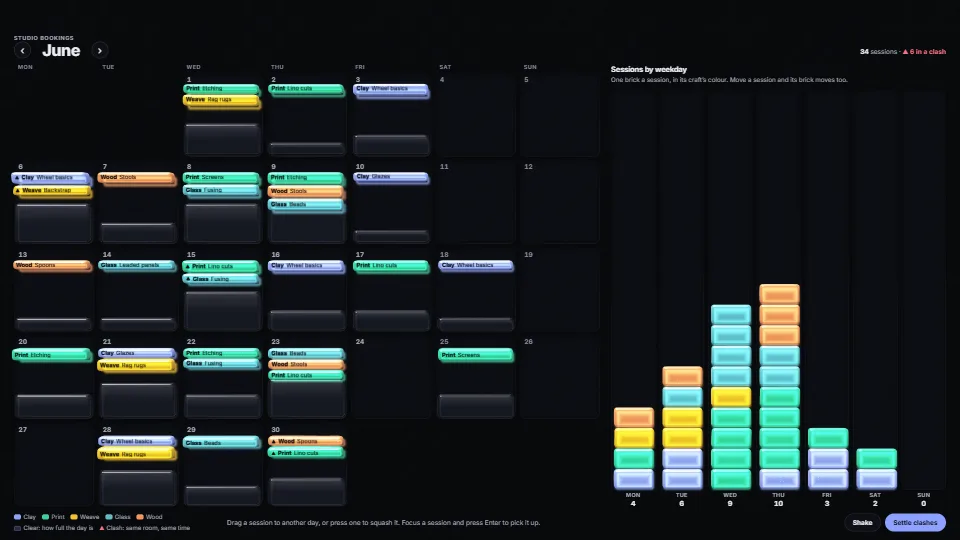
Refracting gelatine boxes laid on a page’s own elements.
Measured 15 November 2026 on RTX 4060 Laptop, 13th Gen Intel(R) Core(TM) i9-13900H, Chrome 157, 1920×1080 at 1×. 600 frames × 3 rounds, median kept (rounds ranged GPU 0.28–0.54, CPU 0.30–0.48 ms). What ran: Measured with the demo running itself from its first frame: every 0.8 s it shakes every mark, moves a session a day along and back (its jelly slides in the month and its brick between the weekday wells), or presses one, while the clashing sessions tremble throughout. The marks are driven from the demo’s update(), so CPU time is the springs, the reads of the moved cells and the riding labels, and GPU time the two passes (floor with trays, shadows and caustics, then the refracting marks at 4× multisampling), from their timestamp queries. Phones: tiers are being measured next.
| Machine | GPU ms | CPU ms | CPU p95 |
|---|---|---|---|
| RTX 4060 Laptop · 13th Gen Intel(R) Core(TM) i9-13900Hreference · measuring tool | 0.28 | 0.48 | 0.89 |
| apple · Apple A19 Proin a browser tab · 16 November 2026 | 6.82 | 0.92 | 1.32 |
| Intel Arc 140V (Xe2-LPG) · Intel Core Ultra 7 258Vin a browser tab · 15 November 2026 | 2.23 | 0.45 | 0.86 |
Bars against one 16.7 ms frame. A browser-tab run is timed in a visible tab without the tool’s scripted input, so read it as close, not exact.
Frames run on a 60 Hz timer (a page demo), so most frames take about one tick, 16.7 ms: the spread around it is what matters.
From HaTac, and in the planner showcase. Fully custom code.
Mark Jarzynski and Marc Olano, Hash Functions for GPU Rendering (JCGT 2020): The PCG hash behind every random number: the phases, the shakes, the sprinkles and the bubbles, the same in TypeScript and WGSL.
Inigo Quilez, 2D distance functions: The rounded-box distance the trays and shadows are cut with (sdRound), after his published formula.
WAI-ARIA Authoring Practices Guide (W3C): The demo’s month and chart are each one Tab stop with the arrow keys moving inside; a session is picked up and put down with Enter, and moves are said in a polite live region.
UI & interactionClick an object to pick it, then move, turn or size it with the gizmo or the Blender way.
 UI & interaction
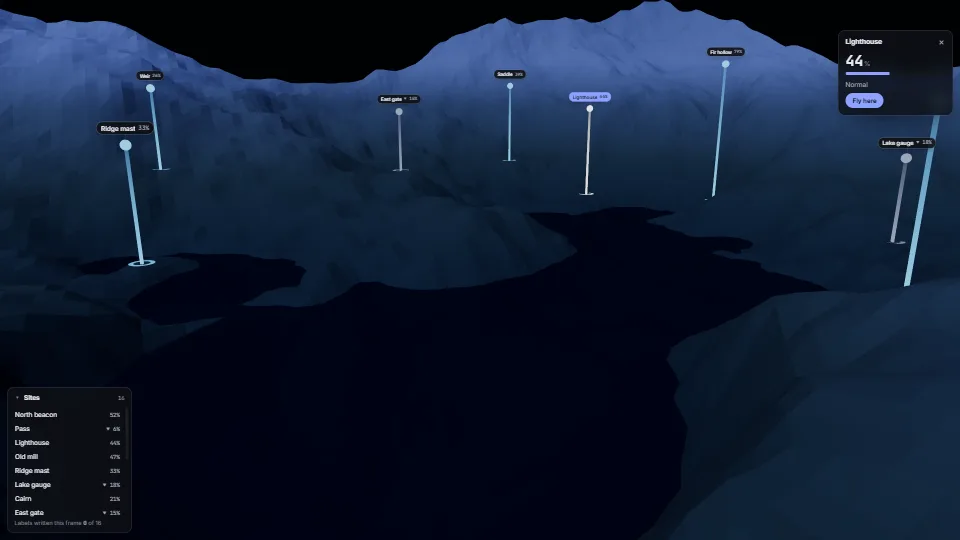
Crisp HTML labels that follow points in a 3D scene.
 UI & interaction
 UI & interaction
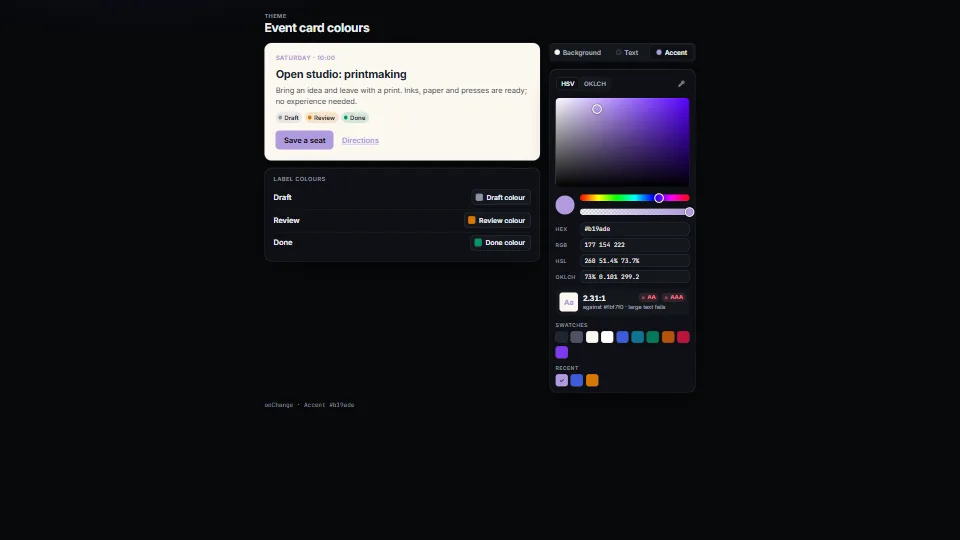
A colour picker that does not drift: a saturation × brightness plane or an OKLCH lightness × chroma plane with the edge of sRGB drawn on it, hue and opacity…