 UI & interaction
Colour picker: HSV and OKLCH, contrast, eyedropper
0.42 CPU ms
Still
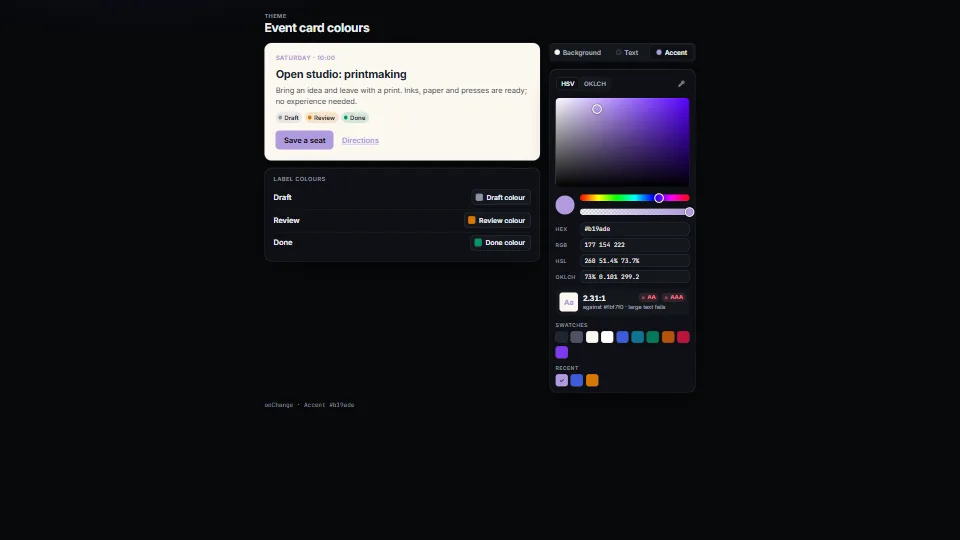
The live demo starts when it’s in view.Drag the plane and strips, or Tab to them and use the arrows (Shift for bigger steps) · type in any field · open a label’s colour from its button
A colour picker that does not drift: a saturation × brightness plane or an OKLCH lightness × chroma plane with the edge of sRGB drawn on it, hue and opacity…
What it costs a frame
0.42 ms
- GPU
- not used
- CPU, median
- 0.42 ms
- CPU, 95th pct
- 0.55 ms
- Draw calls
- 0
- Weight
- Light
Measured 7 November 2026 on 13th Gen Intel(R) Core(TM) i9-13900H, Chrome 156, 1920×1080 at 1×. 600 frames × 3 rounds, median kept. What ran: Measured with the demo turning the hue from the keyboard every frame (Shift and the right arrow on the hue strip, 10° a step) and switching between the OKLCH and HSV planes every 90 frames. In OKLCH each step draws the lightness × chroma plane again (at most 256 pixels across) and traces the edge of sRGB; every step updates the thumbs, the four text fields, the contrast readout and the live preview card. Nothing runs between changes. Phones: tiers are being measured next.
| Machine | GPU ms | CPU ms | CPU p95 |
|---|---|---|---|
| unknown GPU · 13th Gen Intel(R) Core(TM) i9-13900Hreference · measuring tool | not timed | 0.42 | 0.55 |
| apple · Apple A19 Proin a browser tab · 16 November 2026 | not timed | 0.50 | 1.34 |
| Intel Arc 140V (Xe2-LPG) · Intel Core Ultra 7 258Vin a browser tab · 15 November 2026 | not timed | 0.69 | 1.09 |
Bars against one 16.7 ms frame. A browser-tab run is timed in a visible tab without the tool’s scripted input, so read it as close, not exact.
What it needs
- Renders with
- DOM and CSSPlain DOM and CSS: every current browser.
- Your browser
- Runs hereNo WebGPU needed
- Depends on
- NothingNo other packages
What it’s for
- Theme and brand colour editors
- Label, tag and calendar colours
- Drawing and diagram tools
- Checking text against its background as you choose it
- Design tokens in OKLCH that stay inside sRGB
Pitfalls, in brief
- Feed the value back with setValue as often as you like: it never calls onInput or onChange, and a value that prints the same is ignored, so a controlled wrapper doesn’t lose the hue of a grey.
- Hex is 8-bit. A colour set in OKLCH or HSV keeps its exact value inside the picker, but what you store is what value gives you; store the oklch() string if you need more than 8 bits a channel.
- This picker is sRGB only: OKLCH colours outside sRGB are brought in (and a note says so).
- sRGB’s corners (pure blue most of all) are spikes in OKLCH: at blue’s own lightness and hue the edge line dips before the corner.
- Contrast assumes an opaque background: a translucent colour is laid over it first, as the browser blends it.
3 more in brief
- The EyeDropper API exists only in Chromium browsers on desktop (2026), and only from a click: the button is left out elsewhere, so don’t make it the only way to pick a colour.
- Recent colours count a run of drags and arrow keys as one choice.
- Import colour-picker.base.css always.
8 pitfalls in full, the hook-up guide, the module source and its tests come with the part.
Where it comes from
Written for the library. Fully custom code.
Björn Ottosson, “A perceptual color space for image processing” (2020): OKLab and its matrices: written here from the published formulas and constants, not from his code.
CSS Color Module Level 4 (W3C): the oklch() and oklab() syntax and its percent scales, and the gamut-mapping method (chroma lowered by bisection until clipping is within a just-noticeable difference of 0.02 in OKLab)
WCAG 2.2 (W3C): relative luminance, the contrast ratio and the AA and AAA thresholds for normal and large text
IEC 61966-2-1 (sRGB): the sRGB transfer curve
WAI-ARIA Authoring Practices Guide (W3C): the slider pattern (roles, values and keys) for the strips, and a two-dimensional slider built from it for the plane; the dialog guidance for the non-modal popover
Near it in the frame
UI & interaction UI & interaction
 UI & interaction
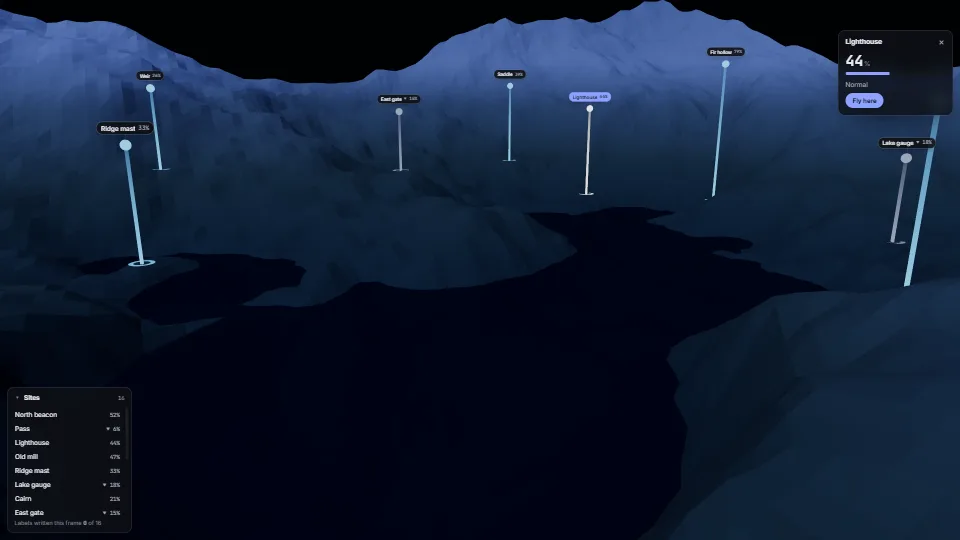
Labels pinned to a 3D world
Crisp HTML labels that follow points in a 3D scene.
0.35 GPU · 0.46 CPU ms
 UI & interaction
Fields that don’t fight you
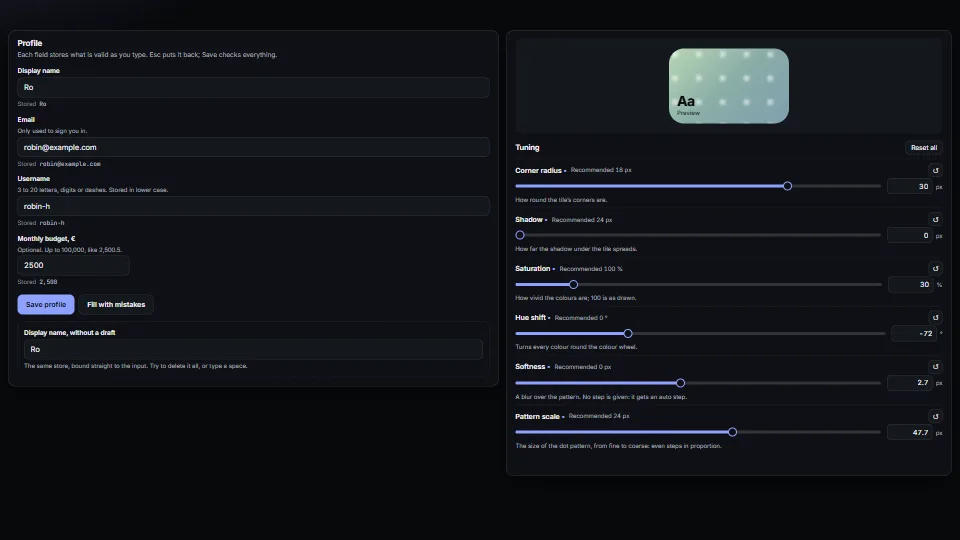
Form fields that behave: a draft kept apart from the store (typing never fights a re-render, Esc puts it back, an emptied name comes back), messages tied to…
0.37 CPU ms