Feature Library

Fields that don’t fight you

0.37 CPU ms
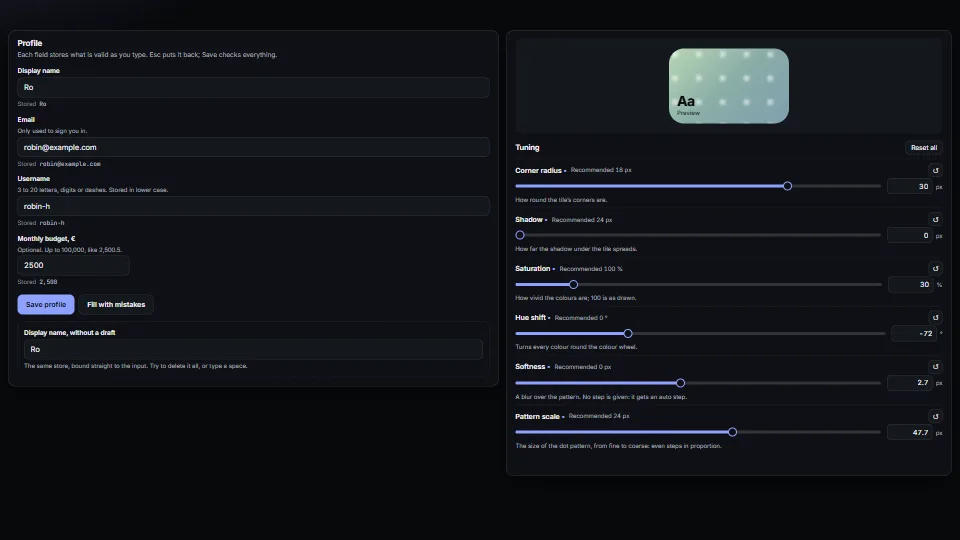
A still of the Fields that don’t fight you demo
Still
The live demo starts when it’s in view.Empty a field, type, press Esc · Fill with mistakes, then Save · drag, type or double-click a knob · tick Ships in groups and name the group

Form fields that behave: a draft kept apart from the store (typing never fights a re-render, Esc puts it back, an emptied name comes back), messages tied to…

What it costs a frame

0.37 ms
GPU
not used
CPU, median
0.37 ms
CPU, 95th pct
1.09 ms
Draw calls
0
Weight
Light

Measured 7 November 2026 on 13th Gen Intel(R) Core(TM) i9-13900H, Chrome 156, 1920×1080 at 1×. 600 frames × 3 rounds, median kept. What ran: Measured exercising itself: each frame types a character into the display name (draft, live store, validation), every fourth frame moves a knob (slider, panel, preview), and the form is submitted and cleared in turn. Idle, nothing runs. Phones: tiers are being measured next.

On every machine it was measured on
MachineGPU msCPU msCPU p95
unknown GPU · 13th Gen Intel(R) Core(TM) i9-13900Hreference · measuring toolnot timed0.371.09
apple · Apple A19 Proin a browser tab · 16 November 2026not timed0.301.44
Intel Arc 140V (Xe2-LPG) · Intel Core Ultra 7 258Vin a browser tab · 15 November 2026not timed0.471.33

Bars against one 16.7 ms frame. A browser-tab run is timed in a visible tab without the tool’s scripted input, so read it as close, not exact.

What it needs

Renders with
DOM and CSSPlain DOM and CSS: every current browser.
Your browser
Runs hereNo WebGPU needed
Depends on
NothingNo other packages

What it’s for

  1. Inspectors and property panels
  2. Profile and account forms
  3. Settings and tuning panels
  4. Number entry in any locale
  5. Controlled inputs bound to a store or a CRDT
  6. A word the person chooses: a unit, a category, what a group is called

Pitfalls, in brief

  1. A field that has focus but was never typed in must not store on leaving: its draft is only what was there when it was entered, and storing it would undo a change made elsewhere meanwhile (an import, another tab, an undo).
  2. Import steady-fields.base.css, then steady-fields.css (or your own look instead): the base keeps hidden messages hidden and draws the out-of-range marks and the changed-knob dot, which say in shapes what the colours say.
  3. Call refresh() whenever the store changes, never write input.value yourself: a write while the field is typed in is exactly the fight this avoids.
  4. Refresh when the stored text changes, not on every render.
  5. Focus and select a new field after its first refresh, not before.
8 more in brief
  1. Enter keeps a whole name typed in a field with completions.
  2. A word the person chooses (a unit, a category, what a group is called) starts empty with a hint, never a default: in the owner’s Spacious app, ticking “in groups” filled in “pallet” and 20 and wrote them at once (“What if there is something else?”). wordField writes nothing until a word is typed or picked; a setting that needs the word waits for it.
  3. A field that edits stored data and one in a submit form want different rules for a bad draft: invalid: 'revert' (the default) puts an emptied name back on leaving; invalid: 'keep' leaves it shown with its message to be fixed.
  4. Bind steadyField before validatedForm on the same inputs: the form checks after the field’s own blur, so a name that was put back is not flagged.
  5. The summary’s links are real links (#id) but their clicks are handled: a router that owns the hash would otherwise navigate away.
  6. Number marks come from the person’s setting or locale (marksOf): with a decimal comma, “1.234” reads as one thousand two hundred and thirty-four, not one point two.
  7. Stored knob values are untrusted: readKnobs keeps only known keys with finite numbers.
  8. Keys typed in the knob panel and in steady fields stop at them, so page shortcuts never fire while a number is typed; Esc still goes on (after a field has put back its text) so a dialog round it closes.
13 pitfalls in full, the hook-up guide, the module source and its tests come with the part.

Where it comes from

From SpaciousPro. Fully custom code.

WAI-ARIA Authoring Practices Guide (W3C): the slider pattern (keys, aria-valuetext); the form follows its guidance on described-by error messages

GOV.UK Design System: the error summary pattern and “say what to do” messages, as inspiration (no code)

formsvalidationerror summarysliderlog scalenumber inputlocalesettings panelcomboboxsuggestionsfree wordaccessibilitydomno dependencies

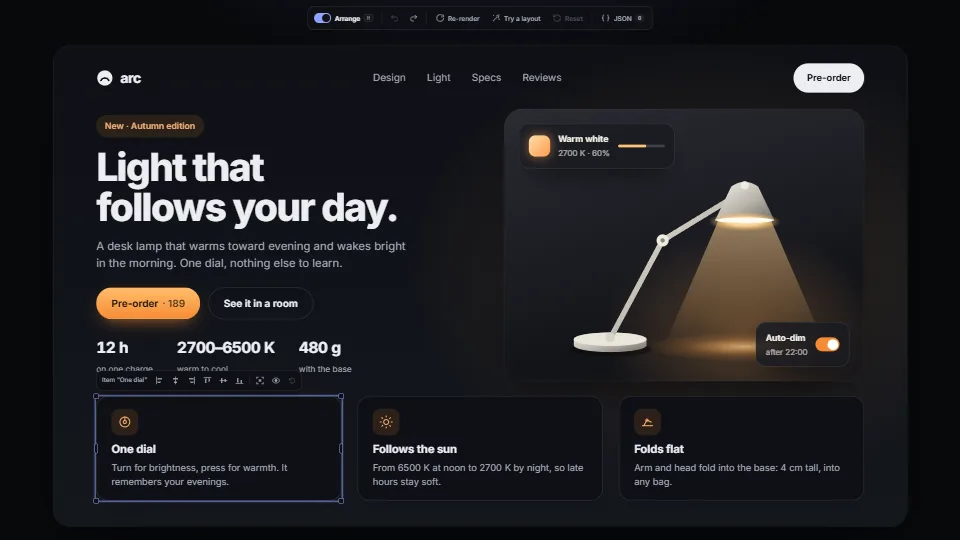
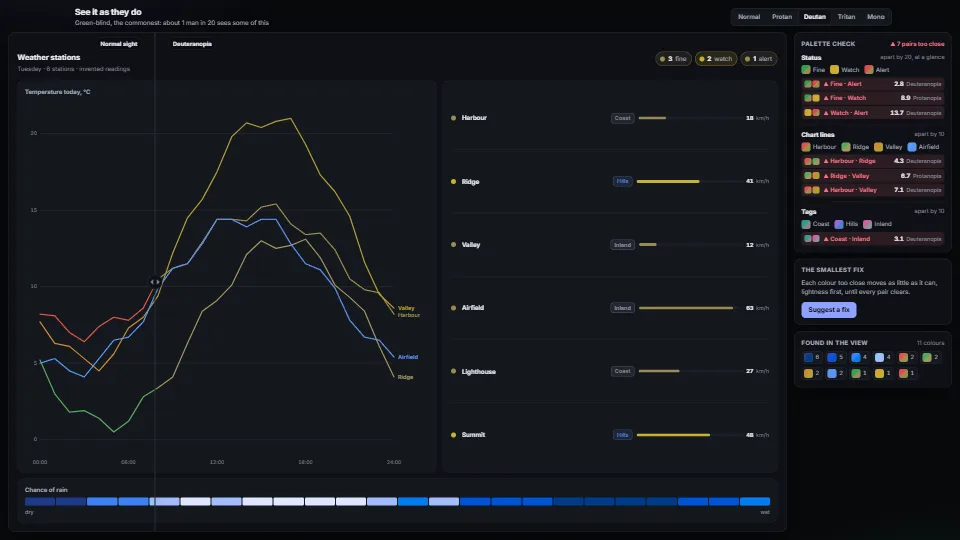
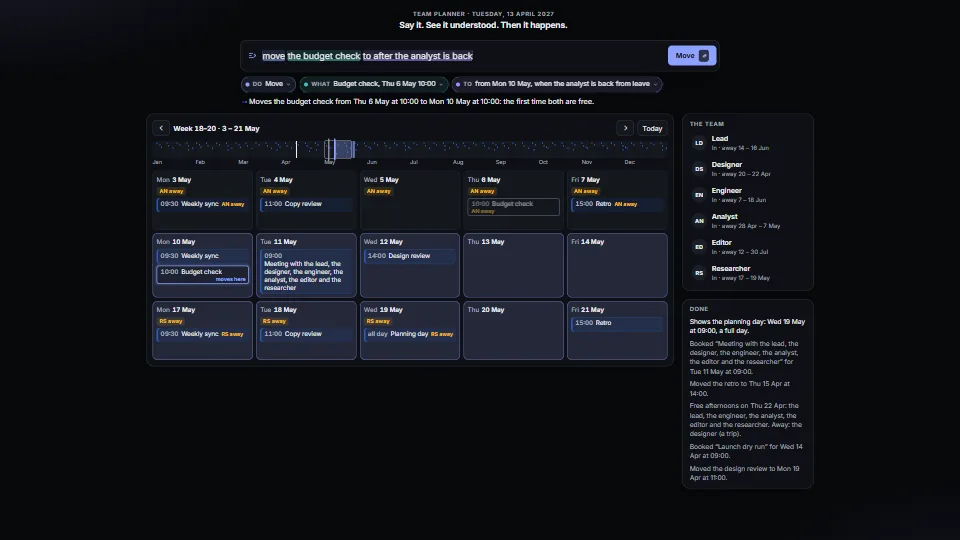
Near it in the frame