 UI & interaction
Comic sound effects and speech balloons
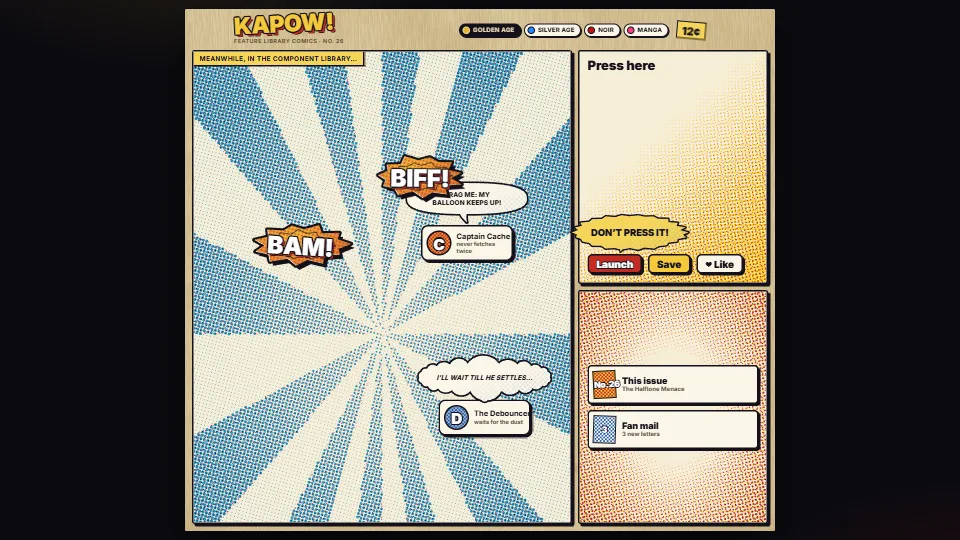
Sound-effect words that pop with squash and stretch over an inked starburst, speech, thought and shout balloons whose tails keep pointing at their target as it…
0.36 CPU ms
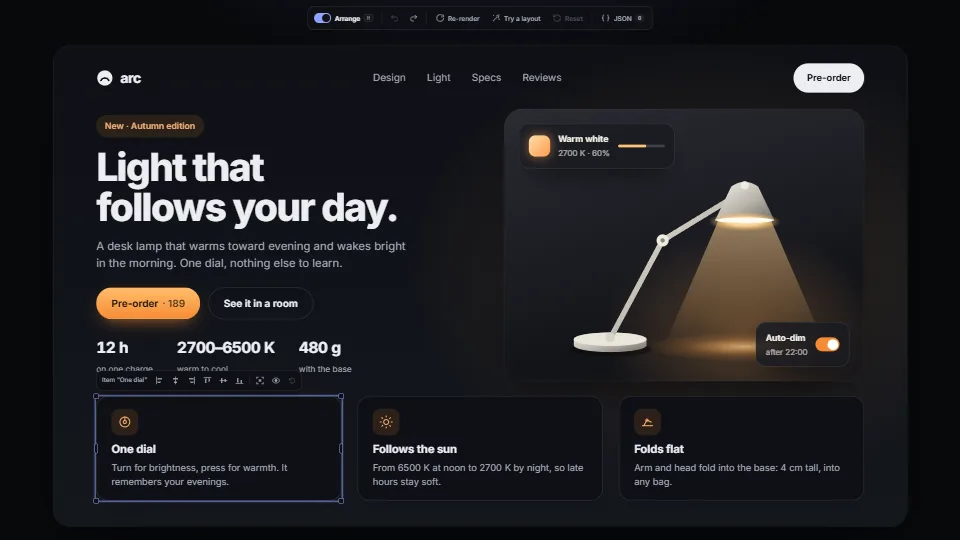
Move, resize, hide, line up and spread the parts of any live HTML page, like shapes on a slide: smart guides and equal gaps, several at once, the keyboard too, and undo.
Measured 11 November 2026 on 13th Gen Intel(R) Core(TM) i9-13900H, Chrome 157, 1920×1080 at 1×. 600 frames × 3 rounds, median kept. What ran: Measured with the demo arranging by itself: synthetic pointer events press a feature card, carry it in a slow loop for 48 frames (every frame places it, snaps it to its neighbours’ edges, middles and equal gaps, and moves the guides and handles) and drop it, then rest 12 frames, going round the three cards. Nothing runs between changes. Phones: tiers are being measured next.
| Machine | GPU ms | CPU ms | CPU p95 |
|---|---|---|---|
| unknown GPU · 13th Gen Intel(R) Core(TM) i9-13900Hreference · measuring tool | not timed | 0.35 | 0.78 |
| apple · Apple A19 Proin a browser tab · 16 November 2026 | not timed | 0.77 | 2.94 |
| Intel Arc 140V (Xe2-LPG) · Intel Core Ultra 7 258Vin a browser tab · 15 November 2026 | not timed | 0.81 | 2.01 |
Bars against one 16.7 ms frame. A browser-tab run is timed in a visible tab without the tool’s scripted input, so read it as close, not exact.
From DeckStudio. Fully custom code.
WAI-ARIA Authoring Practices Guide (W3C): The toolbar pattern: one Tab stop, the arrow keys move inside it.
UI & interactionSound-effect words that pop with squash and stretch over an inked starburst, speech, thought and shout balloons whose tails keep pointing at their target as it…
 UI & interaction
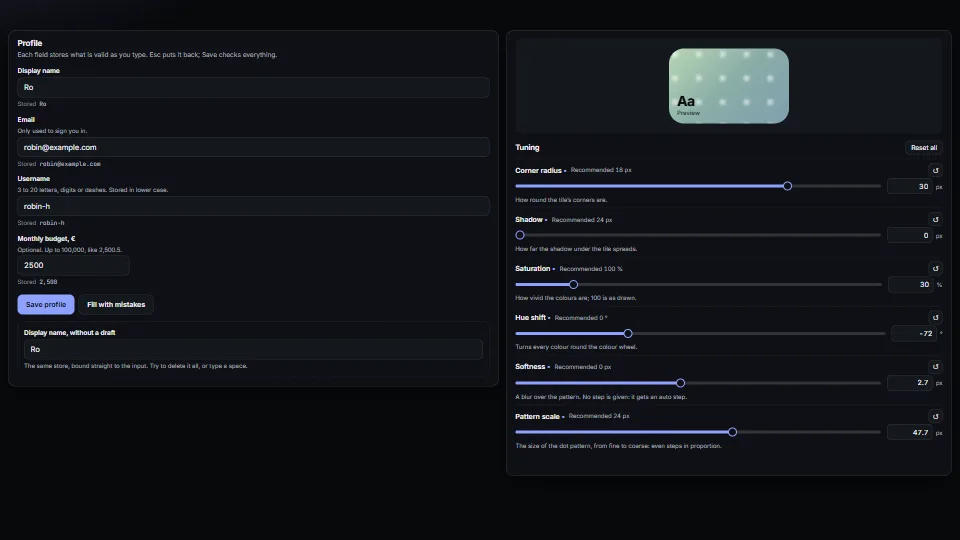
Form fields that behave: a draft kept apart from the store (typing never fights a re-render, Esc puts it back, an emptied name comes back), messages tied to…
 UI & interaction
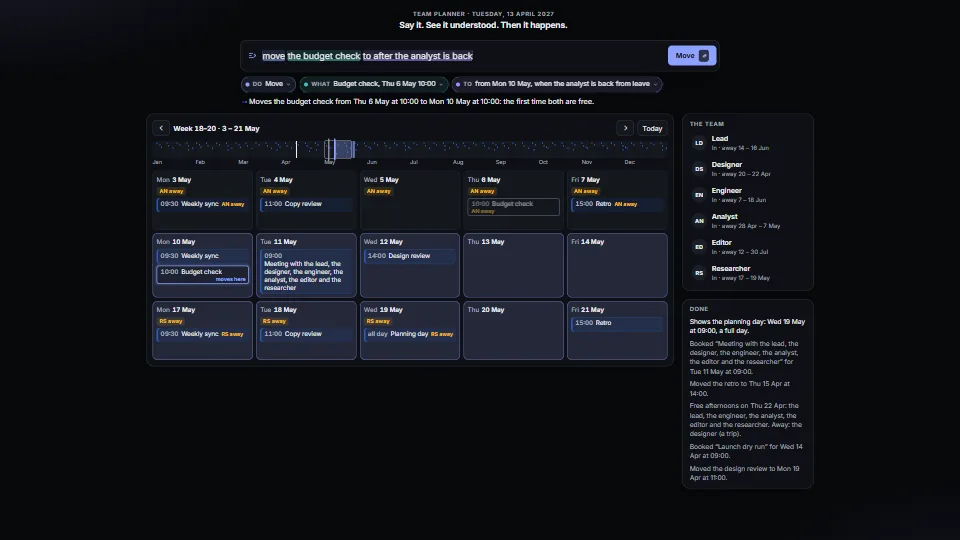
Type what you want in plain words (“move the budget check to after the analyst is back”, “book 45 minutes with the designer next week, not Friday”) and a small…
 UI & interaction