 Simulation
Print slicer and motion planner
5.89 GPU · 0.48 CPU ms
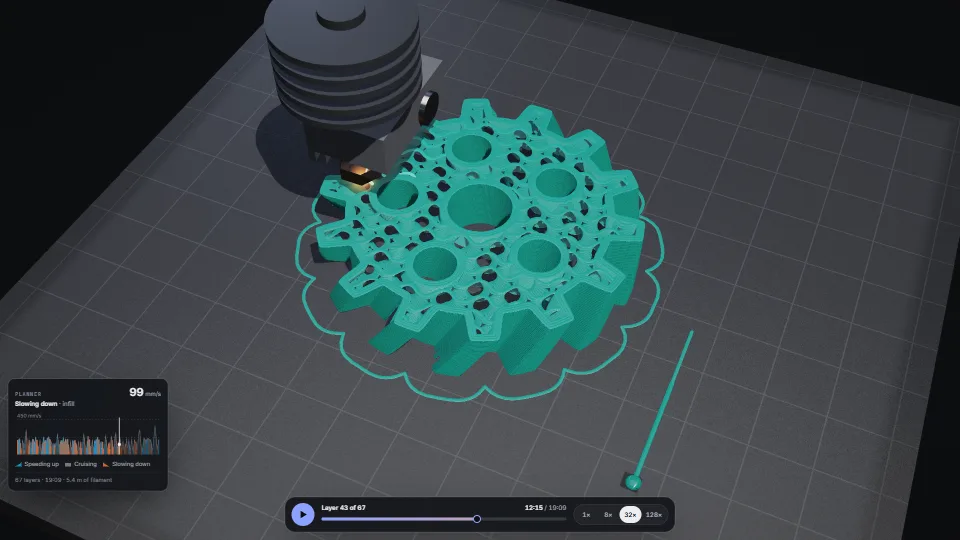
Still
The live demo starts when it’s in view.Drag to turn, wheel or pinch to zoom · Space plays · PageUp/PageDown step a layer · scrub the bar
A 3D printer’s slicer and motion planner, with the print drawn as it is laid.
What it costs a frame
5.89 ms
0.48 ms
- GPU
- 5.89 ms
- CPU, median
- 0.48 ms
- CPU, 95th pct
- 0.64 ms
- Draw calls
- 0
- Weight
- Heavy
Measured 13 November 2026 on RTX 4060 Laptop, 13th Gen Intel(R) Core(TM) i9-13900H, Chrome 157, 1920×1080 at 1×. 600 frames × 3 rounds, median kept (rounds ranged GPU 4.16–6.10, CPU 0.48–0.59 ms). What ran: Measured printing the default gear at 32× time-lapse in a loop, from the front: the shadow map and the picture drawn every frame (every line in sight ray-cast as a capsule, 4× multisampling, standard quality), timed with its own timestamp queries. Planning runs in a worker and is not in the frame. Phones: tiers are being measured next.
| Machine | GPU ms | CPU ms | CPU p95 |
|---|---|---|---|
| RTX 4060 Laptop · 13th Gen Intel(R) Core(TM) i9-13900Hreference · measuring tool | 5.89 | 0.48 | 0.64 |
| apple · Apple A19 Proin a browser tab · 16 November 2026 | 8.25 | 1.04 | 1.34 |
| Intel Arc 140V (Xe2-LPG) · Intel Core Ultra 7 258Vin a browser tab · 15 November 2026 | 18.8 | 0.74 | 1.15 |
Bars against one 16.7 ms frame. A browser-tab run is timed in a visible tab without the tool’s scripted input, so read it as close, not exact.
What it needs
- Renders with
- WebGPUNeeds WebGPU: current Chrome and Edge, Safari 26+, Firefox 141+ on Windows.
- Your browser
- Checking…Looking for WebGPU
- Depends on
- NothingNo other packages
What it’s for
- A print or CNC preview: what a toolpath does, line by line, and how long it takes
- Teaching acceleration: why a machine slows into corners, and why short moves never reach full speed
- Timing any path that a head, pen, laser or robot follows (the planner works on its own)
- Product and manufacturing visualisation, a hero animation of something being made
- A loading or splash moment that builds a logo or a shape layer by layer
Pitfalls, in brief
- Plan once, draw often: planPrint() slices and times a few-centimetre part in about 0.3 to 1 s (up to a couple of hundred thousand lines, a few MB).
- Never call planPrint() on a page’s main thread: it is one task of 0.3 to 1 s (2.4 s at 6× CPU throttling, a phone’s pace). createPlanner() plans in its worker, a newer request stopping the one under way at its next slice; without a worker, or when the worker cannot load, it plans on the main thread 8 ms at a time (planPrintAsync, the shape’s mask too), so no task passes about 50 ms. planPrintSteps() is the same plan as a generator, for a scheduler of your own; all three give exactly the plan planPrint() gives.
- The view uploads a plan’s lines (several MB) 1 MB a task: createPrintView() returns once they are all up, and setPlan() returns a promise, drawing the last plan until the new one is up (the latest call wins, dispose drops one under way).
- A 2D canvas redrawn every frame beside the WebGPU view (the speed graph) is made with willReadFrequently: drawn in software, its frames never wait behind the GPU, which is busy with the print.
- Everything is a function of print time
p: the head (headAt), what is laid (inSight, laying), the speed (speedProfile).
11 more in brief
- The planner is the firmware kind, not a physics simulation: constant acceleration, no jerk limit, no input shaping.
- Many tiny segments (a fine curve, a gyroid) are each a corner: the planner slows at each by its junction speed, so curves print slower than their length suggests.
- inSight() draws the outer walls and the last layer for good, and only the top
depthlayers of the rest while printing (sparse infill shows through to them). - Each line writes frag_depth from its ray’s hit, so it sorts exactly with the plate and the toolhead, but the GPU cannot reject hidden fragments early: keep the boxes tight (they are: 4% over the line).
- In the shadow map each line is its box, depth only, so hidden boxes are rejected early.
- Above the nozzle, the toolhead fades to a ghost wherever the print lies behind it (the eye’s ray tested against the part’s bounding cylinder, alpha to coverage, or a 2 × 2 screen door without multisampling), so it never hides the work; the nozzle itself stays solid.
- Outer walls below the top that face away from the eye are dropped in the vertex shader (and, in the shadow map, those facing away from the light): right for a closed part seen from above the plate, as the camera here always is.
- Without multisampling the edges are in or out (coverage under a half is discarded); with 4× they are smooth through alpha to coverage.
- On an integrated GPU pass tier: ‘low’ to createPrintView: the low quality (0.75× the pixels, no multisampling, a 1,024 px shadow map).
- The view needs WebGPU; without it the demo draws the layer from above with canvas 2D (drawLayer2d).
- A shape is a coverage mask, white on black: the slicer finds its outlines between pixels, so a mask about 300 px across is plenty for a part a few centimetres wide.
16 pitfalls in full, the hook-up guide, the module source and its tests come with the part.
Where it comes from
From SpaciousPro. Fully custom code.
Sungeun K. Jeon, junction deviation (Grbl): how fast a corner may be taken: the circle that leaves the corner a set distance away, at the move’s acceleration. Written from the idea, as the source was.
Felzenszwalb & Huttenlocher, Distance Transforms of Sampled Functions (2012): the exact Euclidean distance transform behind the walls’ distance field
Marching squares (after Lorensen & Cline’s marching cubes, 1987): the walls, borders, skirt and gyroid slices are the field’s level lines
Douglas–Peucker line simplification (1973): keeps only the points a wall cannot do without
Alan Schoen’s gyroid (1970): the sparse infill is its slice at each layer’s height
Christer Ericson, Real-Time Collision Detection (2005): the closest points of the eye’s ray and a line’s axis, for its edge’s coverage
Walter, Marschner, Li & Torrance, microfacet BRDF (2007), with Schlick’s Fresnel: the GGX highlights, stretched along each line for a silk filament’s sheen
Mark Jarzynski & Marc Olano, Hash Functions for GPU Rendering (2020): the PCG hash for the plate’s texture and the dither, in place of the source’s float hashes
Krzysztof Narkowicz, ACES filmic tone mapping curve (2016): the tone curve to the screen
Near it in the frame
Simulation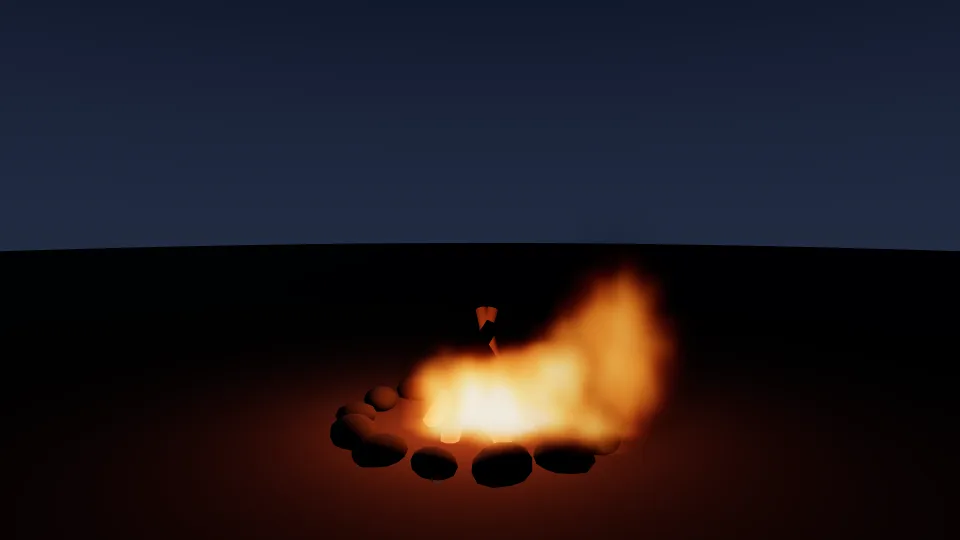 Simulation
Fire as a fluid
A box of air over burning ground stepped on the GPU every frame (advection, buoyancy, curl, a pressure solve) and drawn by marching each pixel’s ray through it.
5.05 GPU · 0.23 CPU ms
 Simulation
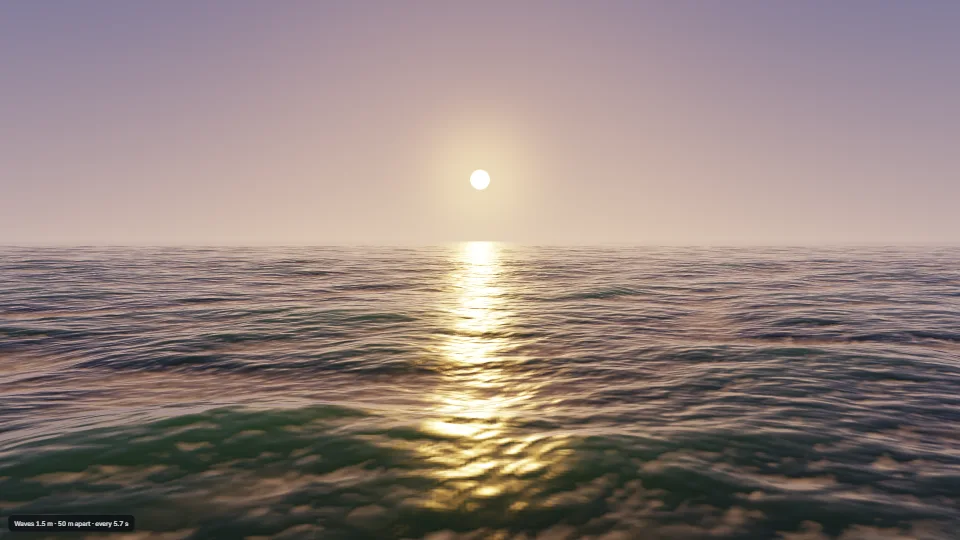
FFT ocean
An open sea from a wind-wave spectrum (Tessendorf), summed back to heights, choppy sideways push and folds by a Stockham FFT on the GPU every frame, into…
4.77 GPU · 0.11 CPU ms
 Simulation
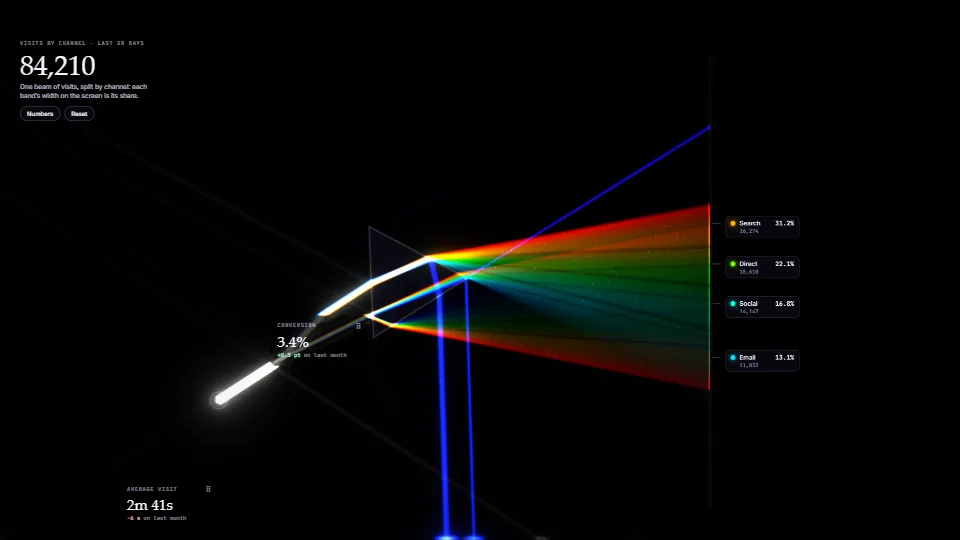
Prism light: charts made of split light
Spectral 2D light transport in WebGPU compute.
4.39 GPU · 0.28 CPU ms