 Systems & tooling
Cue engine and operator console
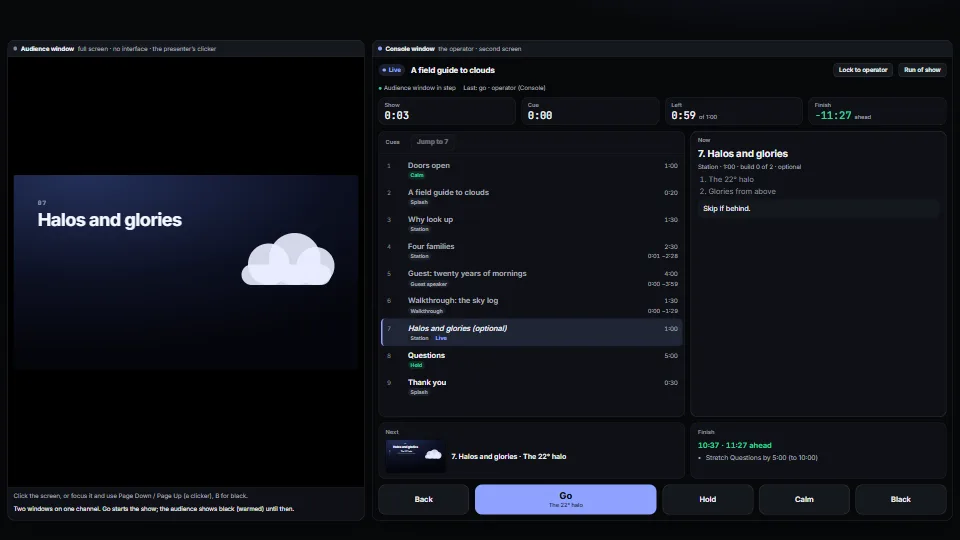
Runs a live presentation from a cue list: go, back, jump, hold, calm and black, with builds inside a cue, from any clicker, the keyboard or the console.
<0.01 CPU ms
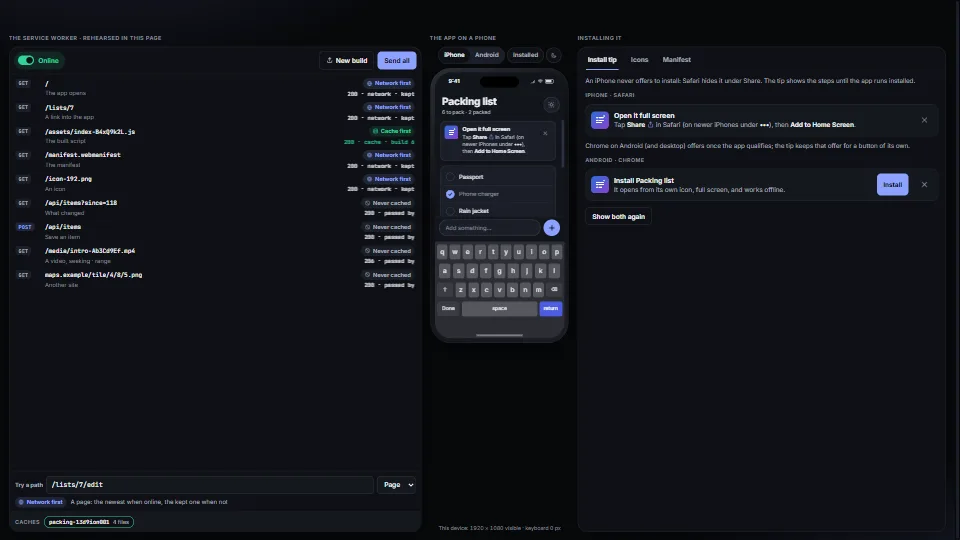
What turns a web app into something on the home screen.
Measured 11 November 2026 on 13th Gen Intel(R) Core(TM) i9-13900H, Chrome 157, 1920×1080 at 1×. 600 frames × 3 rounds, median kept. What ran: Measured with the demo exercising itself: every request sent through the rehearsed worker about twice a second (a new build deployed every fourth round), and the phone’s keyboard opening and closing once a second with the app resized to it. No service worker is registered. At rest nothing runs. Phones: tiers are being measured next.
| Machine | GPU ms | CPU ms | CPU p95 |
|---|---|---|---|
| unknown GPU · 13th Gen Intel(R) Core(TM) i9-13900Hreference · measuring tool | not timed | <0.01 | <0.01 |
| apple · Apple A19 Proin a browser tab · 16 November 2026 | not timed | <0.01 | <0.01 |
| Intel Arc 140V (Xe2-LPG) · Intel Core Ultra 7 258Vin a browser tab · 15 November 2026 | not timed | <0.01 | <0.01 |
Bars against one 16.7 ms frame. A browser-tab run is timed in a visible tab without the tool’s scripted input, so read it as close, not exact.
From My other apps. Fully custom code.
WAI-ARIA Authoring Practices Guide (W3C): the tabs and radio group patterns, and the switch, in the demo; the tip’s buttons and focus kept when it closes. Written here from scratch.
Web App Manifest and Service Workers (W3C): the manifest members, maskable icons and their safe zone (a circle of 40% of the icon), and the install, activate and fetch lifecycle the worker follows
PNG (ISO/IEC 15948) and zlib (RFC 1950): the file format the icon writer emits: chunks with CRC-32, stored or deflated image data with an Adler-32 check. Written from the specifications.
Systems & toolingRuns a live presentation from a cue list: go, back, jump, hold, calm and black, with builds inside a cue, from any clicker, the keyboard or the console.
 Systems & tooling
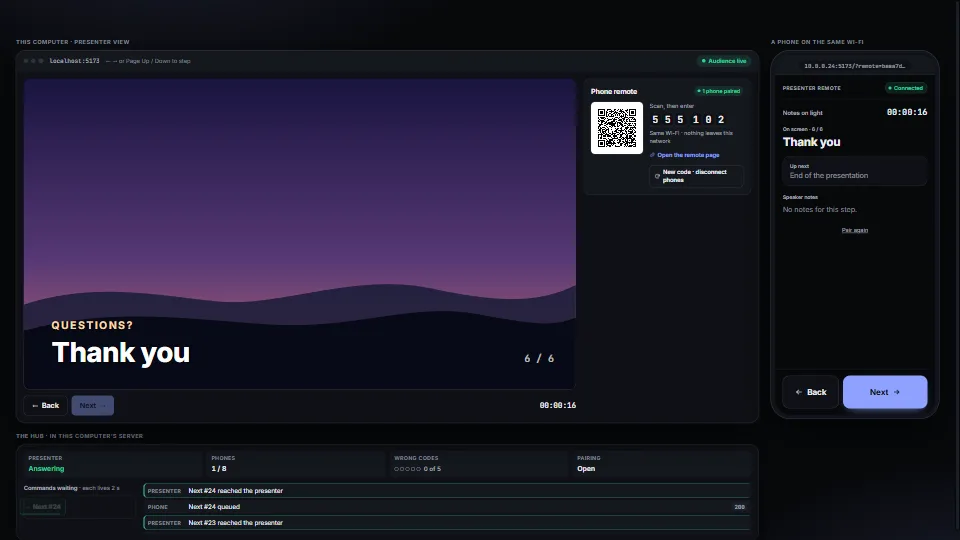
A phone on the same Wi-Fi steps a presentation, with no cloud and no app: scan a QR code, type a six-digit code, and Next and Back go to the presenting machine.
 Systems & tooling
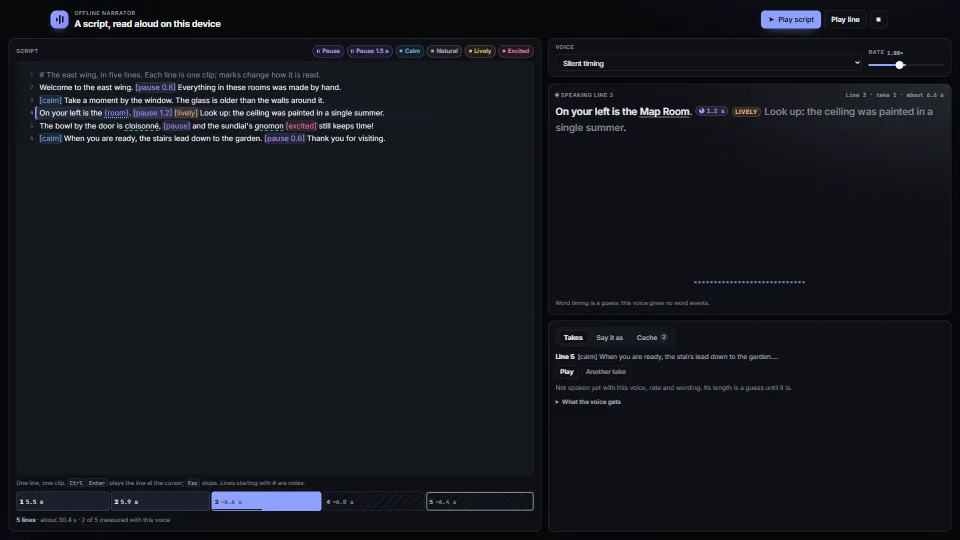
Narration from a script with no cloud: lines with pauses and tone marks, a pronunciation list and {values}, parsed into pieces that keep their place in the…
 Systems & tooling