 Systems & tooling
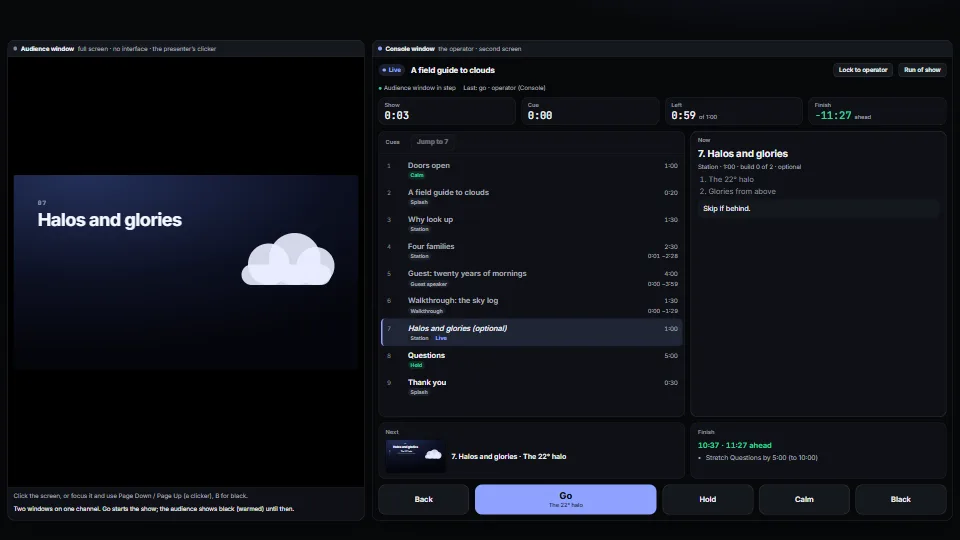
Cue engine and operator console
Runs a live presentation from a cue list: go, back, jump, hold, calm and black, with builds inside a cue, from any clicker, the keyboard or the console.
<0.01 CPU ms
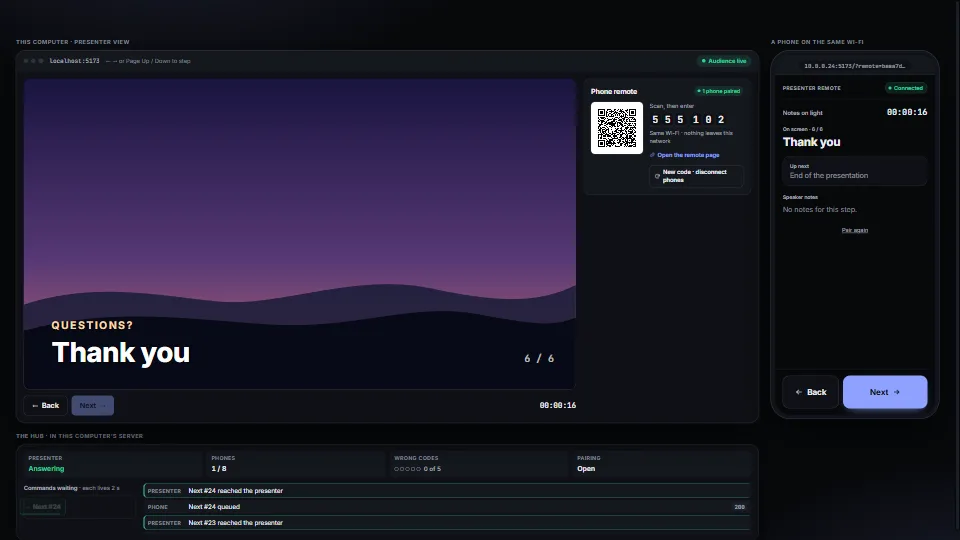
A phone on the same Wi-Fi steps a presentation, with no cloud and no app: scan a QR code, type a six-digit code, and Next and Back go to the presenting machine.
Measured 11 November 2026 on 13th Gen Intel(R) Core(TM) i9-13900H, Chrome 157, 1920×1080 at 1×. 600 frames × 3 rounds, median kept. What ran: Measured with the phone paired and pressing Next and Back about three times a second over the in-page network (no delay), the presenter publishing four times a second and applying each command, and the hub panel redrawn on each change. The slide’s sun and sky transitions run in CSS. At rest the two polling loops (the protocol itself) still run: a publish every 250 ms and a state read every 350 ms. Phones: tiers are being measured next.
| Machine | GPU ms | CPU ms | CPU p95 |
|---|---|---|---|
| unknown GPU · 13th Gen Intel(R) Core(TM) i9-13900Hreference · measuring tool | not timed | <0.01 | <0.01 |
| apple · Apple A19 Proin a browser tab · 16 November 2026 | not timed | <0.01 | 0.02 |
| Intel Arc 140V (Xe2-LPG) · Intel Core Ultra 7 258Vin a browser tab · 15 November 2026 | not timed | <0.01 | 0.01 |
Bars against one 16.7 ms frame. A browser-tab run is timed in a visible tab without the tool’s scripted input, so read it as close, not exact.
From My other apps. Fully custom code.
ISO/IEC 18004:2015, QR Code bar code symbology: the QR encoder copied from the library’s audience-vote entry, written from the standard
WAI-ARIA Authoring Practices Guide (W3C): buttons that stay focusable while unavailable (aria-disabled), alerts for errors, and a polite live region for steps and pairing. Written here from scratch.
Fetch Metadata Request Headers (W3C): Sec-Fetch-Site: cross-site is refused, beside the Origin and Host checks
Systems & toolingRuns a live presentation from a cue list: go, back, jump, hold, calm and black, with builds inside a cue, from any clicker, the keyboard or the console.
 Systems & tooling
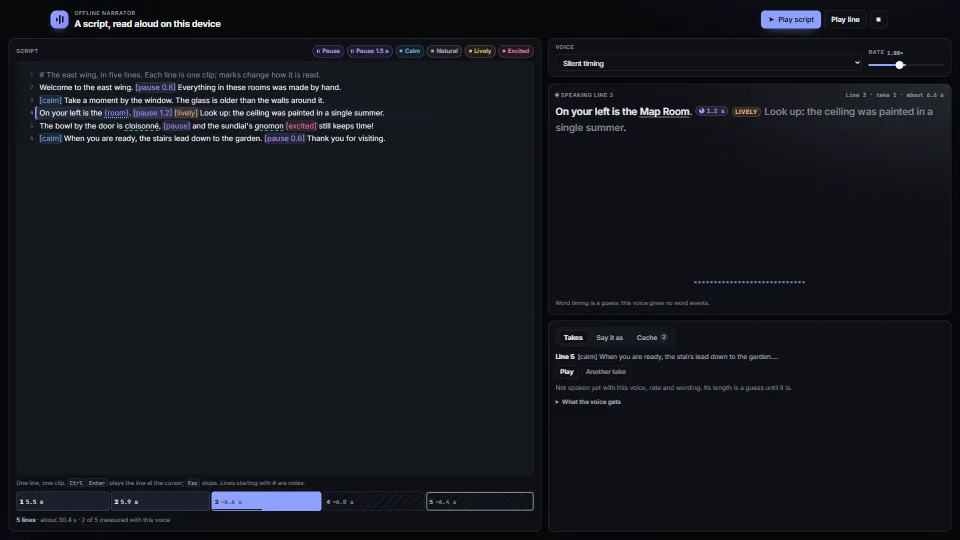
Narration from a script with no cloud: lines with pauses and tone marks, a pronunciation list and {values}, parsed into pieces that keep their place in the…
 Systems & tooling
 Systems & tooling