 Data & layout
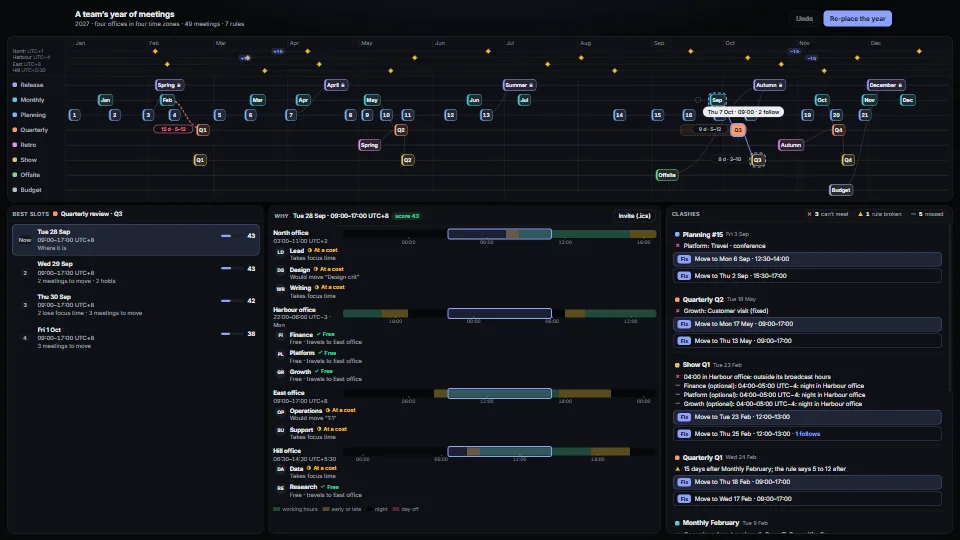
Meeting scheduler: a year across time zones
A pure, tested scheduling core for a team spread over offices and time zones.
<0.01 CPU ms
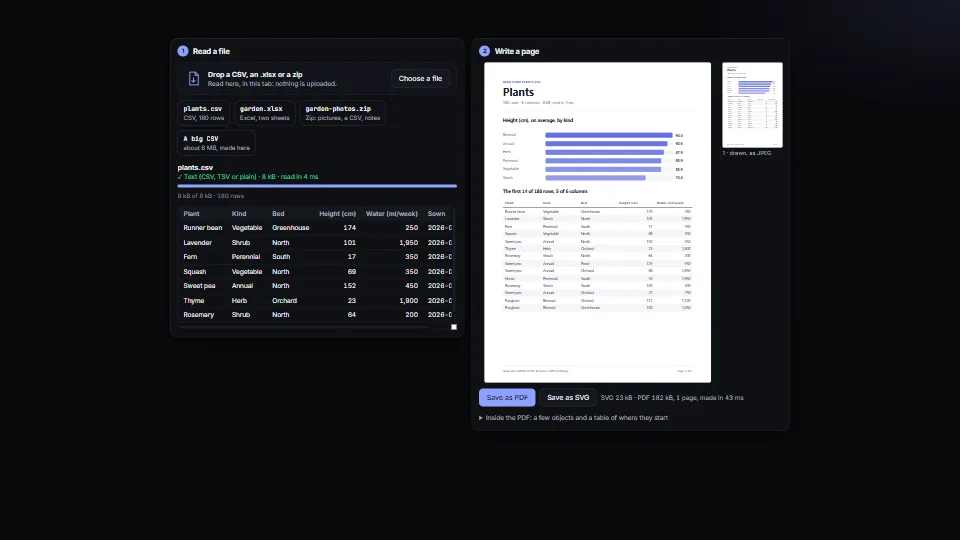
Writes the files an app hands people, in plain TypeScript.
Measured 13 November 2026 on RTX 4060 Laptop, 13th Gen Intel(R) Core(TM) i9-13900H, Chrome 157, 1920×1080 at 1×. 600 frames × 3 rounds, median kept (rounds ranged CPU <0.01–<0.01 ms). What ran: Measured reading plants.csv and writing its page as SVG, a JPEG and a PDF, once every 1.5 s, from memory. Idle, nothing runs. Phones: tiers are being measured next.
| Machine | GPU ms | CPU ms | CPU p95 |
|---|---|---|---|
| RTX 4060 Laptop · 13th Gen Intel(R) Core(TM) i9-13900Hreference · measuring tool | not timed | <0.01 | 0.01 |
| apple · Apple A19 Proin a browser tab · 16 November 2026 | not timed | <0.01 | 0.02 |
| Intel Arc 140V (Xe2-LPG) · Intel Core Ultra 7 258Vin a browser tab · 15 November 2026 | not timed | <0.01 | 0.01 |
Bars against one 16.7 ms frame. A browser-tab run is timed in a visible tab without the tool’s scripted input, so read it as close, not exact.
From SpaciousPro. Fully custom code.
ISO 32000 (PDF) and the PDF 1.4 Reference (Adobe): objects, the cross-reference table, image XObjects with the DCTDecode filter, the CTM and text strings in UTF-16BE
ITU-T T.81 (JPEG) and JFIF: the markers and frame header read by jpegInfo
Exif 2.3 (CIPA DC-008) and TIFF 6.0: the orientation tag (0x0112) and its eight values
W3C SVG 1.1: the parts toSvg writes
George Marsaglia, “Xorshift RNGs” (2003): xorshift32 makes the demo’s big CSV
Data & layoutA pure, tested scheduling core for a team spread over offices and time zones.
 Data & layout
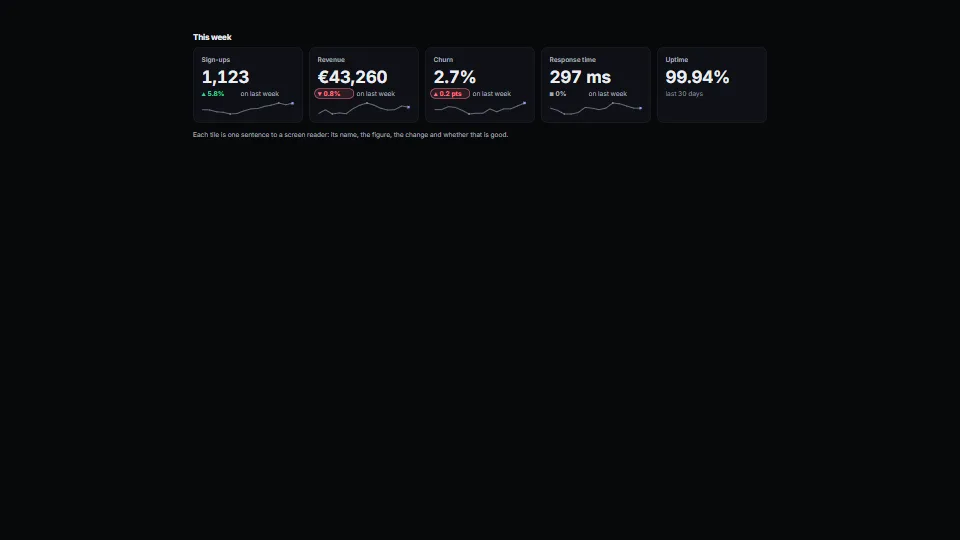
A row of figure tiles that lines up: each a label, a value at the one size every value in the row shares, a detail line with the change (arrow, figure, period)…
 Data & layout
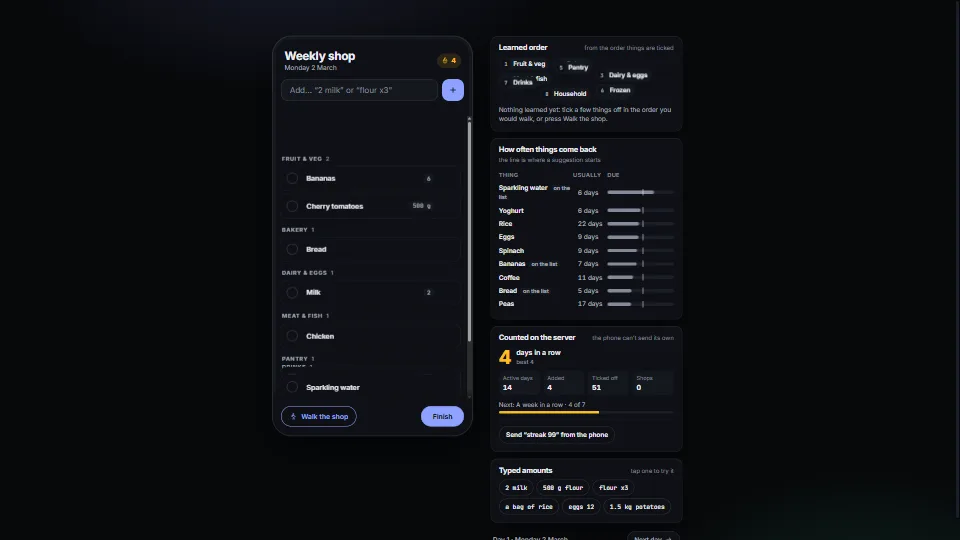
The small smarts that make a shared shopping or packing list feel like it knows you, as pure, tested functions.
 Data & layout
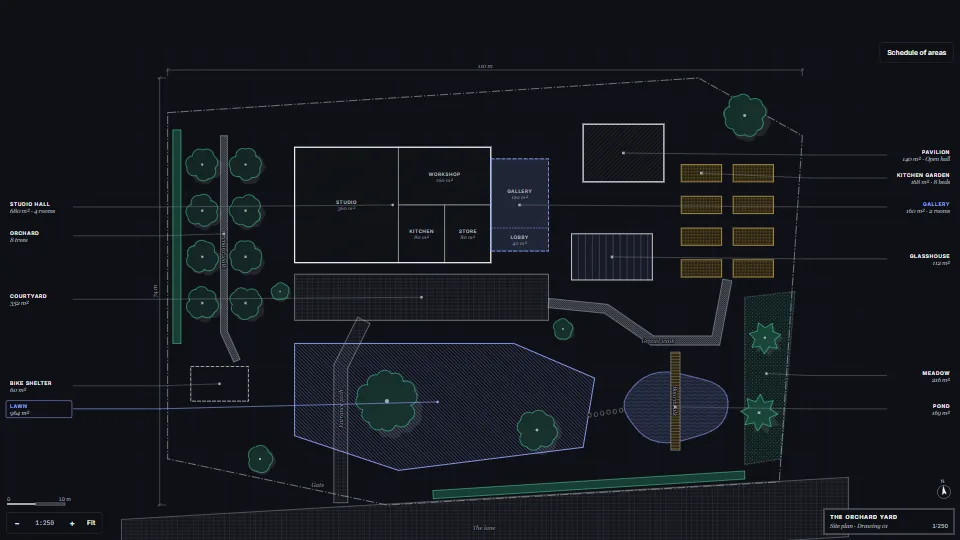
A site plan drawn from plain data in the conventions of an architect’s drawing.