 Data & layout
Data table: sort, sticky header, virtual rows
0.22 CPU ms
Still
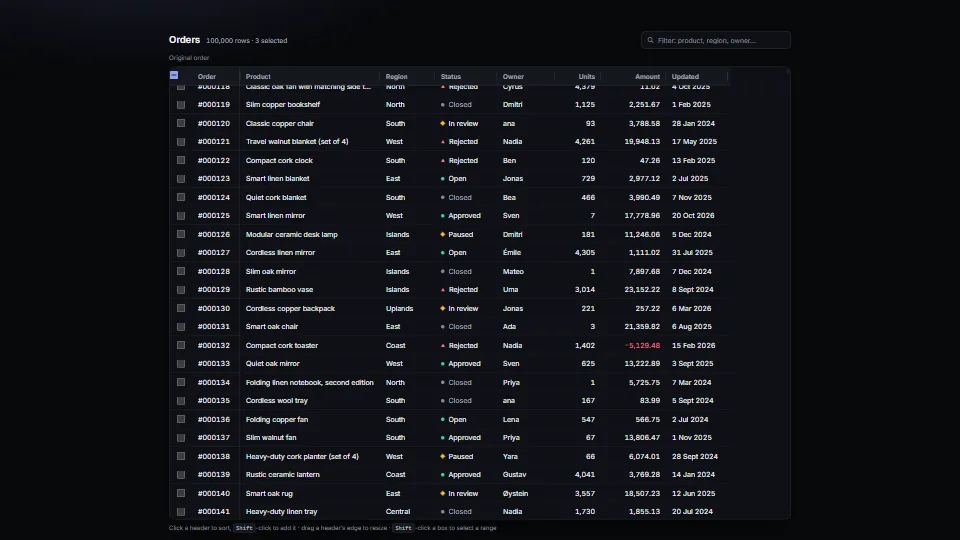
The live demo starts when it’s in view.Click a header to sort, Shift-click to add it · drag a header’s edge (or arrow keys on it) to resize · Shift-click boxes for a range · click an owner or units to change it
A real <table> that holds up with 100,000 rows.
What it costs a frame
0.22 ms
- GPU
- not used
- CPU, median
- 0.22 ms
- CPU, 95th pct
- 0.32 ms
- Draw calls
- 0
- Weight
- Light
Measured 7 November 2026 on 13th Gen Intel(R) Core(TM) i9-13900H, Chrome 156, 1920×1080 at 1×. 600 frames × 3 rounds, median kept. What ran: Measured with 100,000 rows in virtual mode while the demo drives itself: it scrolls the table every frame (about 40 px, each frame drawing the rows that came into view) and sorts by another column every 90 frames (each column’s ranks are cached after its first sort). Phones: tiers are being measured next.
| Machine | GPU ms | CPU ms | CPU p95 |
|---|---|---|---|
| unknown GPU · 13th Gen Intel(R) Core(TM) i9-13900Hreference · measuring tool | not timed | 0.22 | 0.32 |
| apple · Apple A19 Proin a browser tab · 16 November 2026 | not timed | 0.52 | 0.76 |
| Intel Arc 140V (Xe2-LPG) · Intel Core Ultra 7 258Vin a browser tab · 15 November 2026 | not timed | 0.30 | 0.47 |
Bars against one 16.7 ms frame. A browser-tab run is timed in a visible tab without the tool’s scripted input, so read it as close, not exact.
What it needs
- Renders with
- DOM and CSSPlain DOM and CSS: every current browser.
- Your browser
- Runs hereNo WebGPU needed
- Depends on
- NothingNo other packages
What it’s for
- Admin and back-office lists
- Reports and exports
- Search results
- Logs and audit trails
- Anything with more rows than a page can hold
- Changing a few values in place (a number, an owner)
Pitfalls, in brief
- Import data-table.base.css, then data-table.css (or your own look instead): the base holds what the table needs to work (the scrolling region, sticky header and column, one-line cells, exact spacer rows); without it the region doesn’t scroll and the header doesn’t stick.
- Give the host a height (or put it in a flex or grid cell that has one): the region scrolls inside it, and without a height every row is drawn.
- rowKey must be stable (an id).
- A numeric rowHeight promises every row is that tall: the table checks the first row drawn and adopts its height (so larger text still works), but rows of different heights need rowHeight: "measure".
- Browsers cap an element’s height (Chrome about 33 million pixels, Firefox about 17 million): at 36 px a row that is roughly 450,000 rows.
9 more in brief
- The first sort by a text column with many distinct words takes the longest (each word is ranked once with Intl.Collator); later sorts by it, either way, reuse the ranks until the rows change.
- With virtual rows, Ctrl F and a screen reader’s table keys see only the rows drawn. aria-rowcount and aria-rowindex tell readers where they are; offer a filter box for finding.
- With infinite loading and local sorting, rows that arrive are sorted into place, which can look like rows appearing in the middle.
- Selection is kept by key and pruned on setRows: rows filtered out leave the selection.
- A column’s render must reuse the control already in its cell (cell-edit.ts does): the table draws a cell again whenever rows change, and a button made afresh each time takes the focus away with the old one.
- Never put an <input> in a cell to edit it: rows are drawn again under it.
- Find the cell again by its key (column and row), never by its words: two cells often show the same words, and the focus would land on the wrong one.
- A value changed in place (a cell edited) is not re-sorted until the next sort or setRows: call redraw() to show it, setRows to place it.
- Cells cut with an ellipsis show their whole text as a tooltip on hover; keyboard users get it by widening the column (arrow keys on the grip) or from a screen reader, which reads the whole cell.
14 pitfalls in full, the hook-up guide, the module source and its tests come with the part.
Where it comes from
Written for the library. Fully custom code.
WAI-ARIA Authoring Practices Guide (W3C): The table pattern and its sortable table example (sort buttons in the column headers, aria-sort on the one header that sorts), and the window splitter pattern for the resize grips (a focusable separator with a value, moved by the arrow keys, Home and End).
Peter M. Fenwick, “A new data structure for cumulative frequency tables” (Software: Practice and Experience, 1994): The binary indexed tree behind HeightIndex: a row’s offset and the row at a scroll position in log n steps. Written from the published method.
Adrian Roselli, “Under-Engineered Responsive Tables” (2020): The idea of a focusable, labelled scrolling region around a table, so the keyboard can scroll it. Guidance, no code.
George Marsaglia, “Xorshift RNGs” (Journal of Statistical Software, 2003): The demo’s seeded generator for its made-up rows (xorshift32). Not in the module.
Near it in the frame
Data & layout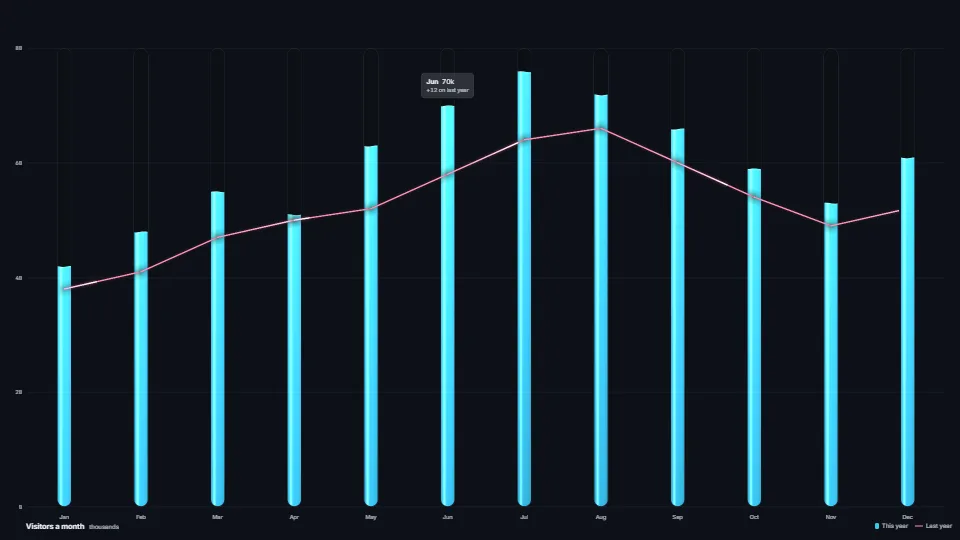 Data & layout
Painted chart marks (GPU)
Bars and lines drawn as physical things in one instanced draw each.
0.04 GPU · 0.20 CPU ms
 Data & layout
A sheet that adds up at any zoom
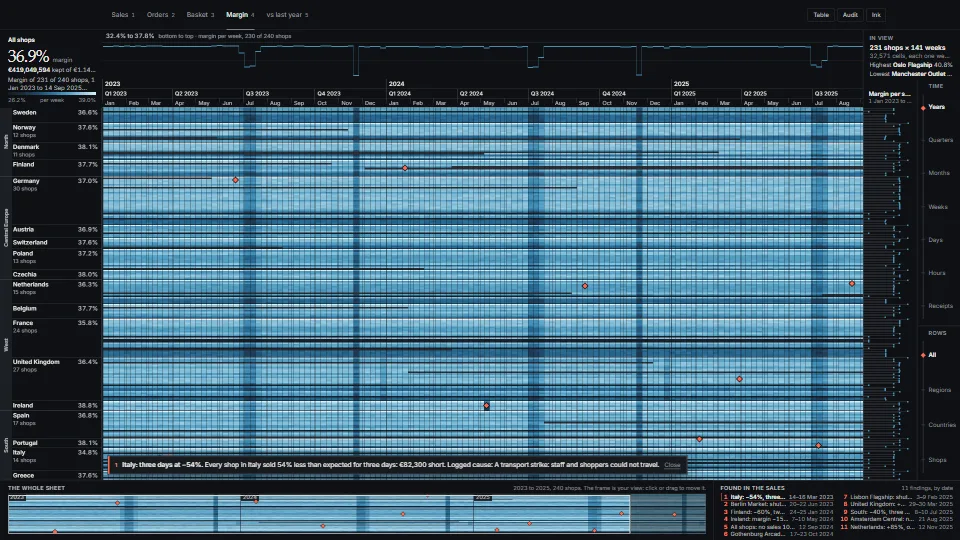
One zoomable sheet of rows × days, from three years of a whole organisation down to the records of one hour, where every pixel shows the true total of what it covers.
0.12 GPU · <0.01 CPU ms
 Data & layout