 Data & layout
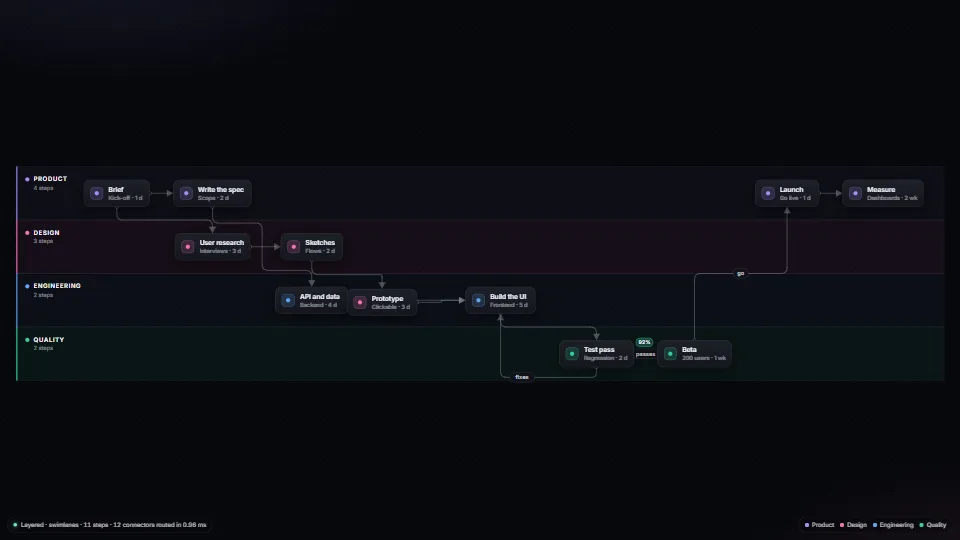
Elbow connectors and graph layouts
Orthogonal connectors routed round every box by A* over a sparse grid, with a bend cost and a tie-break that keeps elbow corners from flipping as things move…
0.91 CPU ms
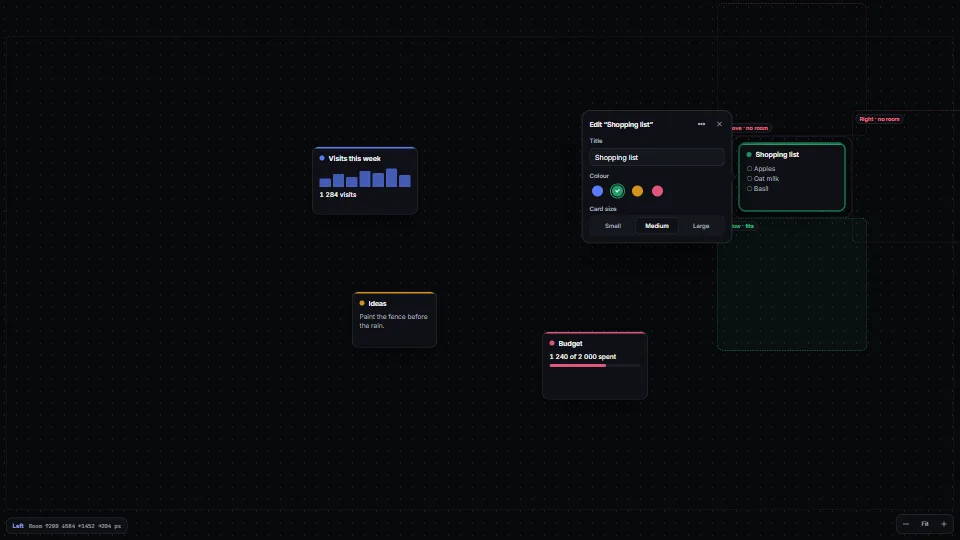
Puts an editor, popover or inspector beside the item it edits, never on top of it.
Measured 11 November 2026 on 13th Gen Intel(R) Core(TM) i9-13900H, Chrome 157, 1920×1080 at 1×. 600 frames × 3 rounds, median kept. What ran: Measured exercising itself: a card circles the board every frame and its editor follows it, choosing a side, sliding along it and redrawing the four candidate sides. Idle, the follower rests and nothing runs. Phones: tiers are being measured next.
| Machine | GPU ms | CPU ms | CPU p95 |
|---|---|---|---|
| unknown GPU · 13th Gen Intel(R) Core(TM) i9-13900Hreference · measuring tool | not timed | 1.04 | 1.95 |
| apple · Apple A19 Proin a browser tab · 16 November 2026 | not timed | 1.62 | 2.66 |
| Intel Arc 140V (Xe2-LPG) · Intel Core Ultra 7 258Vin a browser tab · 15 November 2026 | not timed | 1.26 | 2.02 |
Bars against one 16.7 ms frame. A browser-tab run is timed in a visible tab without the tool’s scripted input, so read it as close, not exact.
From SpaciousPro. Fully custom code.
WAI-ARIA Authoring Practices Guide (W3C): the menu button pattern for the demo’s More menu, and the dialog pattern’s non-modal use for the editor (labelled, Esc closes it and focus goes back to the item). Written here from scratch.
Data & layoutOrthogonal connectors routed round every box by A* over a sparse grid, with a bend cost and a tie-break that keeps elbow corners from flipping as things move…
 Data & layout
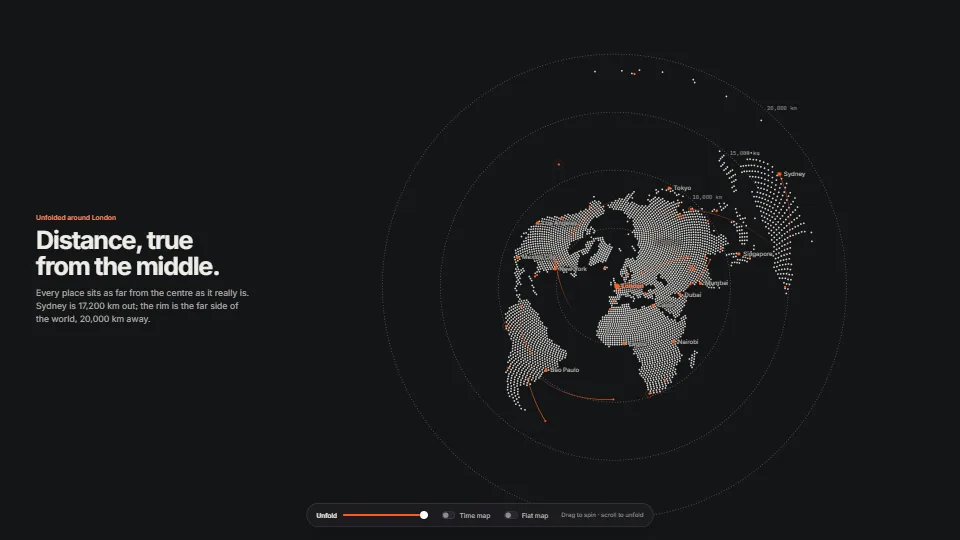
The world drawn with one primitive, the anti-aliased dot.
 Data & layout
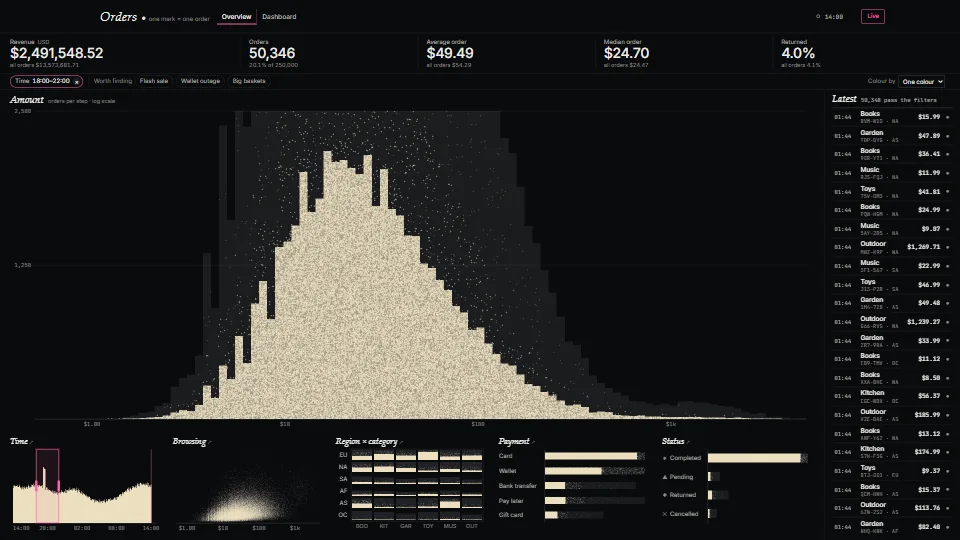
A cross-filtered dashboard where every record is one mark on one WebGPU canvas, up to a million of them.
 Data & layout
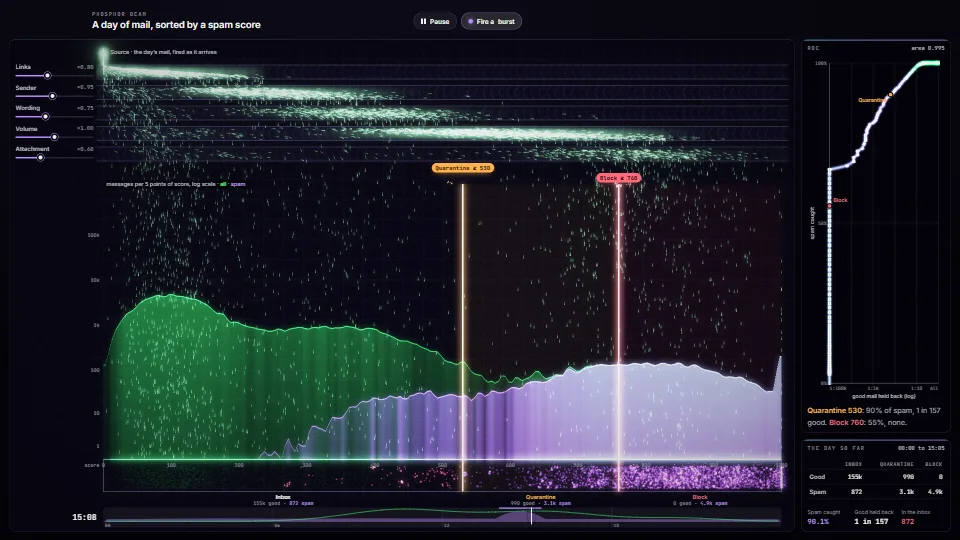
A classifier's scores drawn as a particle beam.