Motion explains change: where something came from, where it went, and what caused what. An animation that answers one of those makes an interface easier to follow. One that answers none of them is decoration, and it costs time, battery and patience.
The advice here comes from three projects: a board app whose buttons squish and whose menus spring open in each look's own manner, a game whose HUD and menus must stay readable while everything moves, and this library's springs, gauges and figures.
Rules marked always protect people and hold; defaults are where to start, and you may break one when you can say why; ideas are suggestions.
Before you start
- (default) Every animation says something: where a thing came from, where it went, or that an action took.
- (default) Durations and curves come from a few named tokens, not from each component.
- (default) Only
transformandopacityanimate, unless something else is worth what it costs. - (default) Changes animate. A first layout, a resize and a restored state appear at once.
- (default) Motion stepped every frame is scaled to the frame's length, so it feels the same at 60 and 144 Hz.
- (default) Every animation can be interrupted, and input never waits for one to finish.
- (default) Nothing moves between interactions unless it means something, and ambient motion rests.
- (always) Reduced motion swaps movement for a fade or an instant change, and keeps every piece of information. Some people get dizzy or sick from motion, and they asked for less.
What motion is for
There are four good reasons to move something:
- Feedback. A pressed button squishes and springs back, so you know it heard you.
- Continuity. A segmented control's pill slides from the old choice to the new one. A menu grows from the button that opened it.
- State. A gauge's needle chases its value, so a change reads as a change rather than a jump.
- Attention. A toast arrives, or a warning pulses, once.
Save the big motion for the big moment. The game's menu mock-ups followed one rule: motion serves meaning (growth, change, a promotion). A promotion got a full ceremony; opening a tab got a quick slide. Effects never covered the numbers the player was reading.
A few durations, named
Pick a handful of durations and curves, name them, and use only those. A dozen components with a dozen timings feel like a dozen apps.
:root {
  --motion-fast: 120ms;   /* feedback: a press, a hover, a toggle */
  --motion-move: 220ms;   /* something moving across the screen */
  --motion-enter: 320ms;  /* a panel or a dialog arriving; leaving takes about two thirds */
  --ease-out: cubic-bezier(0.2, 0, 0, 1);         /* arrives gently: most motion */
  --ease-in: cubic-bezier(0.4, 0, 1, 1);          /* leaves: for exits */
  --spring: cubic-bezier(0.3, 1.35, 0.5, 1);      /* a little past and back: things you touch */
}
That last line is a spring written as a curve. A second control point above 1 carries the motion past its end and back again, and no animation library is needed.
Tried on the game's HUD. Its motion tokens are four numbers: 120 ms for quick changes, 200 ms for slides, 100 ms for the map's turn and a 1.6 s pulse, all easing out. A token file owns them, and a test checks the widgets use it.
Tried on the board app. Each look has a feel (stiffness, damping, how hard a press squashes), and the tokens are worked out from it. The duration falls as stiffness rises, held between 140 and 520 ms. Flutter Fling's buttons squash more than three times as far as Boardroom's, and a test says so.
Curves for what is happening
Interactive figure “curves”: it runs in the full playbook in the library.
- (default) Ease out for things arriving or answering: fast at first, gentle at the end. Most interface motion is this.
- (default) Ease in for things leaving: they speed up as they go, and nobody waits to watch them.
- (default) Ease in and out for things that move from one place on screen to another while you watch.
- (default) A spring for things under your hand, or following a value: a dragged card, a magnetic button, a needle. Keep the overshoot small.
- (default) Linear only for what is tied to time itself, such as a spinner or a countdown. As a movement, linear looks mechanical.
Animate changes, not arrivals
When a view first lays itself out, or redraws for a new size, every element should simply be where it belongs. Only a change made while someone is watching should move. Otherwise the page swims into place on every load and every window resize.
// A fresh layout takes its places at once; only changes after it animate.
el.classList.add('still');               // .still, .still * { transition: none !important; }
layout(el);
el.getBoundingClientRect();              // let the browser apply the new places
requestAnimationFrame(() => el.classList.remove('still'));
Tried here. This library's figures do this: a step-through redrawn for a phone, a wireframe resized with the window. A chart demo also replayed its draw-in every time the measuring tool restarted it. Now a restart draws the chart at once.
Tried on the board app. A segmented control's pill is placed under the current choice without moving, and slides only when the choice changes. When the control itself changes size, the pill is placed again, at once.
Motion that runs every frame
A spring stepped once a frame, with constants tuned at 60 Hz, runs more than twice as fast on a 144 Hz screen: it takes more steps every second. Scale each step by the frame's real length:
/** One step of a spring toward `to`, the same at any frame rate. `dt` is the frame's length in seconds. */
export function stepSpring(s: { v: number; vel: number }, to: number, dt: number, stiffness = 0.07, damping = 0.83) {
  const f = dt * 60; // this frame, in 60 Hz frames
  s.vel = (s.vel + (to - s.v) * Math.min(1, f) * stiffness) * Math.pow(damping, f);
  s.v += s.vel * Math.min(2, f);
}
Interactive figure “frame-rate”: it runs in the full playbook in the library.
Tried here. That is the needle spring of the gauges entry, as the game's menu mock-ups wrote it: tuned in 60 Hz frames and scaled to the real one. Its ticker also sleeps once every needle has settled, so a still dashboard costs nothing.
One speed setting reaches all of it
An effect speed setting (slower for a calm room, faster for a quick run-through) has to reach every kind of motion, and each kind exactly once. playbackRate reaches only animations the browser keeps as Animation objects: CSS animations, CSS transitions and element.animate(). A requestAnimationFrame loop, a timer or a shader's clock never sees it.
- (default) CSS animations and transitions get the speed as their
playbackRateas each one starts. A new one starts at 1, so listen foranimationstartandtransitionrunon the document. - (default) Motion made in script carries the speed itself:
element.animate()durations and delays divided by it, timers that wait for an entrance divided by it, and loops stepped bydt × speed. - (default) Never both.
document.getAnimations()returns the script-made animations too, and those already have the speed in their timing. SetplaybackRateonly onCSSAnimationandCSSTransition.
function applySpeed(rate) {
  for (const a of document.getAnimations()) {
    if (!(a instanceof CSSAnimation) && !(a instanceof CSSTransition)) continue; // script motion scales itself
    if (a.playbackRate !== rate) a.playbackRate = rate;
  }
}
for (const type of ['animationstart', 'transitionrun']) document.addEventListener(type, () => applySpeed(speed()), true);
Tried on a slide-deck app. Its effect speed (0.5 to 1.5×) first set
playbackRateon every animation on the page, and the entrances made withelement.animate(), which already divided their durations by the speed, played at the speed squared. Now only CSS animations take the rate; scripts read the speed from one helper, and the background shader's clock and the particles step by it.
Cheap to run
- (default) Animate
transformandopacity. The browser can move those on the GPU without laying the page out again. Animatingwidth,toporbox-shadowrepaints on every frame. - (default) Use the separate
scale,translateandrotateproperties when an element already has a transform of its own, so a press's squash doesn't overwrite it. - (default) Let animations end by themselves.
element.animate()and CSS transitions stop when they're done. ArequestAnimationFrameloop runs until someone remembers to stop it. - (default) No blur or big shadows in motion. They are some of the most expensive things to repaint.
- (default) Text doesn't stay soft where the eye can read it. A moving or fading element is drawn on a layer of its own, and text there is a little soft (smoothed in grey, not snapped to the pixel grid) until the motion ends and it is drawn into the page again. In quick motion the eye doesn't follow the text, so that is fine: text may ride on things that move or fade. What looks odd is a slow transition, or a long ease-out tail, where the text is nearly still and readable but still soft, and then snaps sharp. For transitions that carry text: keep them short, spend the motion early rather than in a long slow tail, or keep the text out of the moving part (reveal it with a clip, or fade it in once the move is done). No box check or headless screenshot sees this; a real screen does, at 1.5× most plainly.
Tried in a card part, then withdrawn. A set of card transitions (flip, cube, fold, peel, hinge) turned cards with text in 3D over slow, springy turns. On the owner's 1.5× screen the text stayed soft for a long, readable while before it snapped sharp, through every fix to the frames and the pixel grid, and the part was taken out: "In this case it was a slow transition where the text was blurry for a fairly long time before it got sharp. Looks odd to the eye."
Tried on the game's HUD. A pass over every HUD widget removed blurs, filters and large shadows from anything that moves. Everything left animates only
transformoropacity, and a test protects that.
Tried on the board app. Its chrome motion is one pointer listener and one resize observer: nothing runs between presses.
Never in the way
- (default) Input never waits. A menu can be closed while it is still opening, and a click during a transition counts.
- (default) Start from where it is. A CSS transition interrupted halfway turns round from where it was. A spring keeps its speed when its target changes. Both look right; jumping back to the start doesn't.
- (default) A tap is not a gesture. The hold-to-confirm button waits 120 ms before its hold begins, so a tap never starts it. Let go early and its progress drains away instead of snapping to empty.
Reduced motion
Some people get dizzy or sick from motion on screen, and they say so in their system settings. Respect that setting, and offer the same switch inside the app.
Write motion as something added only for those who haven't asked for less, rather than removing it afterwards:
@media (prefers-reduced-motion: no-preference) {
  :root:not([data-motion='off']) .menu { animation: menu-in var(--motion-move) var(--spring) both; }
}
Reduced motion still keeps the information:
- A toast still appears, but fades in instead of flying.
- A number still changes, just without rolling.
- A promotion still says what was unlocked, without the ceremony.
Follow it live. Someone can turn it on halfway through, and a setting read once at setup leaves the loop running until the page reloads. Give the module reduced motion as an option it can change, rather than letting it read the media query itself, so the app's own switch reaches it too:
setup(ctx) {
  const ripples = new Ripples(ctx.canvas, { reducedMotion: ctx.reducedMotion });
  const off = ctx.onMotionChange((reduced) => ripples.setReducedMotion(reduced));
  return { update: (f) => ripples.step(f.dt), dispose: () => (off(), ripples.dispose()) };
}
In this library the harness hands every demo that flag: ctx.reducedMotion, read whenever it matters, and ctx.onMotionChange, told when it flips (README, "Reduced motion"). It merges the system setting (followed live) with the site's own Motion menu in the controls and ?motion=reduce or ?motion=full in the URL, the way the effects switchboard does: the system sets the default, a choice the person made wins. Open a demo with ?motion=reduce to check what it keeps.
- (always) Motion follows reduced motion while the page is open, not only from the next load. Someone who turns it on feeling sick can't wait for a reload.
- (default) The module takes reduced motion as an option; the app (or the harness) decides where it comes from.
Tried here. Ten of the library's entries check the setting, including the menus, gauges, charts, hold-to-confirm and micro-interactions, and every figure in these playbooks turns its transitions off under it. The board app's motion does nothing under the system setting or its own switch; the game's HUD obeys both the system's and the player's stored preference.
As of November 2026: the separate
scale,translateandrotateproperties andprefers-reduced-motionwork in every current browser. The micro-interactions entry has springs, flips, fling, rolling numbers and toasts ready to copy.
Parts that show it
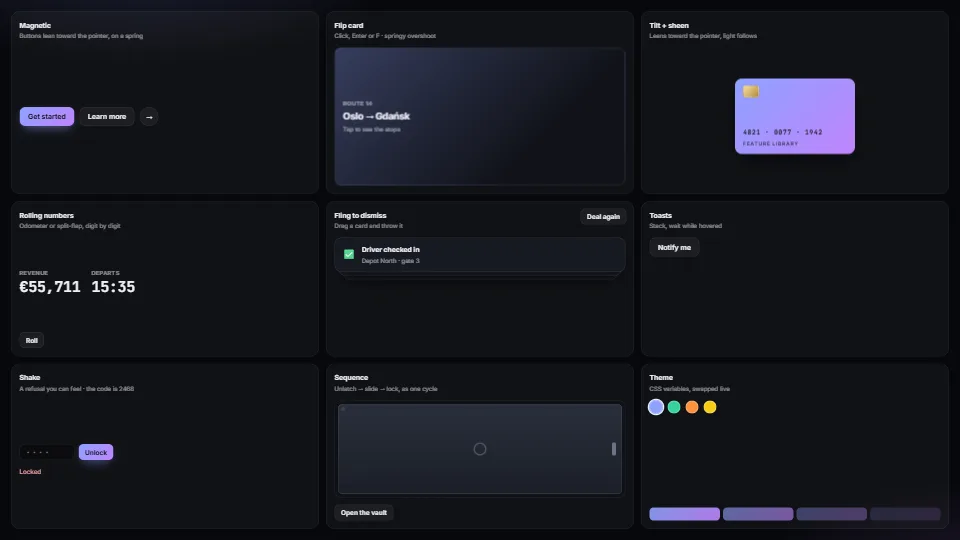 UI & interaction
Micro-interactions pack
Magnetic buttons, springy flip cards, tilt with sheen, rolling and split-flap numbers, fling-to-dismiss, toasts, toasts that hang on a string and swing to…
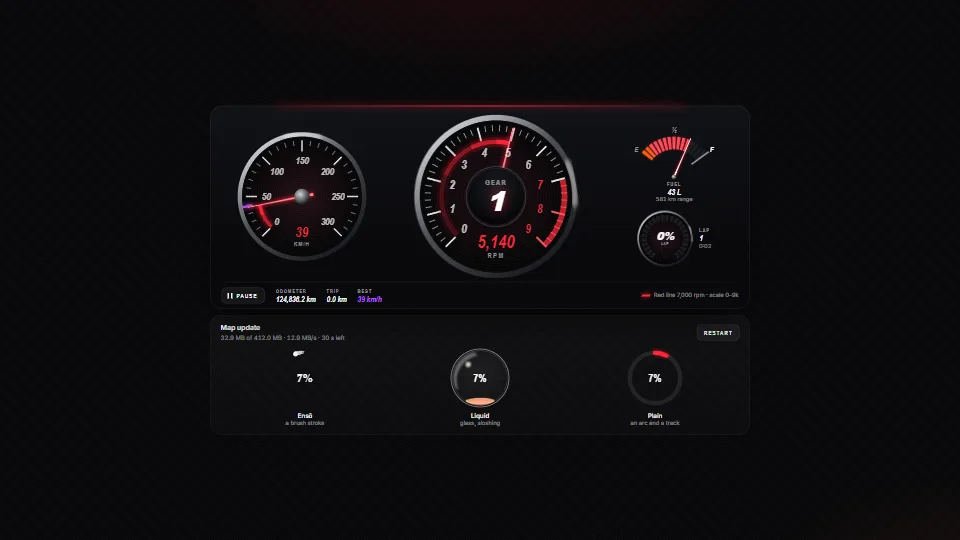 Data & layout
Gauges and progress rings
Instrument gauges in SVG (a tach with a red line on a nice scale, a speedometer with a best mark, a fuel gauge and an LED ring) whose needles chase their…
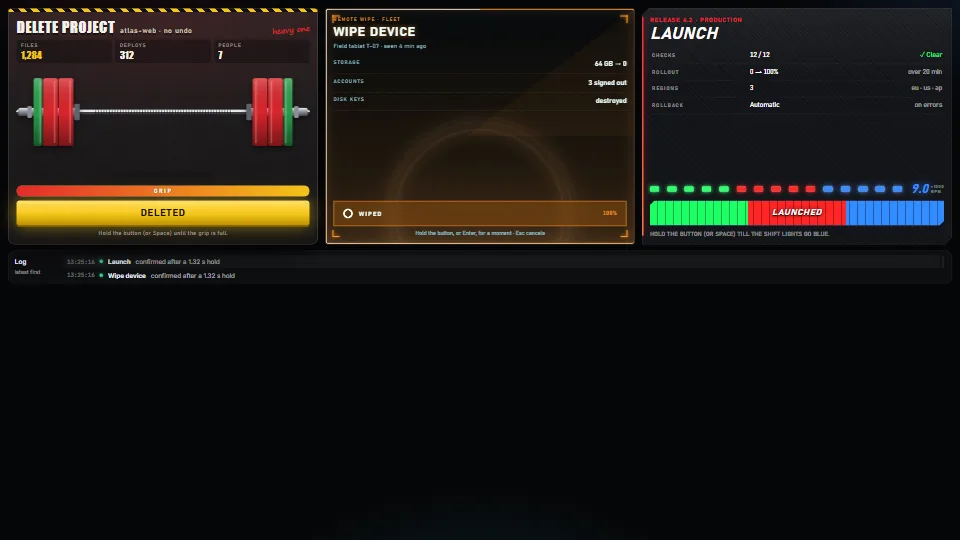 UI & interaction
Hold to confirm, four ways
A safe button for actions that cost something: it acts only after being held.
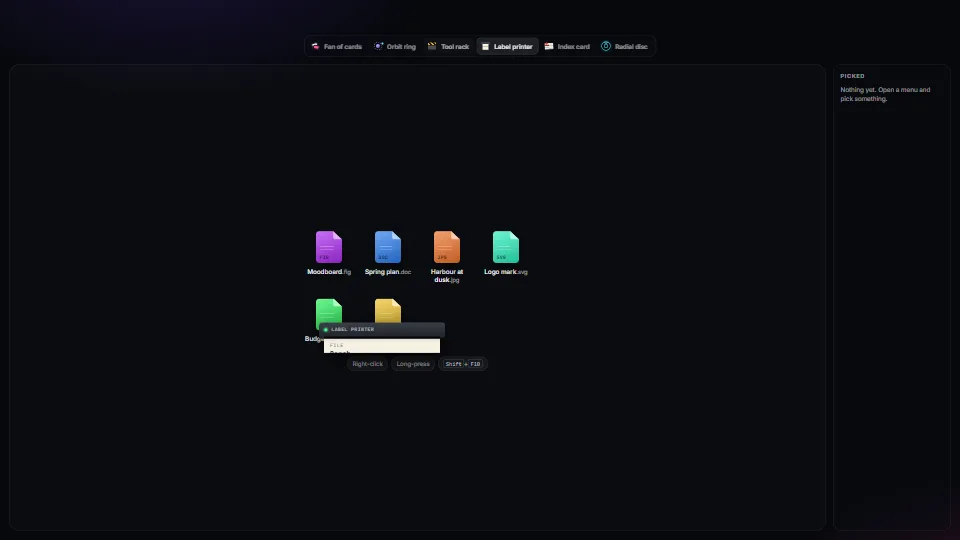 UI & interaction
Context menus: one keyboard core, many skins
One accessible context-menu core (roles, arrow keys, type-ahead, letter keys, Esc, focus kept and given back, stays on screen, right-click, long-press and…