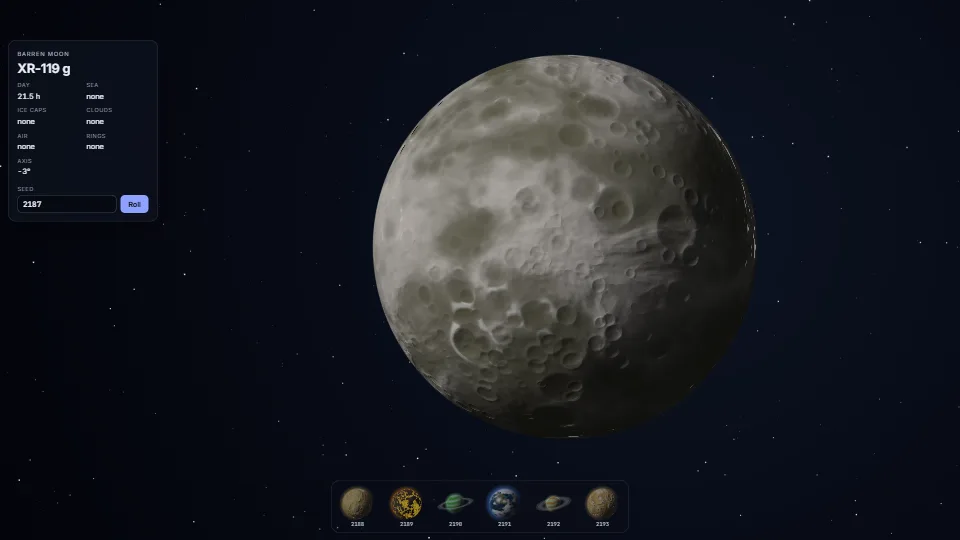
 Simulation
Procedural planets from a seed
A whole planet from one number: a seed picks the kind (temperate, ocean, desert, ice, lava, gas giant or barren moon), its palette, its axis, and how much sea…
3.47 GPU · 0.20 CPU ms
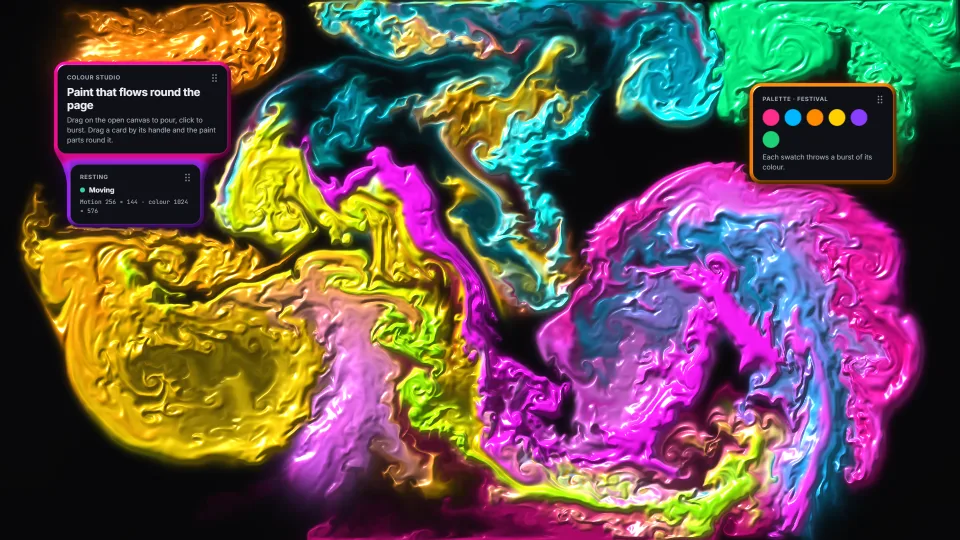
A stable-fluids simulation in WebGPU compute, nothing read back, with the page’s own panels as obstacles the paint flows round and a moving panel pushing it aside.
Measured 11 November 2026 on 13th Gen Intel(R) Core(TM) i9-13900H, Chrome 157, 1920×1080 at 1×. 600 frames × 3 rounds, median kept. What ran: Measured with the ambient jets on and a burst every 1.5 s, so the paint steps every frame: a 256 × 144 motion grid (curl, velocity with three panel obstacles, divergence, 21 pressure passes, gradient), the colour advected on 1024 × 576 and a quarter-size glow, then the full-screen powder shading with the panels’ shadows and their membrane, timed with timestamp queries. At rest it draws nothing. Phones: tiers are being measured next.
| Machine | GPU ms | CPU ms | CPU p95 |
|---|---|---|---|
| unknown GPU · 13th Gen Intel(R) Core(TM) i9-13900Hreference · measuring tool | 3.73 | 0.12 | 0.17 |
| apple · Apple A19 Proin a browser tab · 16 November 2026 | 9.62 | 0.26 | 0.34 |
| Intel Arc 140V (Xe2-LPG) · Intel Core Ultra 7 258Vin a browser tab · 15 November 2026 | 1.25 | 0.23 | 0.36 |
Bars against one 16.7 ms frame. A browser-tab run is timed in a visible tab without the tool’s scripted input, so read it as close, not exact.
Frames run on a 60 Hz timer (a page demo), so most frames take about one tick, 16.7 ms: the spread around it is what matters.
position: absolute; inset: 0) with pointer-events: none, and give pointer the element the visitor actually presses on, or the pour never starts.From HaTac. Adapted from published work, named below.
Pavel Dobryakov, WebGL Fluid Simulation (MIT): The mock-up’s simulation follows his: the same passes in the same order, the old pressure kept at 0.8 as a warm start, dissipation as 1 + rate × dt, reflected walls in the divergence, and his recommended rates (swirl 30, about 20 pressure passes, colour on a 1024 grid). Rewritten in WGSL compute; his licence is in NOTICE.md.
Jos Stam, Stable Fluids (SIGGRAPH 1999) and Real-Time Fluid Dynamics for Games (2003): The method: semi-Lagrangian advection and a pressure projection.
Ronald Fedkiw, Jos Stam and Henrik Wann Jensen, Visual Simulation of Smoke (SIGGRAPH 2001): Vorticity confinement, the Swirl knob.
Inigo Quilez, 2D distance functions and smooth minimum: sdRoundBox (every panel’s shape) and the polynomial smin that joins a membrane’s panels, re-written in WGSL.
Mark Jarzynski and Marc Olano, Hash Functions for GPU Rendering (2020): The PCG hash behind the paper’s grain, the powder and the noise.
Third-party terms ship with it in NOTICE.md.
SimulationA whole planet from one number: a seed picks the kind (temperate, ocean, desert, ice, lava, gas giant or barren moon), its palette, its axis, and how much sea…
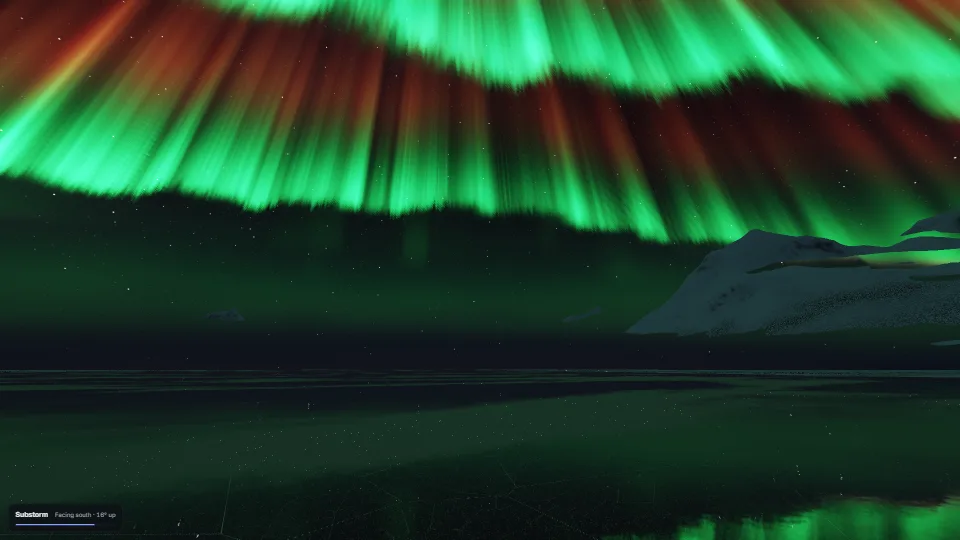 Simulation
An aurora worked out as physics on WebGPU, seen from a frozen fjord.
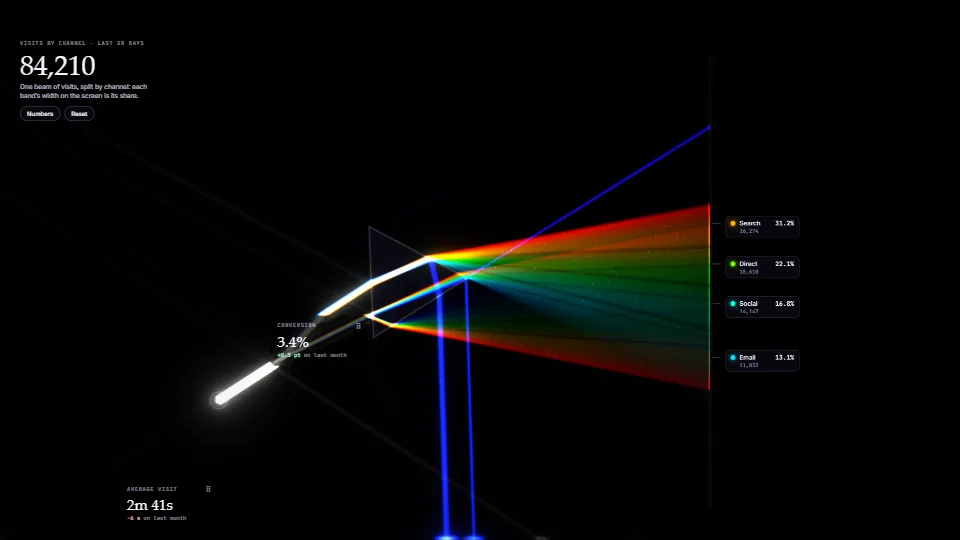 Simulation
Spectral 2D light transport in WebGPU compute.
 Simulation
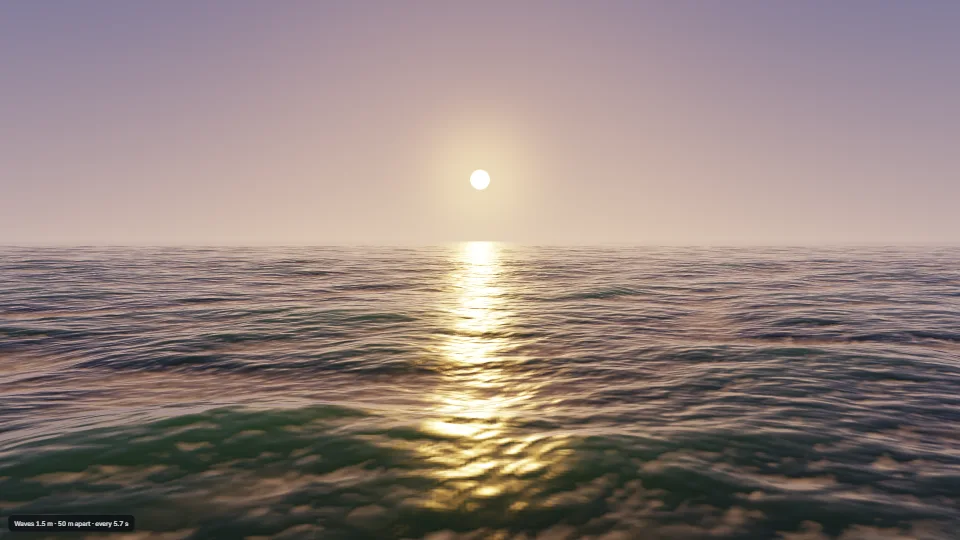
An open sea from a wind-wave spectrum (Tessendorf), summed back to heights, choppy sideways push and folds by a Stockham FFT on the GPU every frame, into…