 Surfaces & materials
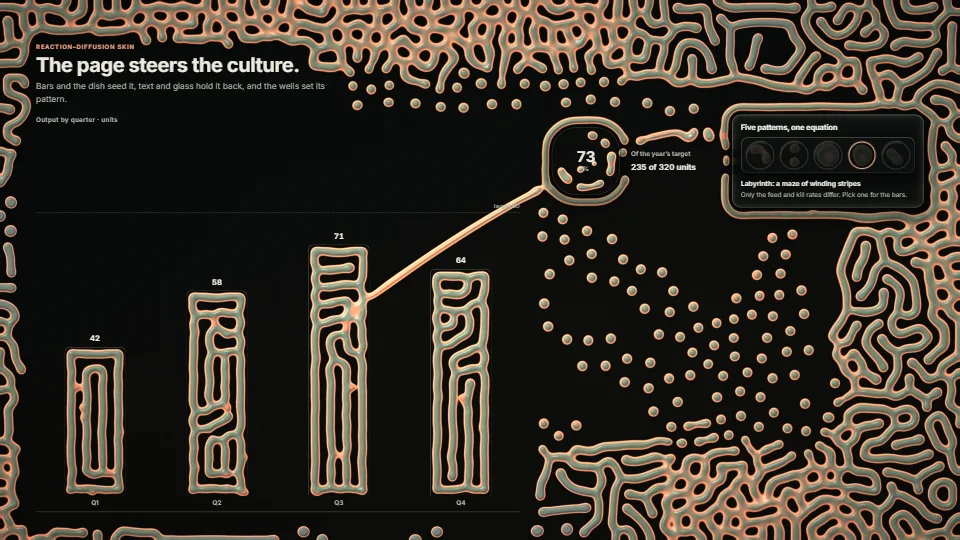
A living skin the page steers
A Gray–Scott reaction–diffusion culture under a page, in raw WebGPU, steered by the DOM.
2.95 GPU · 0.28 CPU ms
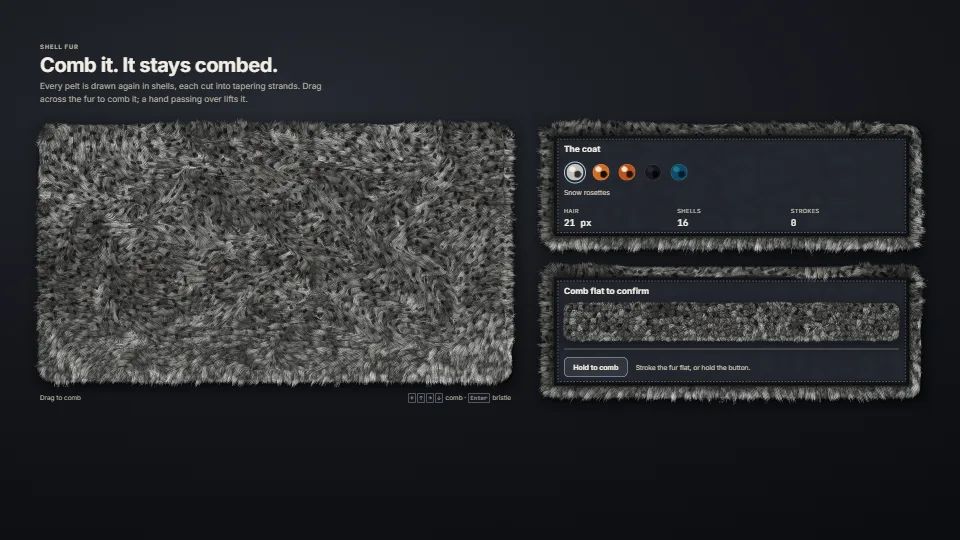
Fur on the page’s own panels, in raw WebGPU (a WebGL2 twin draws the same fur where WebGPU is missing).
Measured 13 November 2026 on RTX 4060 Laptop, 13th Gen Intel(R) Core(TM) i9-13900H, Chrome 157, 1920×1080 at 1×. 600 frames × 3 rounds, median kept (rounds ranged GPU 2.51–5.36, CPU 0.17–0.21 ms). What ran: Three pelts: a coat furred all over (about 560 × 380 px) and two framed panels with suede plates, 16 shells, wind on, a comb stroke drawn round the big coat every frame; the groom compute and the fur pass, timed with their own timestamp queries. Phones: tiers are being measured next.
| Machine | GPU ms | CPU ms | CPU p95 |
|---|---|---|---|
| RTX 4060 Laptop · 13th Gen Intel(R) Core(TM) i9-13900Hreference · measuring tool | 2.71 | 0.20 | 0.31 |
| apple · Apple A19 Proin a browser tab · 16 November 2026 | 11.5 | 0.38 | 0.46 |
| Intel Arc 140V (Xe2-LPG) · Intel Core Ultra 7 258Vin a browser tab · 15 November 2026 | 6.88 | 0.38 | 0.53 |
Bars against one 16.7 ms frame. A browser-tab run is timed in a visible tab without the tool’s scripted input, so read it as close, not exact.
Frames run on a 60 Hz timer (a page demo), so most frames take about one tick, 16.7 ms: the spread around it is what matters.
tier (FUR_TIER: low draws 12 of 16 shells at most 1 pixel per CSS px, medium 14 at most 1.5).From HaTac. Fully custom code.
Jerome Lengyel, Emil Praun, Adam Finkelstein & Hugues Hoppe, Real-Time Fur over Arbitrary Surfaces (2001): Shell fur: the surface drawn again in concentric shells, each a slice of the hair.
James T. Kajiya & Timothy L. Kay, Rendering Fur with Three Dimensional Textures (1989): The hair’s tangent lighting; the two shifted lobes follow Marschner et al. (2003) and Scheuermann’s practical form.
Steven Worley, A Cellular Texture Basis Function (1996): The Voronoi cells behind the clumps, rosettes and scales.
Inigo Quilez, 2D distance functions: sdRoundBox and sdSegment, kept as ported with this credit.
Mark Jarzynski & Marc Olano, Hash Functions for GPU Rendering (2020): The PCG2D hash under the strands, clumps and noise (it replaces the mock-up’s shared hash).
WAI-ARIA Authoring Practices Guide (W3C): The radio group pattern for the coats (one Tab stop, the arrows move).
Surfaces & materialsA Gray–Scott reaction–diffusion culture under a page, in raw WebGPU, steered by the DOM.
 Surfaces & materials
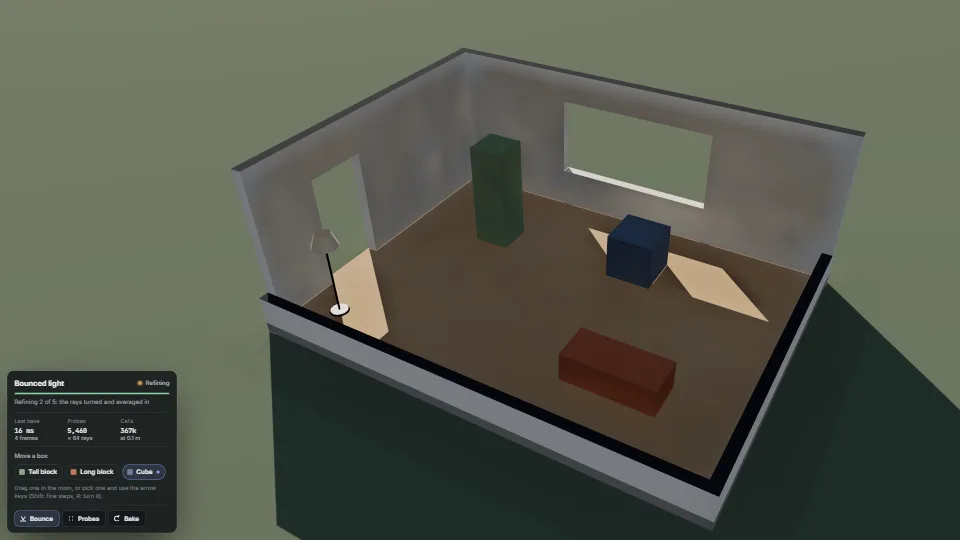
Light that comes in through a window, lands on the floor and bounces round the room, worked out on the GPU in a few frames instead of the half a minute…
 Surfaces & materials
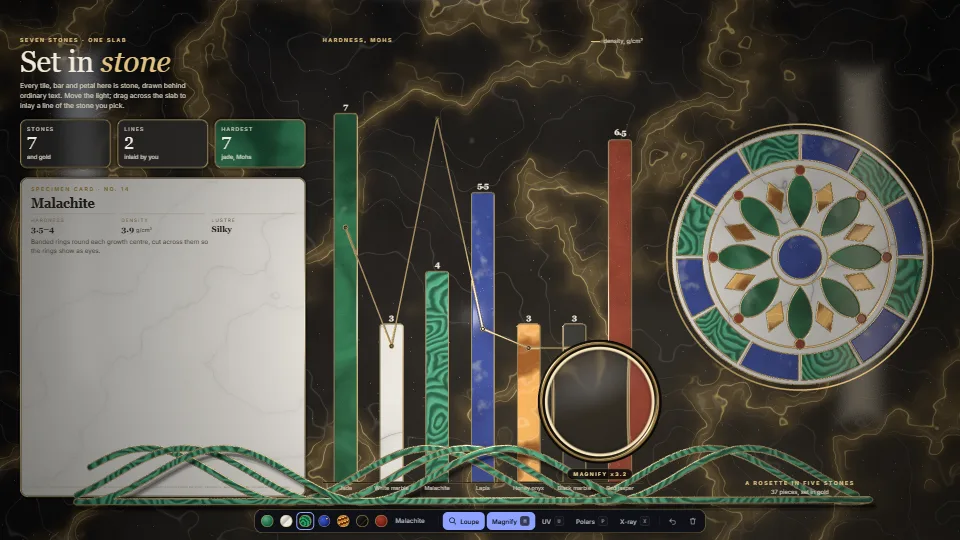
The whole page becomes one slab of polished stone behind ordinary DOM.
 Surfaces & materials
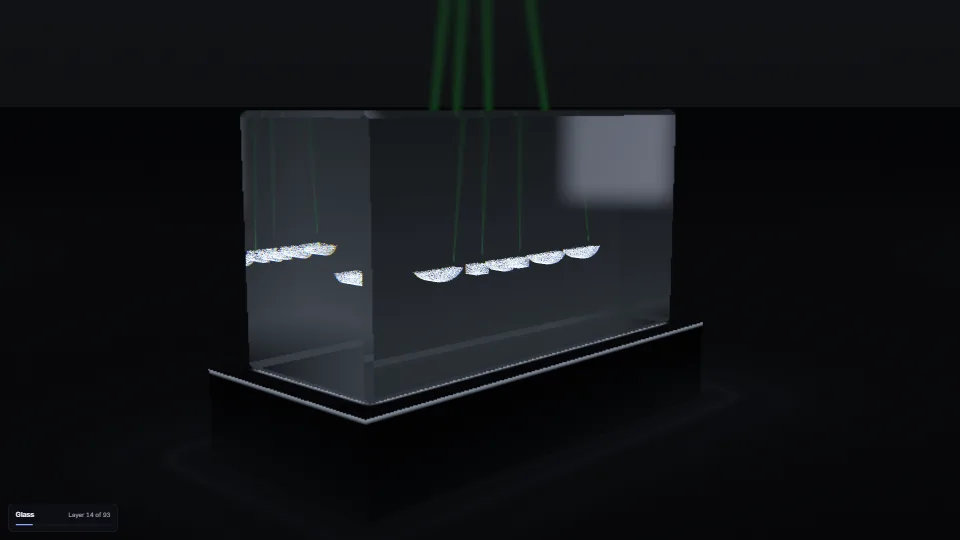
Laser engraving inside a block of glass: any word or mask becomes a cloud of tiny fractures, written by the laser layer by layer from the bottom up, seen…