 Surfaces & materials
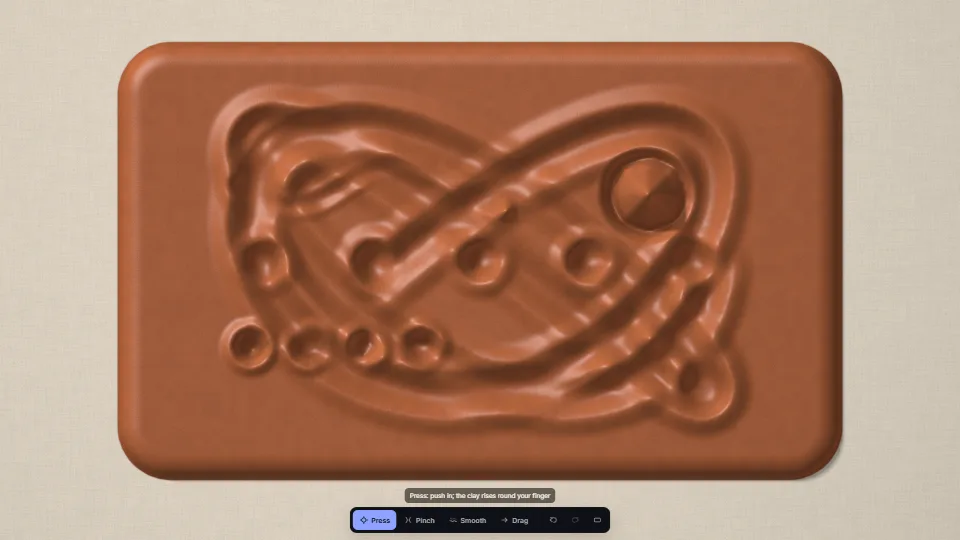
A clay sheet you press, pinch and smooth
A slab of clay on a linen board that keeps every touch.
1.68 GPU · 0.34 CPU ms
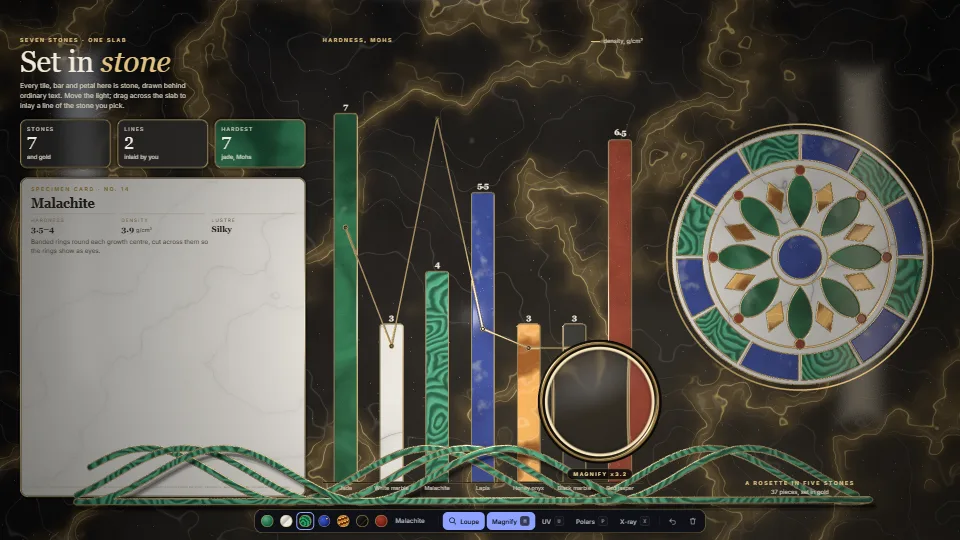
The whole page becomes one slab of polished stone behind ordinary DOM.
Measured 14 November 2026 on RTX 4060 Laptop, 13th Gen Intel(R) Core(TM) i9-13900H, Chrome 157, 1920×1080 at 1×. 600 frames × 3 rounds, median kept (rounds ranged GPU 0.92–1.95, CPU 0.48–0.62 ms). What ran: Measured with the loupe on in Magnify, the key light and the lens circling the slab, while a line of malachite is inlaid a segment every sixth frame (mask repaint, jump flood, and the bake scissored to that segment); every frame relights the slab from the baked stone and draws the stone under the glass live. Timed by its own timestamp queries. Phones: tiers are being measured next.
| Machine | GPU ms | CPU ms | CPU p95 |
|---|---|---|---|
| RTX 4060 Laptop · 13th Gen Intel(R) Core(TM) i9-13900Hreference · measuring tool | 1.94 | 0.52 | 0.88 |
| apple · Apple A19 Proin a browser tab · 16 November 2026 | 3.55 | 0.38 | 38.7 |
| Intel Arc 140V (Xe2-LPG) · Intel Core Ultra 7 258Vin a browser tab · 15 November 2026 | 2.23 | 1.07 | 1.77 |
Bars against one 16.7 ms frame. A browser-tab run is timed in a visible tab without the tool’s scripted input, so read it as close, not exact.
Frames run on a 60 Hz timer (a page demo), so most frames take about one tick, 16.7 ms: the spread around it is what matters.
[data-stone] elements a transparent background: the stone is drawn under them.invalidate(box) bakes only that box (plus bevels and the lifted shadow): it promises nothing else changed.refresh()), so call it again after the page’s text or layout changes.frame() skips while the last one is in flight and keeps what changed for the next.onLost, then make a fresh canvas and a slab with webgpu: false, and say so, as the demo does.content sits in the host, at its size and scroll; nested scrolling boxes inside the content are cloned unscrolled.From HaTac. Fully custom code.
Guodong Rong & Tiow-Seng Tan, Jump Flooding in GPU with Applications to Voronoi Diagram and Distance Transform (I3D 2006): The edge distance field: seeds on every edge between two shapes, then steps of 16, 8, 4, 2, 1, 1 texels.
Mark Jarzynski & Marc Olano, Hash Functions for GPU Rendering (JCGT, 2020): The PCG hash behind every noise, cell and the seeded rosette.
Ken Perlin, gradient noise (1985) and its quintic fade (2002); Steven Worley, A Cellular Texture Basis Function (1996): The marble clouds and veins; malachite’s rings, lapis’s pyrite and the ground’s crackle.
Feature Library, material designer (Polished marble, White marble, Carved jade): The vein recipe (a sine of a warped coordinate, sharpened by a power) and the jade’s layered clouds follow its presets.
Bruce Walter et al., Microfacet Models for Refraction (EGSR 2007); Christophe Schlick (1994): GGX highlights with Schlick’s Fresnel and visibility.
Inigo Quilez, 2D distance functions: The rounded box’s signed distance, the exact edge every tile and its wire are drawn from.
Surfaces & materialsA slab of clay on a linen board that keeps every touch.
 Surfaces & materials
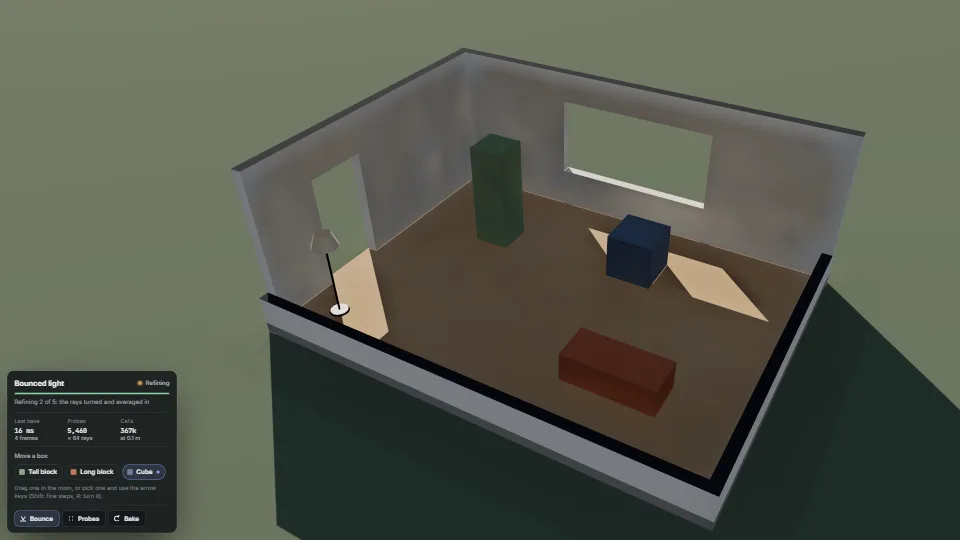
Light that comes in through a window, lands on the floor and bounces round the room, worked out on the GPU in a few frames instead of the half a minute…
 Surfaces & materials
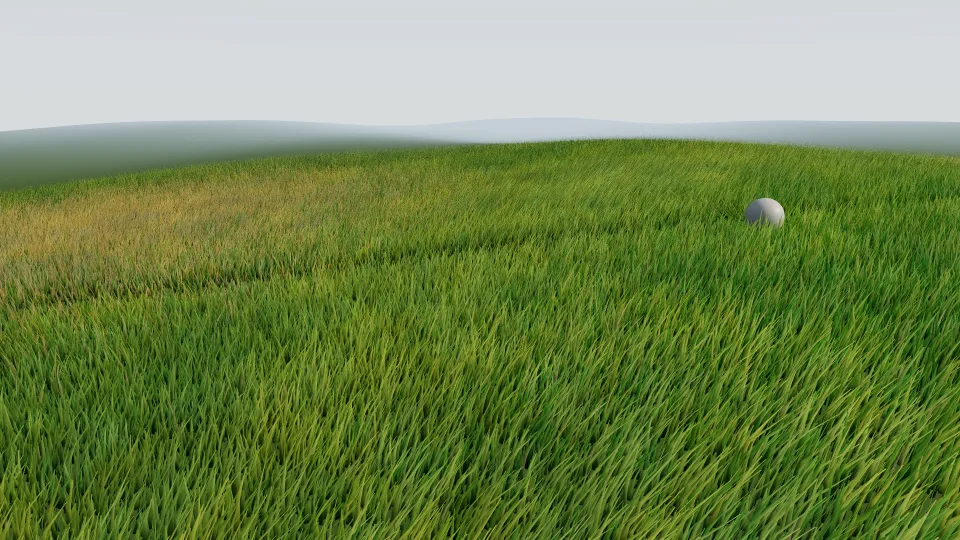
Hundreds of thousands of curved blades decided on the GPU every frame.
 Surfaces & materials
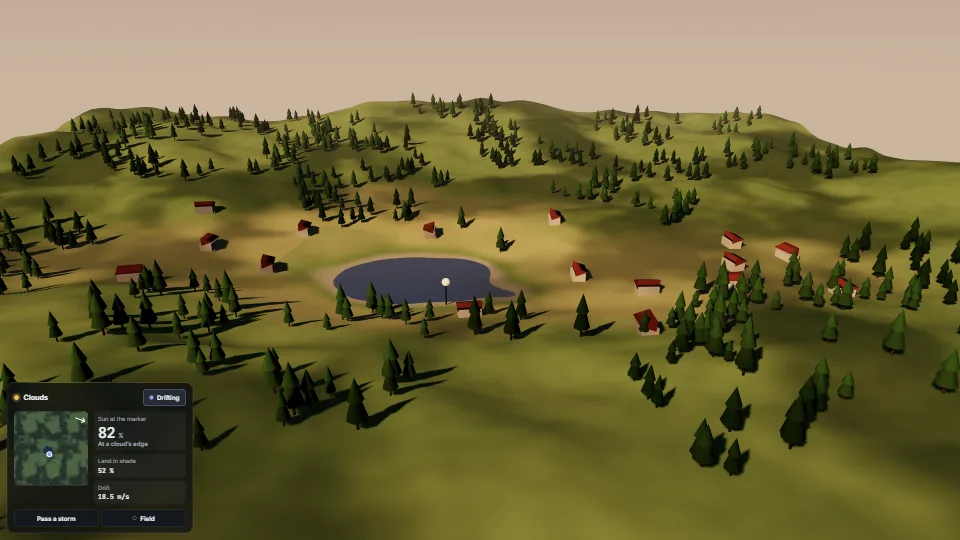
Soft shade drifting over the land with the wind, on everything the sun lights.