 Surfaces & materials
Wear and grime
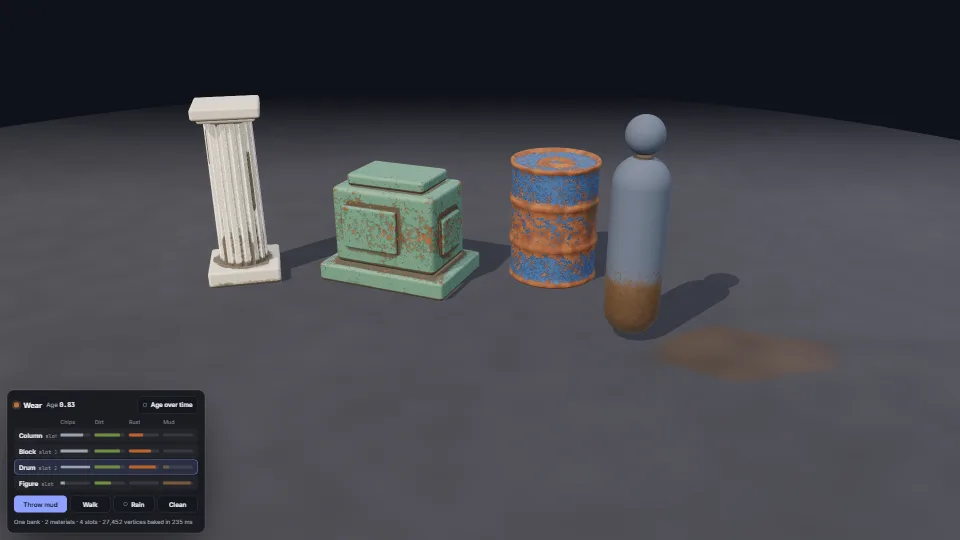
Paint that wears through on edges and corners, dirt and rust that gather in crevices, and grime the world leaves.
0.94 GPU · 0.45 CPU ms
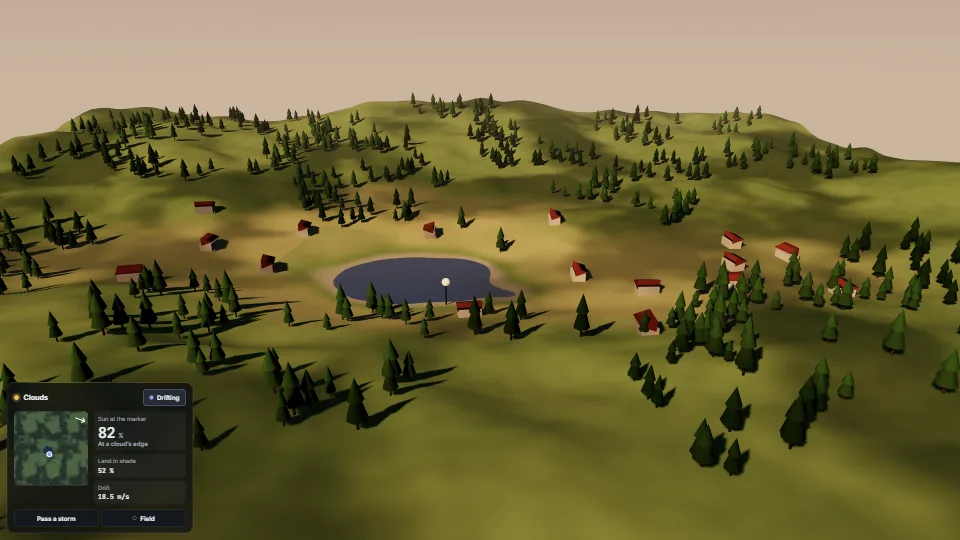
Soft shade drifting over the land with the wind, on everything the sun lights.
Measured 13 November 2026 on RTX 4060 Laptop, 13th Gen Intel(R) Core(TM) i9-13900H, Chrome 157, 1920×1080 at 1×. 600 frames × 3 rounds, median kept (rounds ranged GPU 1.19–1.19, CPU 0.26–0.39 ms). What ran: Measured drifting at 14 m/s over a 900 m landscape: an 80,000-triangle terrain, 700 trees and 16 houses in two instanced draws, a lake lit by hand that reads the same shade through `sunAt`, a 2048² sun shadow map. Every lit pixel reads the 256² cloud field once. Phones: tiers are being measured next.
| Machine | GPU ms | CPU ms | CPU p95 |
|---|---|---|---|
| RTX 4060 Laptop · 13th Gen Intel(R) Core(TM) i9-13900Hreference · measuring tool | 1.19 | 0.26 | 0.52 |
| apple · Apple A19 Proin a browser tab · 16 November 2026 | 4.86 | 0.44 | 0.70 |
| Intel Arc 140V (Xe2-LPG) · Intel Core Ultra 7 258Vin a browser tab · 15 November 2026 | 7.14 | 0.93 | 6.82 |
Bars against one 16.7 ms frame. A browser-tab run is timed in a visible tab without the tool’s scripted input, so read it as close, not exact.
shade(light) before the first render that sees the light: three makes a light’s node once, reading light.colorNode as it does, and never again.DirectionalLight itself (DirectionalLight.registerNode, as the game did): since three r187 a light’s node class lives on the light class’s prototype, so it changes every directional light on the page, in every renderer, other scenes and other widgets included.sunAt(positionWorld), or it stays bright under the clouds.densityAt(positionWorld) on the GPU, fieldPoint then sampleField on the CPU).From HaTac. Fully custom code.
Surfaces & materialsPaint that wears through on edges and corners, dirt and rust that gather in crevices, and grime the world leaves.
 Surfaces & materials
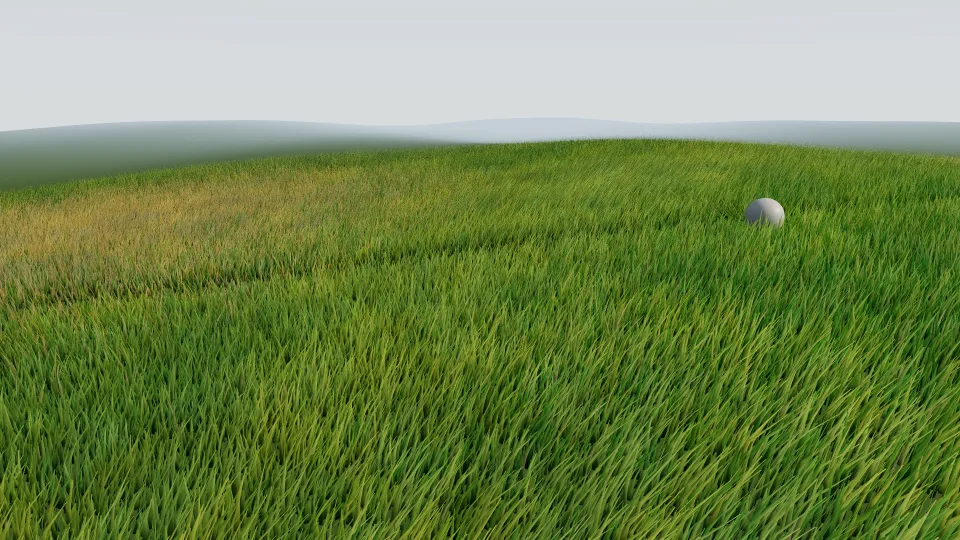
Hundreds of thousands of curved blades decided on the GPU every frame.
 Surfaces & materials
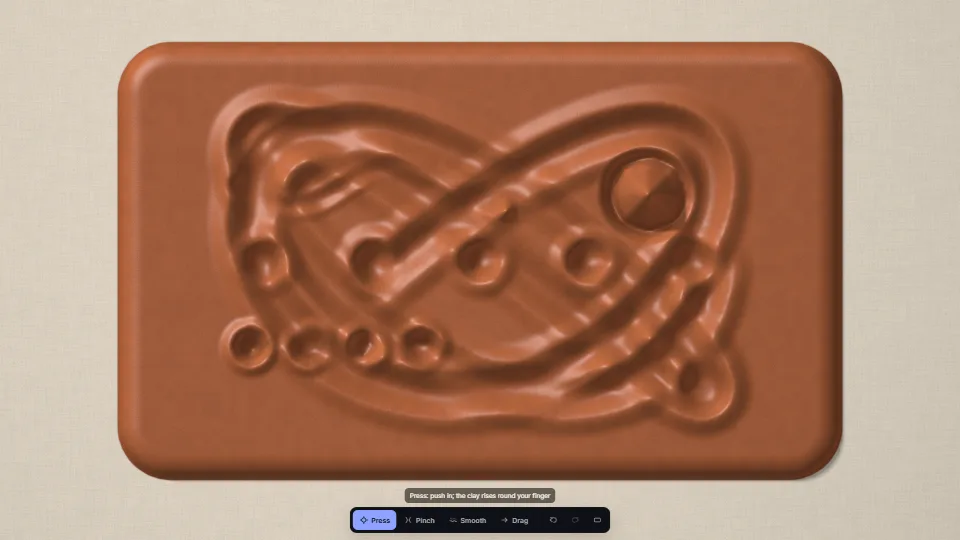
A slab of clay on a linen board that keeps every touch.
 Surfaces & materials