 Canvas & 2D
Brush tips with world-anchored patterns
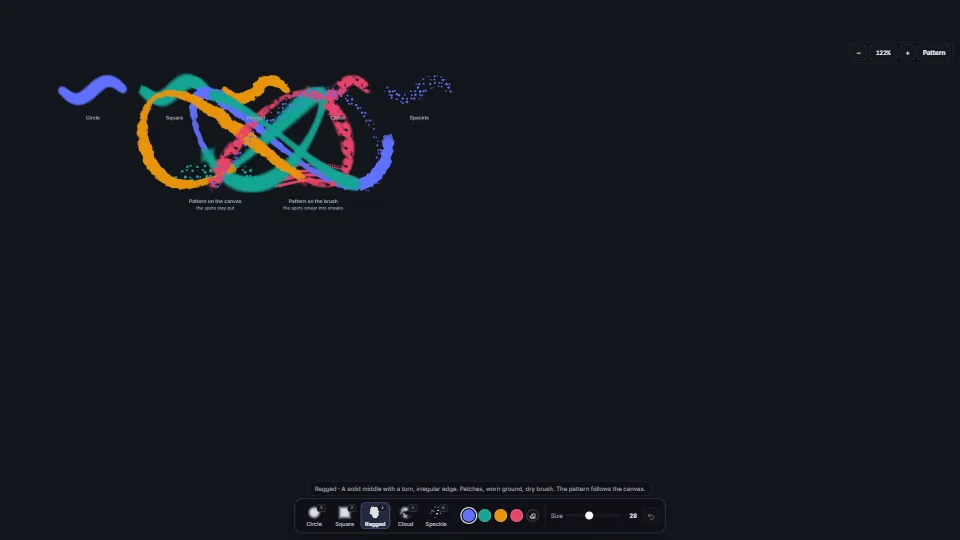
Five brush tips as pure functions of a point: a soft circle, a square that turns, a ragged edge that tears, a mottled cloud and a speckle of spots.
0.78 CPU ms
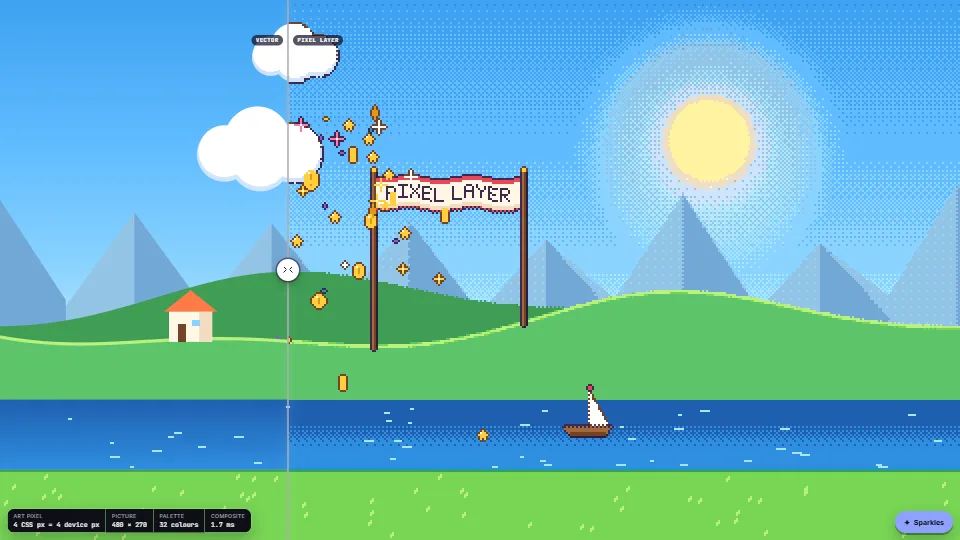
Draw with ordinary Canvas 2D calls (circles, gradients, paths) at a low resolution, and get true pixel art.
Measured 13 November 2026 on RTX 4060 Laptop, 13th Gen Intel(R) Core(TM) i9-13900H, Chrome 157, 1920×1080 at 1×. 600 frames × 3 rounds, median kept (rounds ranged CPU 2.25–2.35 ms). What ran: Measured with the world stepping at 12 frames a second and a burst of 28 particles every 0.7 s (they move every frame), so the frames hold the drawing of the three planes at art resolution, the composite (ordered dither, palette snap and outline over about 130,000 art pixels a plane at 1920×1080 with 4 px art pixels) and the vector half of the comparison. At rest nothing is drawn. Phones: tiers are being measured next.
| Machine | GPU ms | CPU ms | CPU p95 |
|---|---|---|---|
| RTX 4060 Laptop · 13th Gen Intel(R) Core(TM) i9-13900Hreference · measuring tool | not timed | 2.31 | 4.91 |
| apple · Apple A19 Proin a browser tab · 16 November 2026 | not timed | 3.62 | 8.08 |
| Intel Arc 140V (Xe2-LPG) · Intel Core Ultra 7 258Vin a browser tab · 15 November 2026 | not timed | 1.79 | 3.67 |
Bars against one 16.7 ms frame. A browser-tab run is timed in a visible tab without the tool’s scripted input, so read it as close, not exact.
From HaTac. Fully custom code.
Bryce Bayer (1973): the ordered-dither threshold matrices (4×4 and 8×8)
Thiadmer Riemersma, “Colour metric” (CompuPhase): the red-mean weighted colour distance used to find the nearest palette colour
Canvas & 2DFive brush tips as pure functions of a point: a soft circle, a square that turns, a ragged edge that tears, a mottled cloud and a speckle of spots.
 Canvas & 2D
 Canvas & 2D
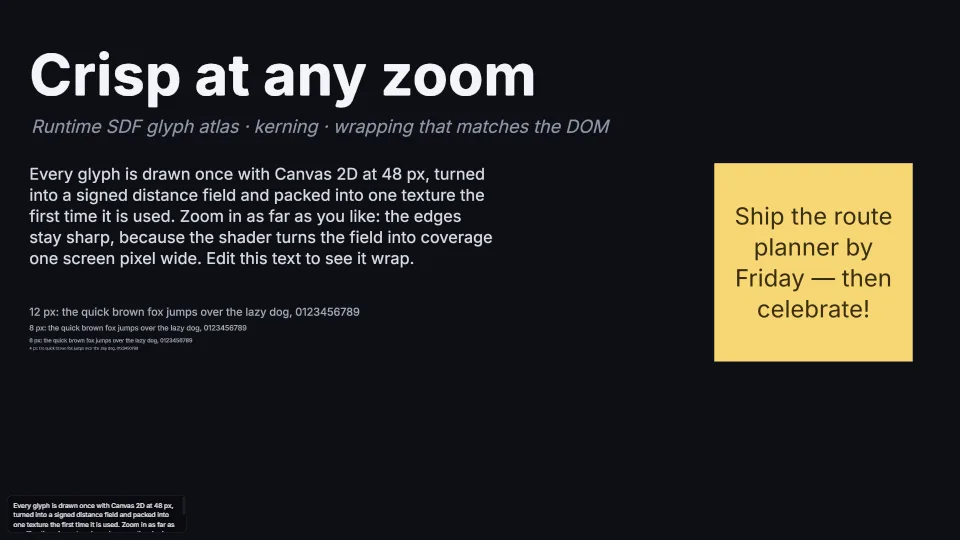
Crisp text at 2% or 6400%: glyphs rasterised on first use with Canvas 2D, turned into signed distance fields by an exact distance transform, packed into one…
 Canvas & 2D