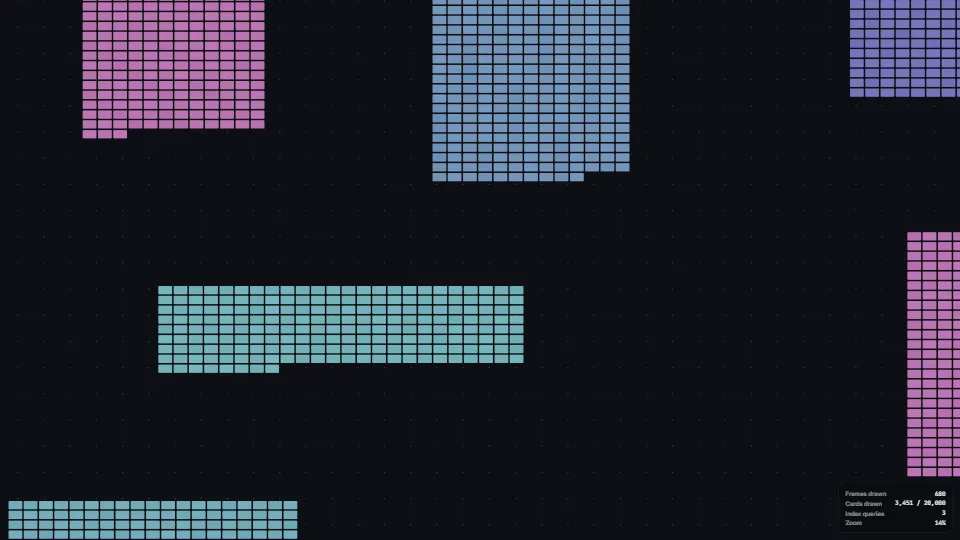
The live demo starts when it’s in view.Click the board, then scroll or pinch to zoom · drag to pan · double-click to fly in · Add a card off screen glides just far enough to show it
The parts of a zoomable board that make it feel right.
What it costs a frame
GPU
0.10 ms
CPU
0.33 ms
02468101216.7 ms
GPU
0.10 ms
CPU, median
0.33 ms
CPU, 95th pct
0.49 ms
Draw calls
4
Weight
Light
Measured 11 November 2026 on RTX 4060 Laptop, 13th Gen Intel(R) Core(TM) i9-13900H, Chrome 157, 1920×1080 at 1×. 600 frames × 3 rounds, median kept. What ran: Measured while the view wanders round a cluster and zooms in and out, so every frame draws (20,000 cards on the board, culled to the view). Idle, render on demand draws no frame at all: 0 ms. The index is asked again only when the view leaves the culled region. Phones: tiers are being measured next.
apple · Apple A19 Proin a browser tab · 16 November 2026
1.10
0.22
0.28
Intel Arc 140V (Xe2-LPG) · Intel Core Ultra 7 258Vin a browser tab · 15 November 2026
1.05
0.68
1.14
Bars against one 16.7 ms frame. A browser-tab run is timed in a visible tab without the tool’s scripted input, so read it as close, not exact.
What it needs
Renders with
WebGPUNeeds WebGPU: current Chrome and Edge, Safari 26+, Firefox 141+ on Windows.
Your browser
Checking…Looking for WebGPU
Depends on
three.js 0.187.0No other packages
What it’s for
Whiteboards and canvas apps
Node editors
Maps and floor plans
Design tools
Large dashboards
Pitfalls, in brief
A mouse notch is a round number of the screen’s own pixels: at a page zoom or display scale other than 100% Chrome sends it in CSS pixels (100 at 90% is 111.11), so read it at the device pixel ratio or the wheel pans instead of zooming.
A fast trackpad flick sends notch-sized deltas: a notch-like event inside a trackpad stream (280 ms) stays a pan.
Keep the grid’s world origin small (positiveMod against the coarse spacing): far out on the board float32 positions shimmer otherwise.
Query the index for a region larger than the view and only again when the view leaves it: a pan inside the margin costs the CPU nothing.
Huge items spanning more than 64 cells go in one list every query checks, so one wide frame does not fill thousands of cells.
3 more in brief
Render on demand means nothing animates by itself: anything that moves (a flight, a smoothed zoom) must return true from draw to ask for the next frame.
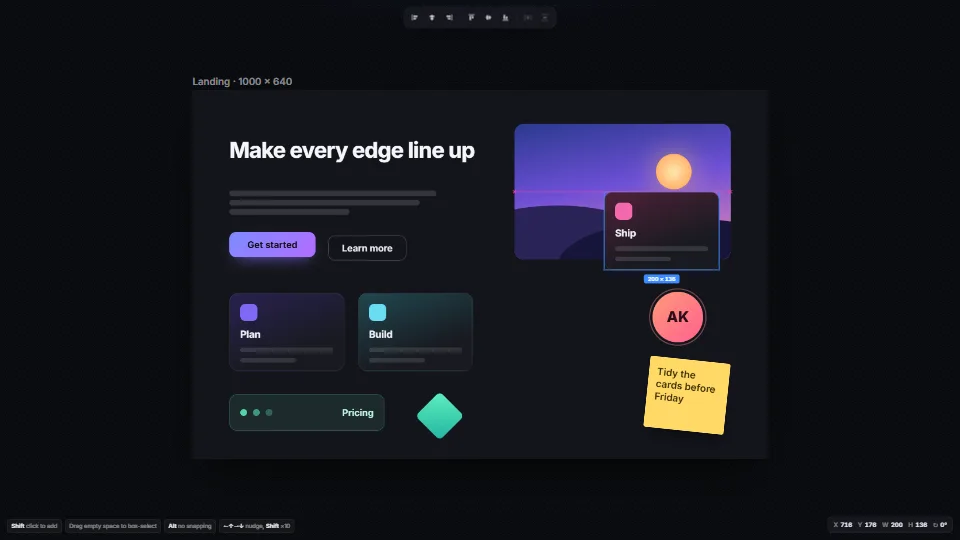
Showing something new or off screen (an added card, a search hit, a jump to an error) by recentring on it throws away where the user was looking: reveal it with revealRect, the least pan, and pass the app’s own bars as insets so it does not land under them.
Capture the wheel only once the board has been clicked (or is full screen), or the page cannot scroll past it.
8 pitfalls in full, the hook-up guide, the module source and its tests come with the part.
Where it comes from
From SpaciousPro. Fully custom code.
pan and zoomrender on demandspatial indexcullingwheeltrackpaddot gridinstancing
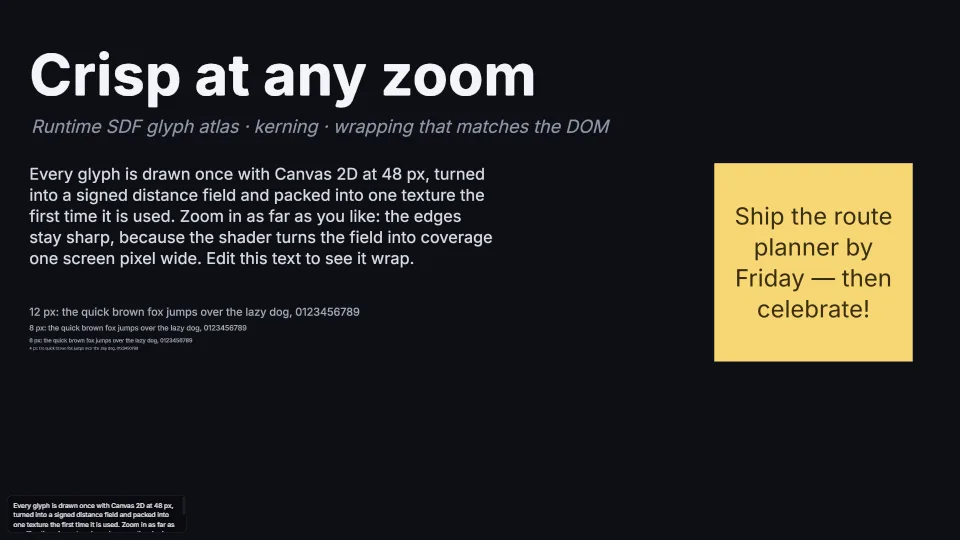
Crisp text at 2% or 6400%: glyphs rasterised on first use with Canvas 2D, turned into signed distance fields by an exact distance transform, packed into one…
 Canvas & 2D
 Canvas & 2D
 Canvas & 2D
 Canvas & 2D