 Canvas & 2D
Smart guides, align and handles
0.20 CPU ms

Still
The live demo starts when it’s in view.Drag shapes to snap · corners resize, just outside them turns · Alt drags freely
The pure geometry behind editing shapes on a board.
What it costs a frame
0.20 ms
- GPU
- not used
- CPU, median
- 0.20 ms
- CPU, 95th pct
- 0.28 ms
- Draw calls
- 0
- Weight
- Light
Measured 3 November 2026 on 13th Gen Intel(R) Core(TM) i9-13900H, Chrome 156, 1920×1080 at 1×. 600 frames × 3 rounds, median kept. What ran: Measured with a card dragged round the board by script, snapping every frame: each frame runs the edge, middle and equal-spacing snaps against the other eleven shapes and the board, then moves the card and redraws the guides, gap labels and handles. Phones: tiers are being measured next.
| Machine | GPU ms | CPU ms | CPU p95 |
|---|---|---|---|
| unknown GPU · 13th Gen Intel(R) Core(TM) i9-13900Hreference · measuring tool | not timed | 0.20 | 0.28 |
| apple · Apple A19 Proin a browser tab · 16 November 2026 | not timed | 0.26 | 0.36 |
| Intel Arc 140V (Xe2-LPG) · Intel Core Ultra 7 258Vin a browser tab · 15 November 2026 | not timed | 0.30 | 0.52 |
Bars against one 16.7 ms frame. A browser-tab run is timed in a visible tab without the tool’s scripted input, so read it as close, not exact.
What it needs
- Renders with
- DOM and CSSPlain DOM and CSS: every current browser.
- Your browser
- Runs hereNo WebGPU needed
- Depends on
- NothingNo other packages
What it’s for
- Design tools and whiteboards
- Diagram and node editors
- Slide and page layout
- Dashboard builders
- Floor plans
Pitfalls, in brief
- The snap reach is in screen pixels: divide it by the zoom before passing it in, or snapping grabs from across the board when zoomed out and never when zoomed in.
- Build SnapTargets once when a drag starts, from everything but the moving items: the others do not move during it, and rebuilding it per frame sorts every edge again.
- Snap the raw offset from the drag’s start, never the last snapped position: snapping the snapped box sticks it to the first line it meets.
- Turned items snap by their axis-aligned bounds (boundsOfBox), and snapResize only makes sense for an unturned box resized freely: skip it with a kept aspect, from the centre or for a turned box.
- Resize from the box as it was when the drag started, not as it is now: resizeBox measures the pointer in that box’s own frame, so a turned box keeps its opposite corner still.
2 more in brief
- Hit-test handles before shapes, and the shapes topmost first; the rotate zone sits just outside each corner, so a corner handle has to win inside its reach.
- With a group selected, scale and turn the boxes as they were at the drag’s start (scaleBoxes, rotateBoxes), not step by step, or rounding drifts them apart.
7 pitfalls in full, the hook-up guide, the module source and its tests come with the part.
Where it comes from
From SpaciousPro. Fully custom code.
Near it in the frame
Canvas & 2D Canvas & 2D
 Canvas & 2D
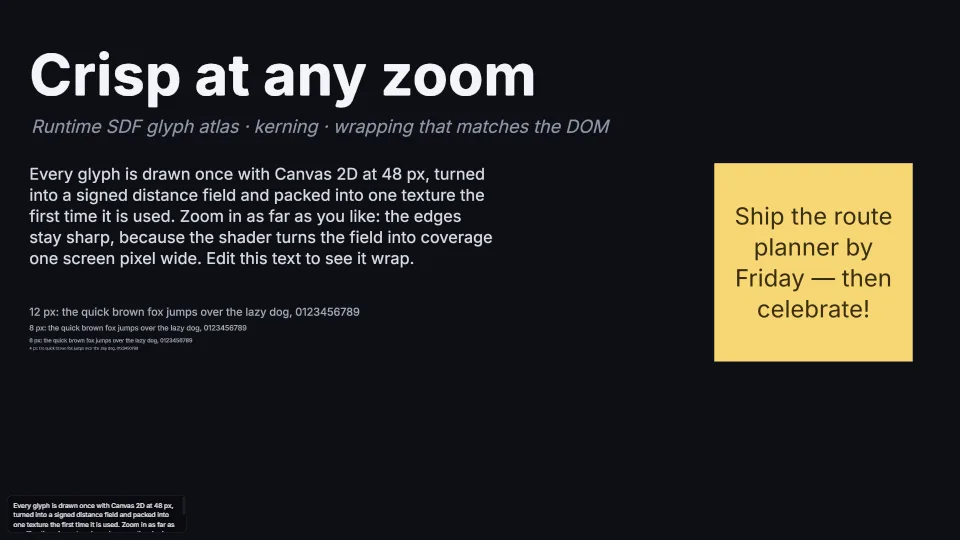
SDF text at any zoom
Crisp text at 2% or 6400%: glyphs rasterised on first use with Canvas 2D, turned into signed distance fields by an exact distance transform, packed into one…
0.09 GPU · 0.41 CPU ms
 Canvas & 2D