 Techniques
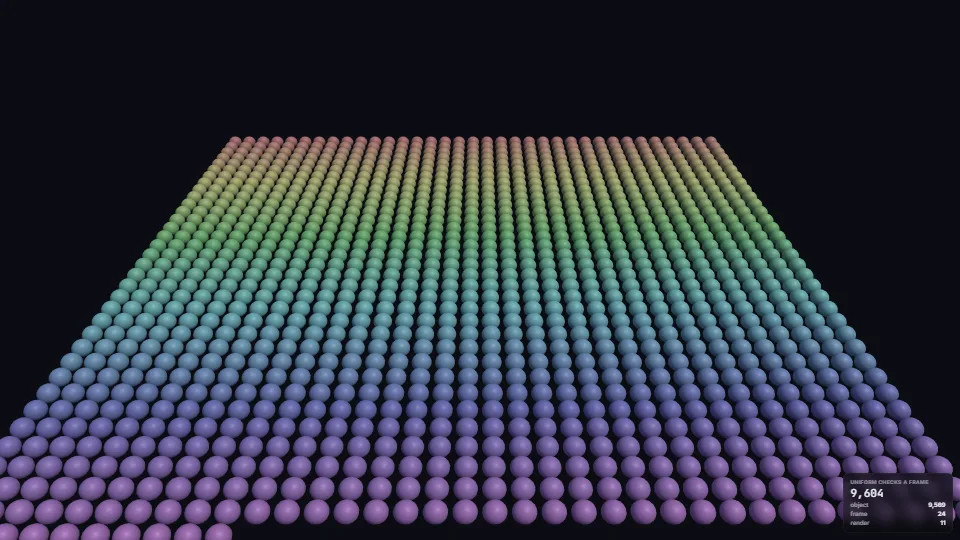
Shared frame uniforms
Global values (time, wind, sun, fog) in three’s frame group instead of every object’s: checked once a render instead of once per drawn object and pass.
1.58 GPU · 2.48 CPU ms
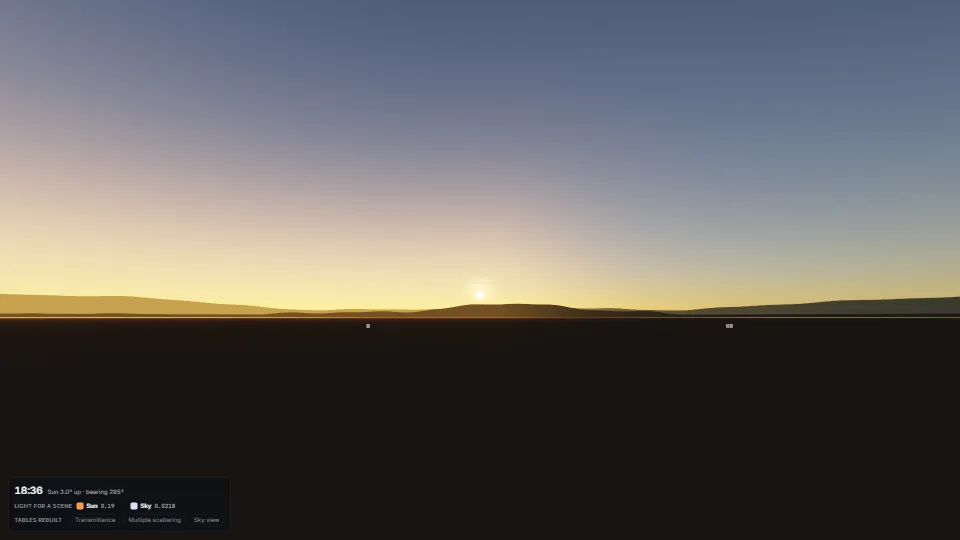
A sky worked out from the air itself on WebGPU (the same passes on WebGL2 where it is missing).
Measured 11 November 2026 on 13th Gen Intel(R) Core(TM) i9-13900H, Chrome 157, 1920×1080 at 1×. 600 frames × 3 rounds, median kept. What ran: Plays the day on a loop (the view following the sun), so every frame rebuilds the sky-view table and the probe and draws the sky at the stage’s size; timed with its own timestamp queries. At rest it draws nothing. Phones: tiers are being measured next.
| Machine | GPU ms | CPU ms | CPU p95 |
|---|---|---|---|
| unknown GPU · 13th Gen Intel(R) Core(TM) i9-13900Hreference · measuring tool | 3.37 | 0.36 | 0.51 |
| apple · Apple A19 Proin a browser tab · 16 November 2026 | 9.57 | 0.60 | 0.80 |
| Intel Arc 140V (Xe2-LPG) · Intel Core Ultra 7 258Vin a browser tab · 15 November 2026 | 1.51 | 0.60 | 0.86 |
Bars against one 16.7 ms frame. A browser-tab run is timed in a visible tab without the tool’s scripted input, so read it as close, not exact.
From SpaciousPro. Fully custom code.
Sébastien Hillaire, A Scalable and Production Ready Sky and Atmosphere Rendering Technique (2020): The method: the transmittance, multiple-scattering and sky-view tables, the energy-conserving step, the sky-view table’s rows and Earth’s scattering values.
Eric Bruneton & Fabrice Neyret, Precomputed Atmospheric Scattering (2008): The transmittance table’s parametrisation (distance to the top against height), as in Bruneton’s 2017 revision; re-written here.
Krzysztof Narkowicz, ACES Filmic Tone Mapping Curve (2016): The tone curve’s fit, as the source has it.
Cornette & Shanks (1992): The Mie phase function.
Mark Jarzynski & Marc Olano, Hash Functions for GPU Rendering (2020): Their pcg3d places the stars and dithers the output.
TechniquesGlobal values (time, wind, sun, fog) in three’s frame group instead of every object’s: checked once a render instead of once per drawn object and pass.
 Techniques
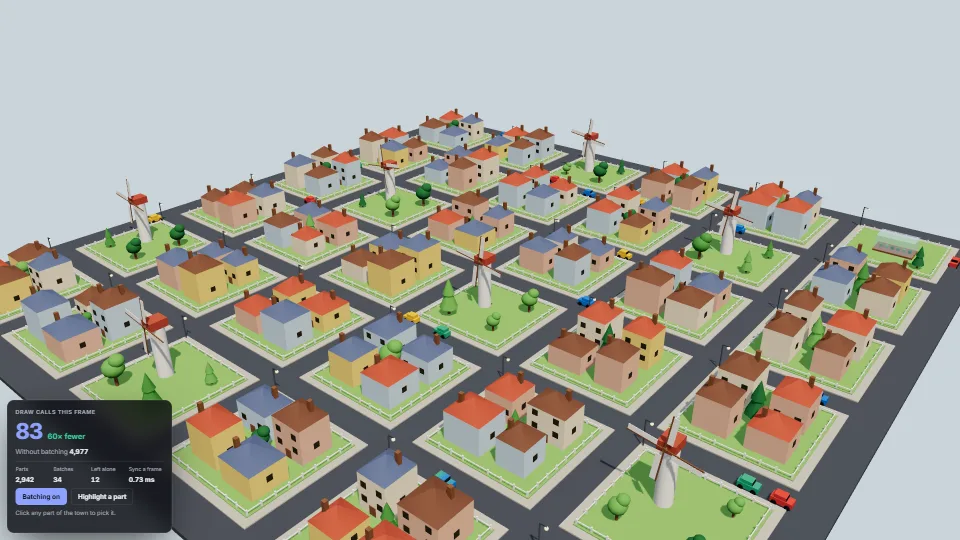
Every plain opaque mesh in a scene is drawn through shared InstancedMeshes, one per geometry, material and shadow flags, with no change to the code that builds the scene.
 Techniques
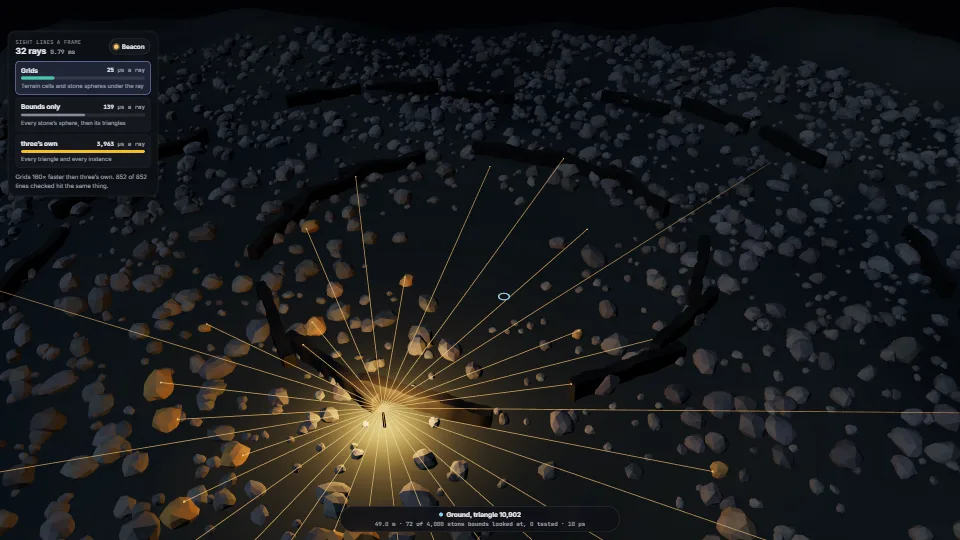
Picking and line of sight that stay cheap when the scene is big.
 Techniques