The live demo starts when it’s in view.Type a command (help, list, sky, colour green) · select any text · scroll the log
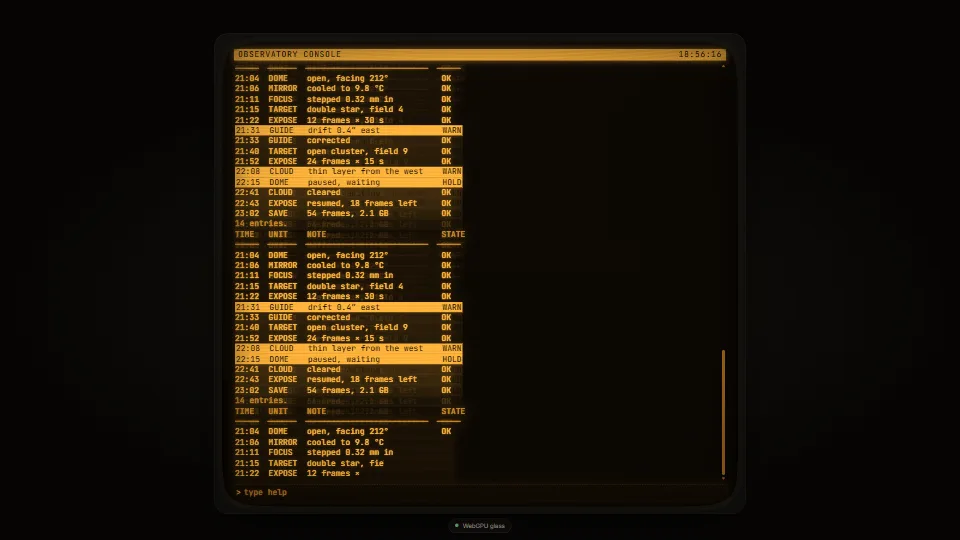
A CRT phosphor terminal drawn round live DOM text: the text stays real, selectable and read aloud, and the tube is laid over it.
What it costs a frame
GPU
0.10 ms
CPU
0.01 ms
02468101216.7 ms
GPU
0.10 ms
CPU, median
0.01 ms
CPU, 95th pct
0.40 ms
Draw calls
0
Weight
Light
Measured 13 November 2026 on RTX 4060 Laptop, 13th Gen Intel(R) Core(TM) i9-13900H, Chrome 157, 1920×1080 at 1×. 600 frames × 3 rounds, median kept (rounds ranged GPU 0.08–0.11, CPU 0.01–0.01 ms). What ran: Measured with the demo printing by itself: a 14-line listing streams in (a line every 45 ms, each typed on), scrolls, and leaves an afterglow per line; then it waits and runs again. The GPU glass (one full-screen pass and up to 160 halation quads) draws every frame while the refresh band, flicker and grain move. Phones: tiers are being measured next.
apple · Apple A19 Proin a browser tab · 16 November 2026
3.94
0.02
3.16
Intel Arc 140V (Xe2-LPG) · Intel Core Ultra 7 258Vin a browser tab · 15 November 2026
0.13
0.02
0.74
Bars against one 16.7 ms frame. A browser-tab run is timed in a visible tab without the tool’s scripted input, so read it as close, not exact.
How steadily it runs on Intel Arc 140V (Xe2-LPG) · Intel Core Ultra 7 258V · in a browser tab
Typical frame ?
16.64 ms
1% low ?
44 fps
Varies by ?
±0.80 ms
All metricsIntel Arc 140V (Xe2-LPG) · Intel Core Ultra 7 258V · in a browser tabHow long each frame took. Most frames sit in the tall bars; a long tail to the right is hitching.
Frames run on a 60 Hz timer (a page demo), so most frames take about one tick, 16.7 ms: the spread around it is what matters.
Frames
Median (p50) ?
16.64 ms
p95 ?
17.34 ms
p99 ?
18.17 ms
Slowest ?
28.80 ms
Mean ?
16.72 ms
Standard deviation ?
0.80 ms
1% low ?
44 fps
0.1% low ?
35 fps
Hitches ?
0 of 600
Over budget ?
2 of 600
Main thread
Long tasks ?
0
Long frames ?
0
Event-loop delay ?
0.1 / 1.1 / 1.9 ms
Input
No input during this run. A browser-tab run plays none.
Memory
JavaScript heap ?
84.1 → 84.6 MB
Growth ?
+0.48 MB
What it needs
Renders with
WebGPUNeeds WebGPU: current Chrome and Edge, Safari 26+, Firefox 141+ on Windows.
Your browser
Checking…Looking for WebGPU
Depends on
NothingNo other packages
What it’s for
Consoles and command lines with a look
Retro game menus and HUDs
Logs and status boards
A theme for a whole app
Title screens and loading screens
Pitfalls, in brief
The text is never warped: curvature rounds the glass, bows the scanlines and darkens the edges, but the DOM stays flat so selection, caret and clicks line up.
Pad the host by at least the bezel (14 px by default) and a little more: the bezel is drawn over the host’s edge, and the glass’s corners round off text that reaches them.
Persistence copies the screen’s rows on show each time it changes, at most once a frame: keep the screen’s direct children as lines or small blocks, and cap the scrollback (the demo keeps 160 rows).
The screen’s background must be transparent, or it hides the afterglow under it.
A large text-shadow on a lot of text is a paint cost on every scroll: keep bloom moderate on long screens, or set bloom 0 and let the GPU halation do the glow.
5 more in brief
The GPU glass draws every frame only while something on it moves (band, flicker or grain) and the host is on screen; with those off, or under reduced motion, it draws only when the text or the size changes.
Under prefers-contrast: more or forced colours the glass, glow and afterglow are all dropped (plain mode).
WebGPU arrives a moment after the page: the CSS glass shows until the GPU pipelines are compiled (in the background), then the canvas takes over.
A WebGPU device can be lost (a driver reset, a sleeping laptop): the CSS glass takes over at once, onGlass hears ‘css’ with the reason ‘lost’ so you can say so, and a new device is asked for three seconds later, three times at most.
Afterglow copies are inert and lose their ids, tab stops, names and autoplay, so a copied checked radio cannot uncheck the real one.
10 pitfalls in full, the hook-up guide, the module source and its tests come with the part.
Where it comes from
From HaTac. Fully custom code.
Jarzynski and Olano, “Hash Functions for GPU Rendering” (JCGT 2020): The PCG integer hash for the grain and the bezel’s texture.
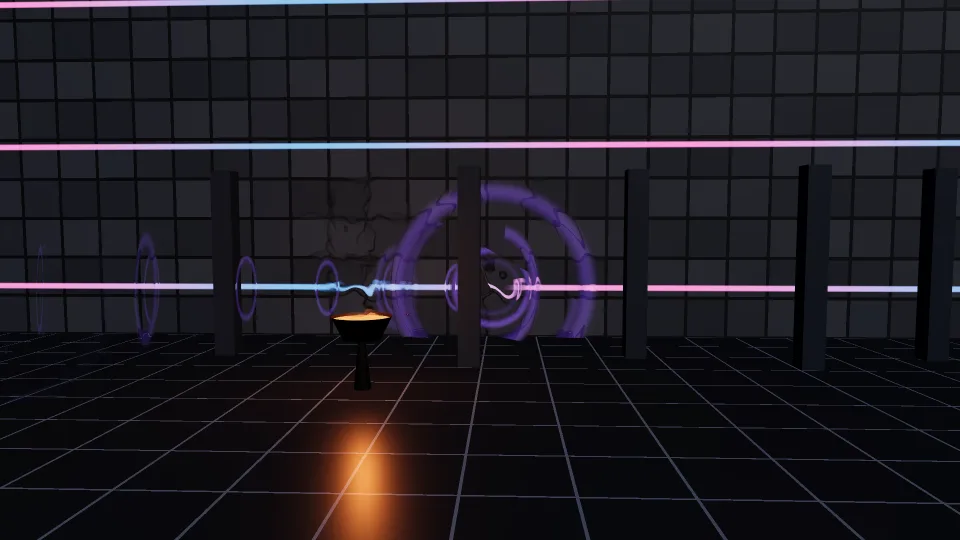
Air that bends what is behind it: shimmering heat over fires and blasts, and sonic shockwaves (rings, shells and a flying core) animated on the GPU from their…
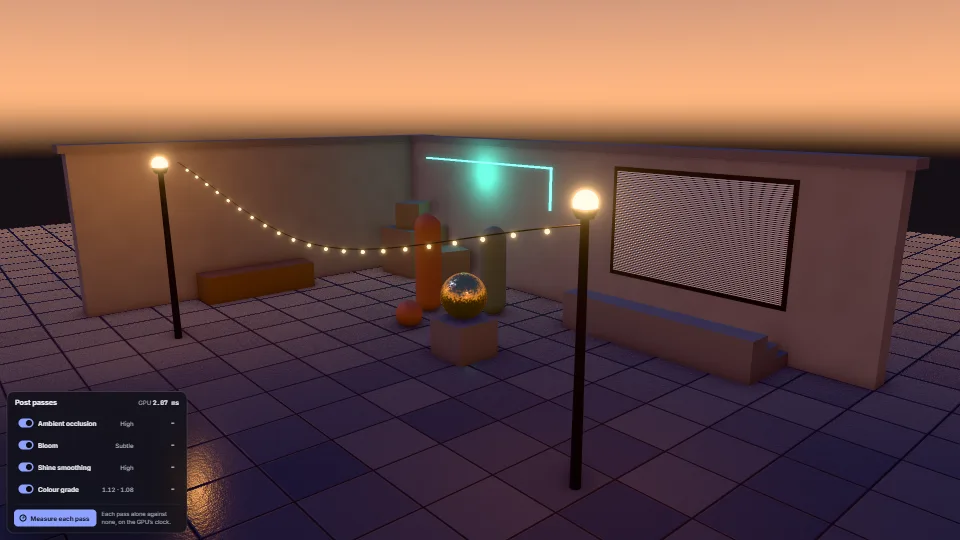
Ambient occlusion (GTAO from the frame’s own depth), bloom that only takes light brighter than lit white, specular anti-aliasing in every lit material and a…
 Screen effects
 Screen effects
 Screen effects
 Screen effects