 Data & layout
Field rules: when a person must check
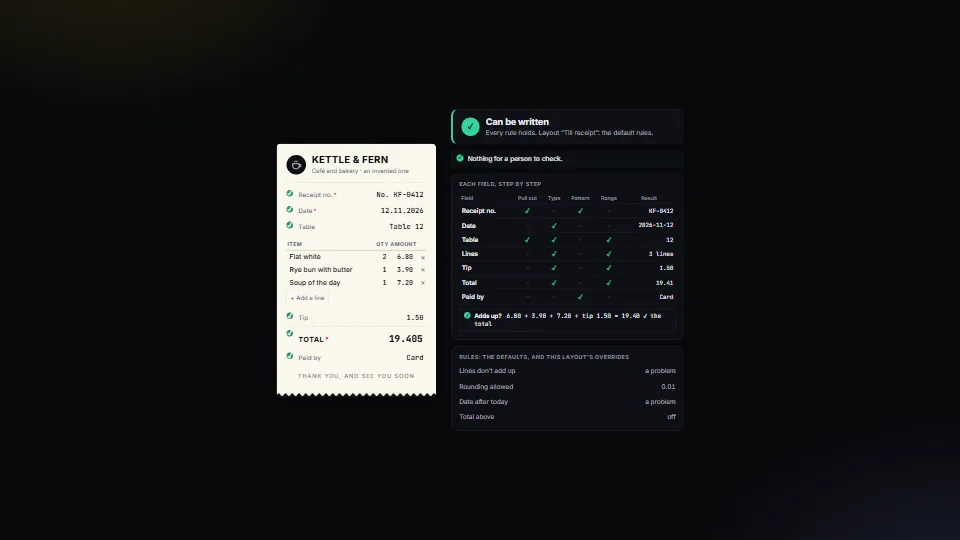
Decides, for every value read from a document or a form, whether it can be written or a person must look, and says why in plain English.
0.47 CPU ms
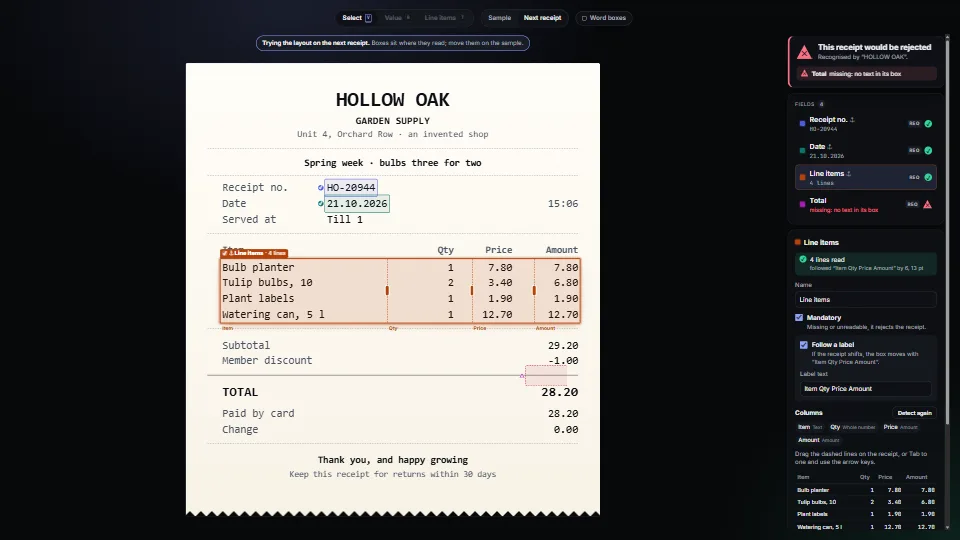
Map where each value sits on a PDF or a scan with a text layer, from nothing but its words and their boxes.
Measured 13 November 2026 on RTX 4060 Laptop, 13th Gen Intel(R) Core(TM) i9-13900H, Chrome 157, 1920×1080 at 1×. 600 frames × 3 rounds, median kept (rounds ranged CPU 0.42–0.47 ms). What ran: Measured with the demo editing itself: every frame it nudges the total’s box half a point (and back), so each frame reads the whole layout off the page again (four fields, a four-column table, the labels looked for) and repaints the boxes, the field list and the verdict; every 45 frames it swaps receipts, so the boxes follow their labels. Nothing runs while nothing changes. Phones: tiers are being measured next.
| Machine | GPU ms | CPU ms | CPU p95 |
|---|---|---|---|
| RTX 4060 Laptop · 13th Gen Intel(R) Core(TM) i9-13900Hreference · measuring tool | not timed | 0.43 | 0.77 |
| apple · Apple A19 Proin a browser tab · 16 November 2026 | not timed | 0.38 | 1.32 |
| Intel Arc 140V (Xe2-LPG) · Intel Core Ultra 7 258Vin a browser tab · 15 November 2026 | not timed | 0.49 | 0.92 |
Bars against one 16.7 ms frame. A browser-tab run is timed in a visible tab without the tool’s scripted input, so read it as close, not exact.
From My other apps. Fully custom code.
WAI-ARIA Authoring Practices Guide (W3C): the Window Splitter pattern for the column lines (a focusable separator with a value, moved by the arrow keys), and the Radio Group pattern for the demo’s tools
Data & layoutDecides, for every value read from a document or a form, whether it can be written or a person must look, and says why in plain English.
 Data & layout
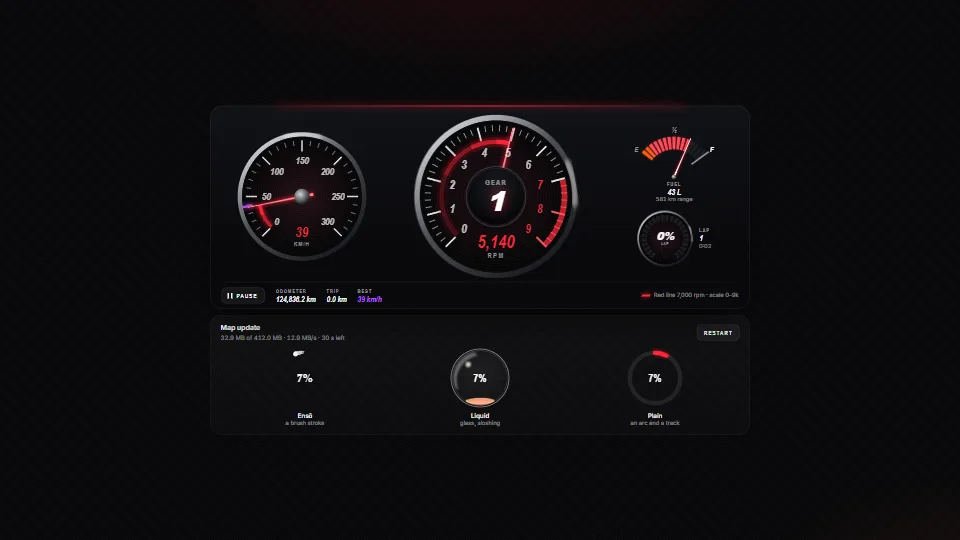
Instrument gauges in SVG (a tach with a red line on a nice scale, a speedometer with a best mark, a fuel gauge and an LED ring) whose needles chase their…
 Data & layout
 Data & layout
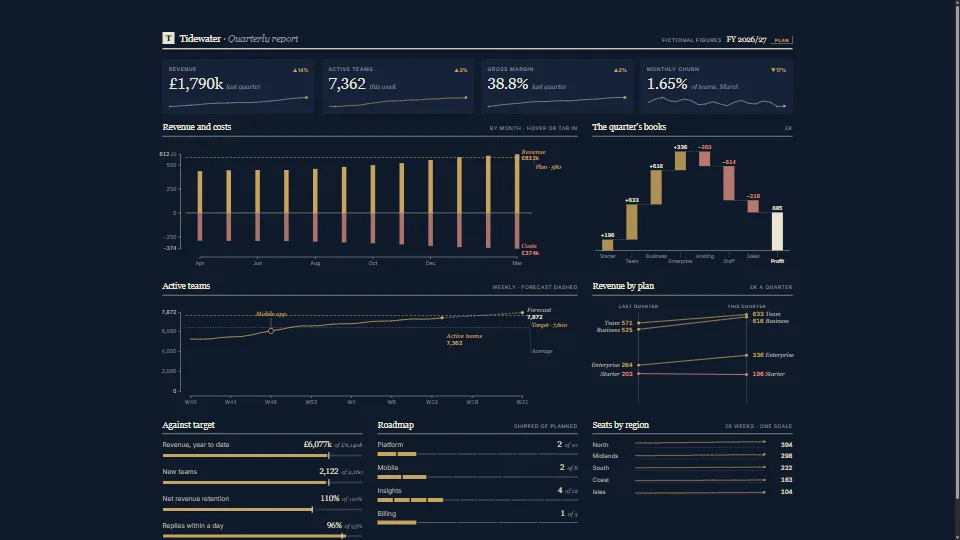
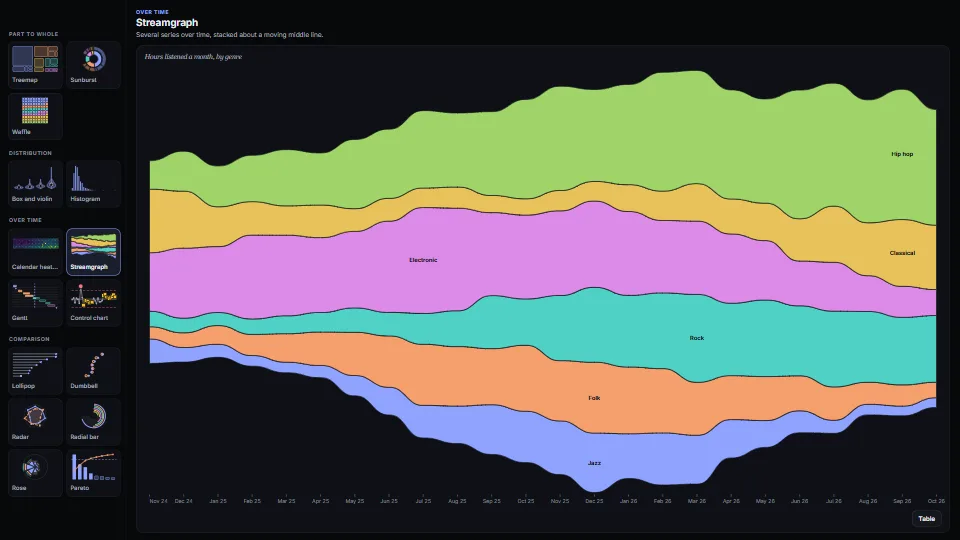
Fifteen chart types as plain functions that return SVG, each with its numbers as a table and words for every mark.