 Systems & tooling
Z-fighting check with a ratchet
0.42 GPU · 0.39 CPU ms
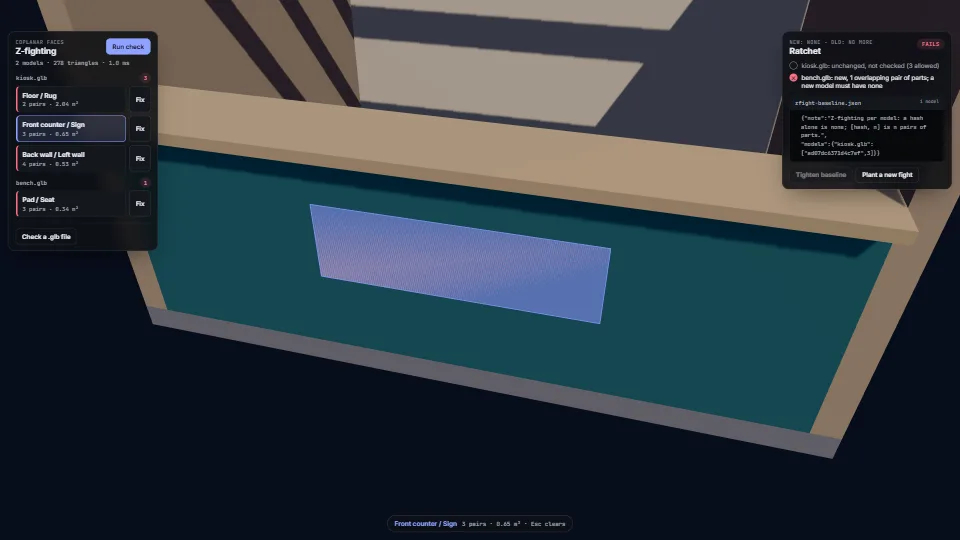
Still
The live demo starts when it’s in view.Pick a finding to fly to it · Fix, then run the check again · drop a .glb to check your own
Finds z-fighting before anyone sees it flicker.
What it costs a frame
0.42 ms
0.39 ms
- GPU
- 0.42 ms
- CPU, median
- 0.39 ms
- CPU, 95th pct
- 0.59 ms
- Draw calls
- 49
- Weight
- Light
Measured 13 November 2026 on RTX 4060 Laptop, 13th Gen Intel(R) Core(TM) i9-13900H, Chrome 157, 1920×1080 at 1×. 600 frames × 3 rounds, median kept (rounds ranged GPU 0.20–0.42, CPU 0.30–0.61 ms). What ran: Measured stepping through the findings by itself: every 2.5 s the camera flies to the next fight and its faces pulse, and the whole check (both models, hashes, ratchet) runs again each time. The set is about 30 boxes with shadows from one sun. Phones: tiers are being measured next.
| Machine | GPU ms | CPU ms | CPU p95 |
|---|---|---|---|
| RTX 4060 Laptop · 13th Gen Intel(R) Core(TM) i9-13900Hreference · measuring tool | 0.42 | 0.39 | 0.59 |
| apple · Apple A19 Proin a browser tab · 16 November 2026 | 1.57 | 0.18 | 0.26 |
| Intel Arc 140V (Xe2-LPG) · Intel Core Ultra 7 258Vin a browser tab · 15 November 2026 | 0.85 | 0.85 | 1.14 |
Bars against one 16.7 ms frame. A browser-tab run is timed in a visible tab without the tool’s scripted input, so read it as close, not exact.
What it needs
- Renders with
- WebGPU or WebGLWebGPU where there is one, WebGL2 where there is not.
- Your browser
- Runs hereNo WebGPU needed
- Depends on
- three.js 0.187.0No other packages
What it’s for
- A test that fails when a new model brings z-fighting
- Checking exported GLBs before they go into a game or a configurator
- Cleaning up an old asset library without blocking on it (the ratchet only tightens)
- Finding duplicated faces left by a modelling tool
- Checking a scene built in code (kits, walls, procedural buildings)
- Pointing an artist straight at the faces that flicker
Pitfalls, in brief
- Only faces facing the same way are compared: with back faces culled, two faces back to back never show together.
- The tolerance is in the model’s units: 2 mm is 0.002 for a model in metres and 2 for one in millimetres.
- A fix must move a part further than the tolerance, or the check still reports it: the demo nudges 3 mm against a 2 mm tolerance.
- A part that fights on several sides (walls overlapping at a corner: their tops, their ends and their faces) needs a nudge per side.
- The overlap test is a probe test: the centre of a triangle, or a point 60% of the way to a corner, must lie strictly inside the other.
6 more in brief
- The baseline does not record the tolerance.
- Prefer
tightentorebuildBaselineafter fixing: a rebuild takes whatever each model has now, a regression included. - Levels of detail and exclusive parts in one file overlap by design.
- The reader does not decode Draco or meshopt geometry, sparse accessors, external buffers or GPU instancing (EXT_mesh_gpu_instancing): it refuses the first four with a reason and reads the instanced node once.
- Skinned and morphing meshes are checked in their rest pose only.
- The hash in the baseline is of the file’s bytes (or, for a model built in code, its owners and corners): re-exporting an unchanged model with another tool version changes the hash, and the model is simply checked again.
11 pitfalls in full, the hook-up guide, the module source and its tests come with the part.
Where it comes from
From HaTac. Fully custom code.
Near it in the frame
Systems & tooling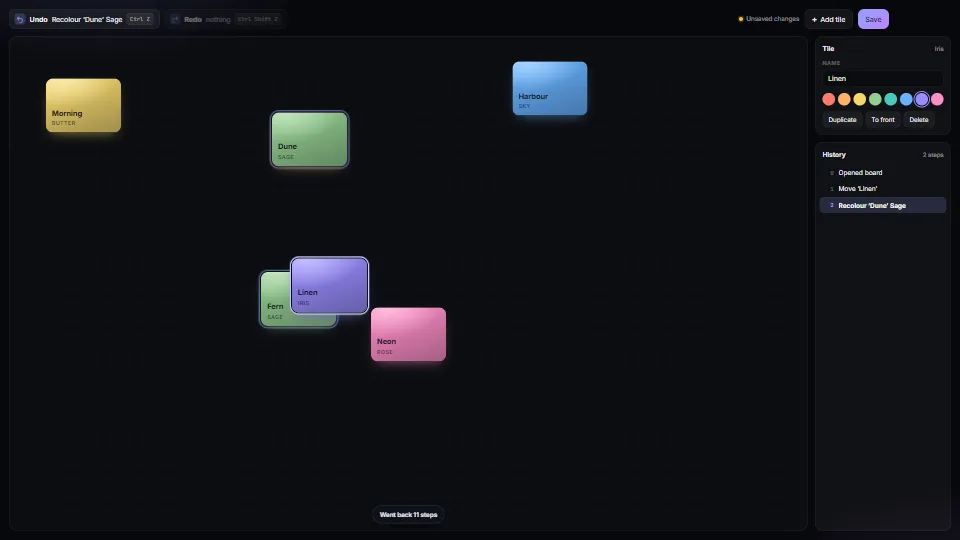 Systems & tooling
Undo that says what it undoes
An undo/redo history whose steps carry a few words, so the buttons say “Undo Move ‘Dune’”; one drag or one typing session is one step, and so is a drag of a…
0.19 CPU ms
 Systems & tooling
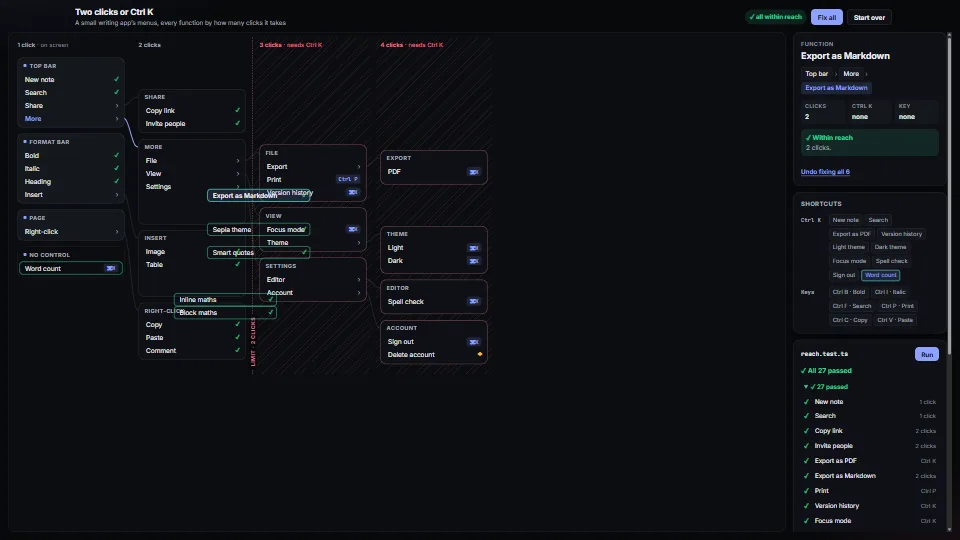
Two clicks or Ctrl K
A test that fails when any function in an app is more than two clicks away and has no Ctrl K command.
0.10 CPU ms
 Systems & tooling