The live demo starts when it’s in view.Space plays and pauses · ← → move between chapters · click the screen to pause · in the click guide, a click on the still is the next step
Pre-recorded video inside a WebGPU scene and in the page, stage-grade.
What it costs a frame
GPU
0.09 ms
CPU
0.32 ms
02468101216.7 ms
GPU
0.09 ms
CPU, median
0.32 ms
CPU, 95th pct
0.67 ms
Draw calls
0
Weight
Light
Measured 11 November 2026 on 13th Gen Intel(R) Core(TM) i9-13900H, Chrome 157, 1920×1080 at 1×. 600 frames × 3 rounds, median kept. What ran: Measured with two videos decoding and drawn as zero-copy external textures with their glow: the walkthrough playing through (960 × 540, 30 fps) and one ambient loop (480 × 270), the second loop waiting on its still (two decoders at once). The canvas redraws only when either video presents a new frame, about 30 times a second; GPU time is the layer’s pass, from its own timestamp queries. Phones: tiers are being measured next.
apple · Apple A19 Proin a browser tab · 16 November 2026
6.84
0.14
0.32
Intel Arc 140V (Xe2-LPG) · Intel Core Ultra 7 258Vin a browser tab · 15 November 2026
0.13
0.51
0.98
Bars against one 16.7 ms frame. A browser-tab run is timed in a visible tab without the tool’s scripted input, so read it as close, not exact.
How steadily it runs on Intel Arc 140V (Xe2-LPG) · Intel Core Ultra 7 258V · in a browser tab
Typical frame ?
16.67 ms
1% low ?
55 fps
Varies by ?
±0.42 ms
All metricsIntel Arc 140V (Xe2-LPG) · Intel Core Ultra 7 258V · in a browser tabHow long each frame took. Most frames sit in the tall bars; a long tail to the right is hitching.
Frames run on a 60 Hz timer (a page demo), so most frames take about one tick, 16.7 ms: the spread around it is what matters.
Frames
Median (p50) ?
16.67 ms
p95 ?
17.52 ms
p99 ?
17.98 ms
Slowest ?
18.92 ms
Mean ?
16.71 ms
Standard deviation ?
0.42 ms
1% low ?
55 fps
0.1% low ?
53 fps
Hitches ?
0 of 600
Over budget ?
0 of 600
Main thread
Long tasks ?
0
Long frames ?
0
Event-loop delay ?
0.1 / 1.0 / 1.4 ms
Input
No input during this run. A browser-tab run plays none.
Memory
JavaScript heap ?
78.1 → 74.6 MB
Growth ?
-3.44 MB
What it needs
Renders with
WebGPUNeeds WebGPU: current Chrome and Edge, Safari 26+, Firefox 141+ on Windows.
Your browser
Checking…Looking for WebGPU
Depends on
NothingNo other packages
What it’s for
App walkthrough videos in a live presentation, stepped chapter by chapter from a clicker
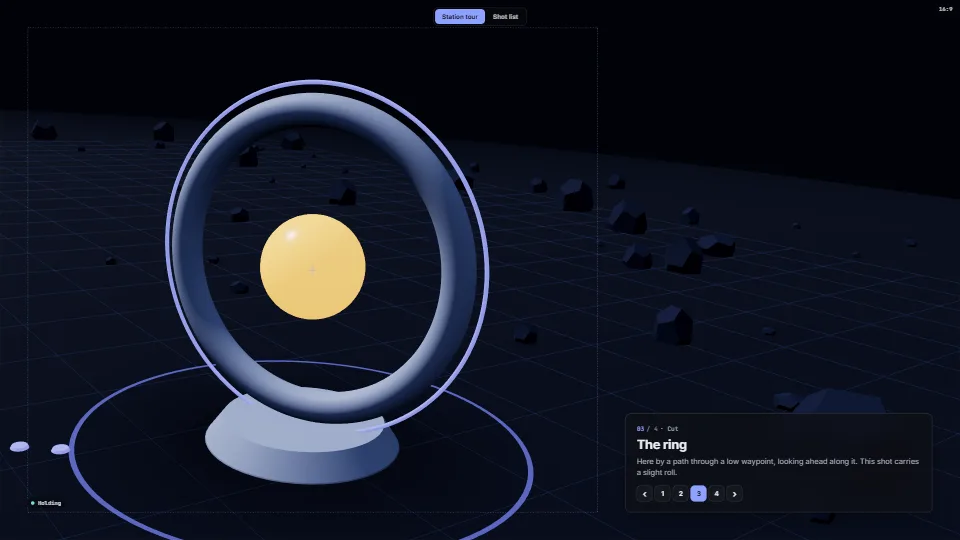
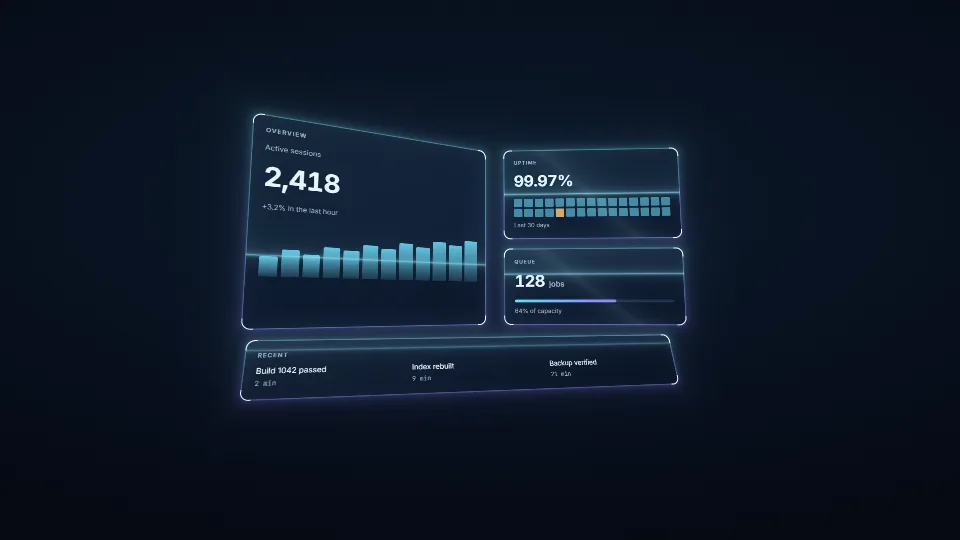
Video screens inside a 3D or WebGPU scene that light their surroundings
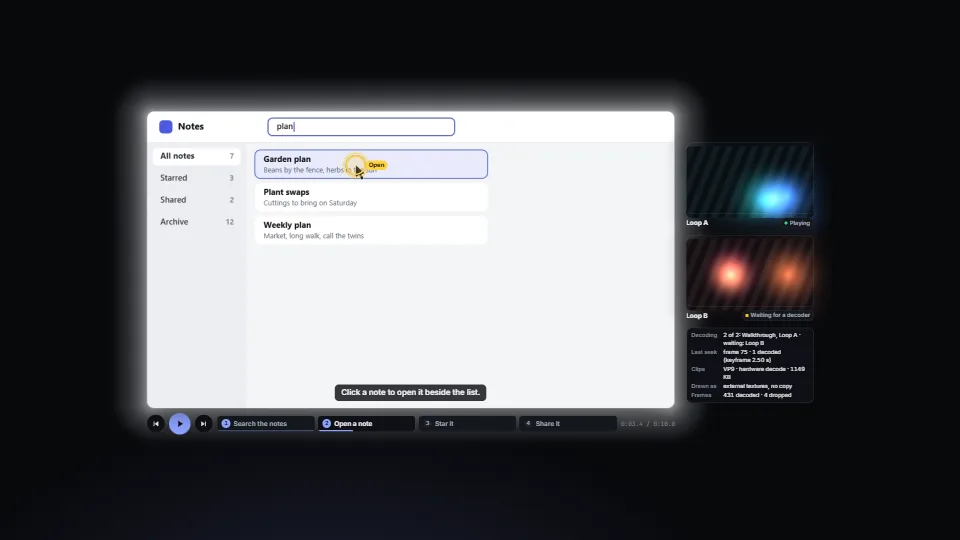
Several looping background videos without running out of decoders
A product tour recorded once, with its clicks highlighted and captions in the page
A kiosk or wall that must never show a black frame or a spinner
A product tour from screenshots, stepped click by click from a clicker
Pitfalls, in brief
An external texture lives until the end of the task that imported it: import it again (and make a new bind group) in every frame you draw, even while the video is paused.
Removing a playing video element from the document pauses it (the HTML rule).
Exact seeks decode from the keyframe before the target.
Seek to the middle of a frame, not its start (frameTime() does): a time exactly on a frame boundary can land on the frame before it once the container rounds it.
The browser’s own loop (the loop attribute) is the seamless one.
8 more in brief
Each playing video holds a decoder and a few frames of memory, and hardware decoders are few (and a wall of 4K loops is many).
Hardware decoding depends on the codec, the size and the device: check with checkDecoding() (Media Capabilities, powerEfficient) on the show machine.
requestVideoFrameCallback fires per presented frame, so a video nobody draws (hidden, or off screen in some browsers) may not report frames.
Rings and captions are timed by the frame’s media time, not the clock, so they hold when paused and keep pace at any effect speed.
Serve video as files from your own origin.
Import video-textures.base.css before video-textures.css.
Decode a still to an ImageBitmap before it is first shown (img.decode(), then createImageBitmap).
The click guide draws on its canvas only while something moves (the glide, the ring, typing): about 1.5 s after a press, then nothing until the next.
13 pitfalls in full, the hook-up guide, the module source and its tests come with the part.
Where it comes from
Written for the library. Fully custom code.
WebGPU (W3C): GPUExternalTexture and importExternalTexture: a video frame sampled where it was decoded, with no copy, valid until the end of the task.
requestVideoFrameCallback (WICG): One callback per frame actually presented, with its media time: what the overlays and the redraws follow.
Ken Perlin, smootherstep: The 6t⁵ − 15t⁴ + 10t³ curve the guide’s cursor glides on (from “Improving Noise”, 2002), as the source used it.
Media Accessibility User Requirements (W3C): Captions as text, chapters as named navigation, and a static alternative for moving pictures: the stills, with their clicks and words.
 Techniques
 Techniques
 Techniques
 Techniques