 Particles
Lightspeed and shockwave
A title moment for a stage or a launch: the camera races in at lightspeed behind falling lights, the stars streaking past, brakes hard into their trails and…
5.56 GPU · 0.14 CPU ms

A field of characters wakes: every glyph lifts off its cell, rises on a curl flow into a few rivers of light, runs along them and pours into a word, where one…
Measured 11 November 2026 on 13th Gen Intel(R) Core(TM) i9-13900H, Chrome 157, 1920×1080 at 1×. 600 frames × 3 rounds, median kept. What ran: Measured looping by itself with about 130,000 glyphs: the field wakes, the rivers run and pour into the word over the play time, it holds a second and replays. Every glyph is computed every frame (stateless); one pass draws the field per pixel and one the glyphs, then a quarter-size bloom. Timed with its own timestamp queries. Phones: tiers are being measured next.
| Machine | GPU ms | CPU ms | CPU p95 |
|---|---|---|---|
| unknown GPU · 13th Gen Intel(R) Core(TM) i9-13900Hreference · measuring tool | 3.63 | 0.13 | 0.20 |
| apple · Apple A19 Proin a browser tab · 16 November 2026 | 6.71 | 0.28 | 0.34 |
| Intel Arc 140V (Xe2-LPG) · Intel Core Ultra 7 258Vin a browser tab · 15 November 2026 | 1.44 | 0.30 | 0.53 |
Bars against one 16.7 ms frame. A browser-tab run is timed in a visible tab without the tool’s scripted input, so read it as close, not exact.
From SpaciousPro. Fully custom code.
Mark Jarzynski and Marc Olano, “Hash Functions for GPU Rendering” (JCGT 2020): The PCG hash behind every glyph’s randomness, in TypeScript and WGSL alike.
Robert Bridson, Jim Hourihan and Marcus Nordenstam, “Curl-Noise for Procedural Fluid Flow” (SIGGRAPH 2007): The idea behind the flow: the curl of a potential is divergence-free, so the glyphs swirl without bunching. Here the potential is a few drifting waves, not noise.
ParticlesA title moment for a stage or a launch: the camera races in at lightspeed behind falling lights, the stars streaking past, brakes hard into their trails and…
 Particles
Birds, butterflies, fireflies, drones or darts that flock freely on the GPU, then each fly to their own point of a word or a shape, hold it and let go again.
 Particles
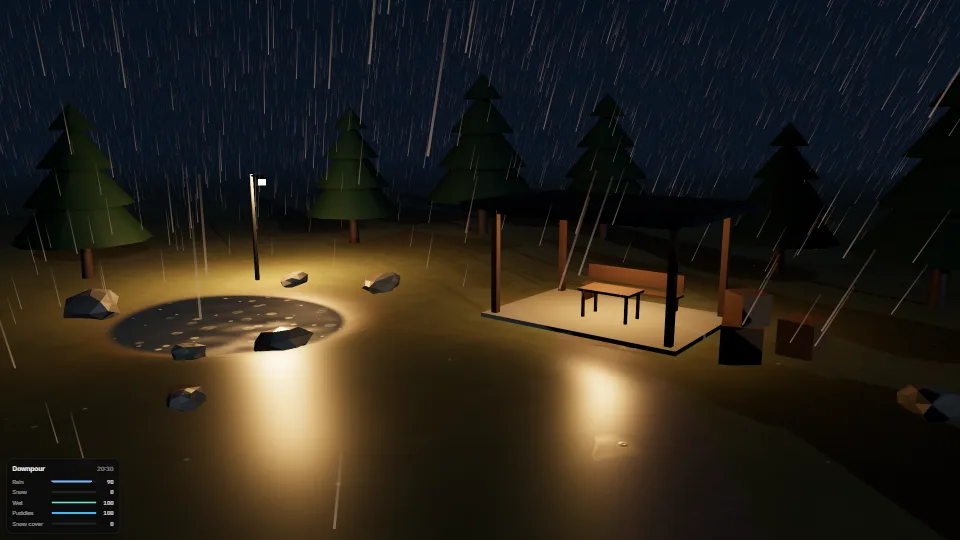
Every drop and flake placed by its index alone, so the CPU only writes a few uniforms (about 0.01 ms a frame).
 Particles
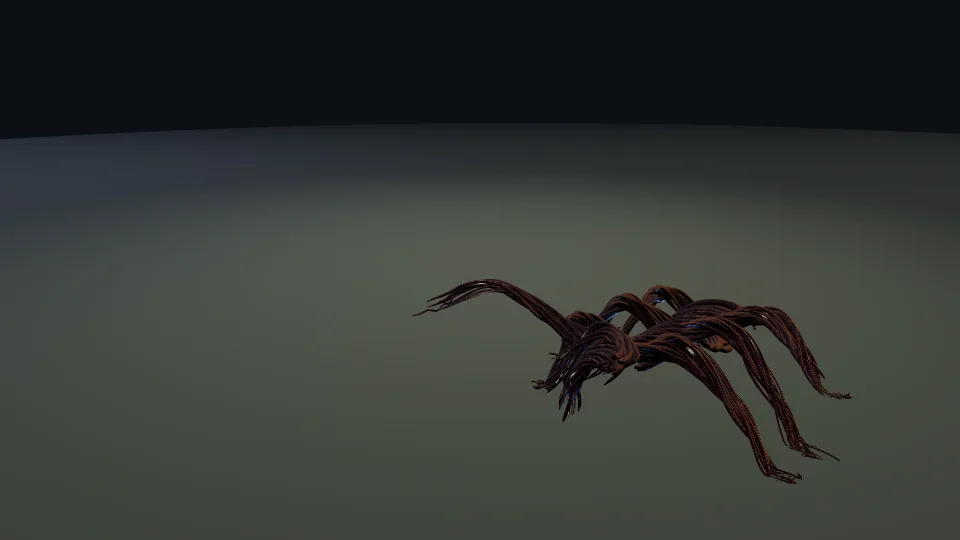
Creatures made of living lines: hundreds of Verlet strands pulled into a form, wound round its limbs, squirming, sagging and flinching from hits, two compute…