 UI & interaction
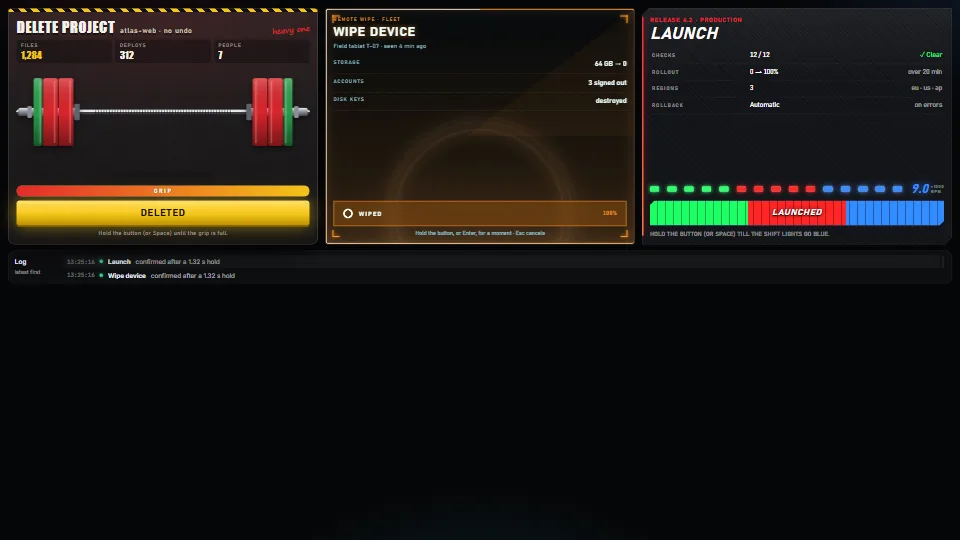
Hold to confirm, four ways
A safe button for actions that cost something: it acts only after being held.
<0.01 CPU ms
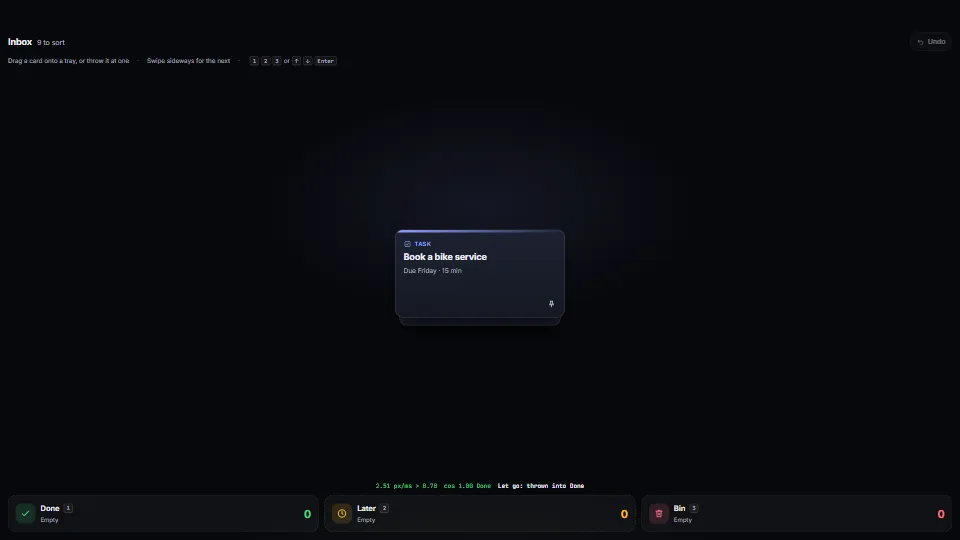
Drag a card and throw it at a tray, a folder or a bin to act on it: it lands when let go near one, or when thrown fast enough and on aim; otherwise it springs back.
Measured 3 November 2026 on 13th Gen Intel(R) Core(TM) i9-13900H, Chrome 156, 1920×1080 at 1×. 600 frames × 3 rounds, median kept. What ran: Measured with the demo throwing for itself: a scripted pointer drags the top card and throws it at a tray about every 2.4 s, then undoes it, so the frames hold the per-move work (velocity, aim at three trays, the highlight and the aim overlay), the flight in and the return. Phones: tiers are being measured next.
| Machine | GPU ms | CPU ms | CPU p95 |
|---|---|---|---|
| unknown GPU · 13th Gen Intel(R) Core(TM) i9-13900Hreference · measuring tool | not timed | <0.01 | 0.71 |
| apple · Apple A19 Proin a browser tab · 16 November 2026 | not timed | <0.01 | 2.24 |
| Intel Arc 140V (Xe2-LPG) · Intel Core Ultra 7 258Vin a browser tab · 15 November 2026 | not timed | <0.01 | 1.52 |
Bars against one 16.7 ms frame. A browser-tab run is timed in a visible tab without the tool’s scripted input, so read it as close, not exact.
From HaTac. Fully custom code.
UI & interactionA safe button for actions that cost something: it acts only after being held.
 UI & interaction
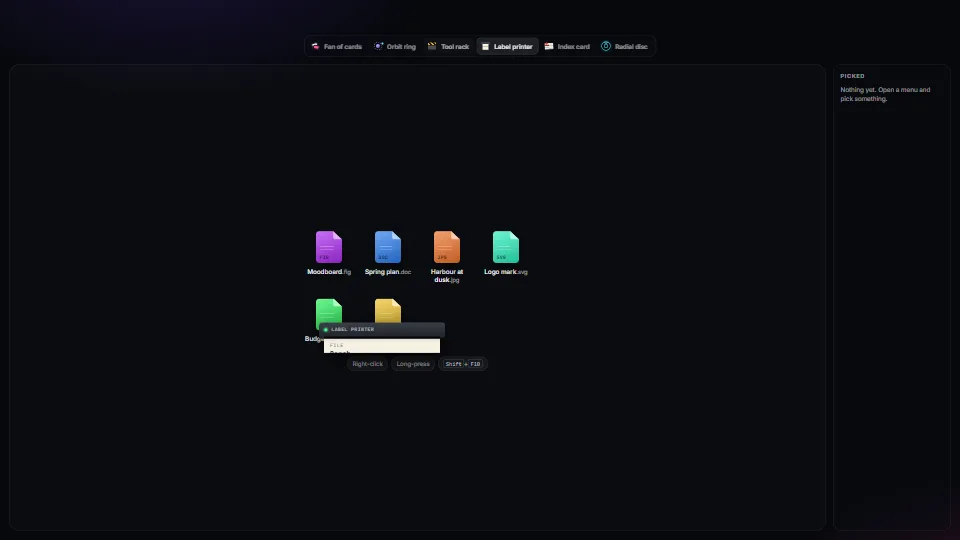
One accessible context-menu core (roles, arrow keys, type-ahead, letter keys, Esc, focus kept and given back, stays on screen, right-click, long-press and…
 UI & interaction
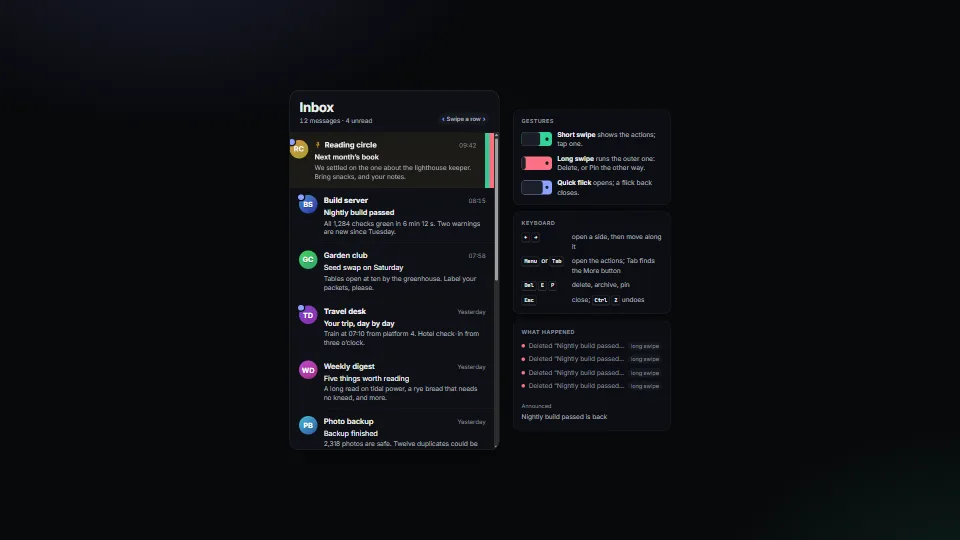
Swipe a list row, as on a phone: a short swipe shows its buttons, a long one runs the outer action (delete), a quick flick opens and a flick back closes.
 UI & interaction
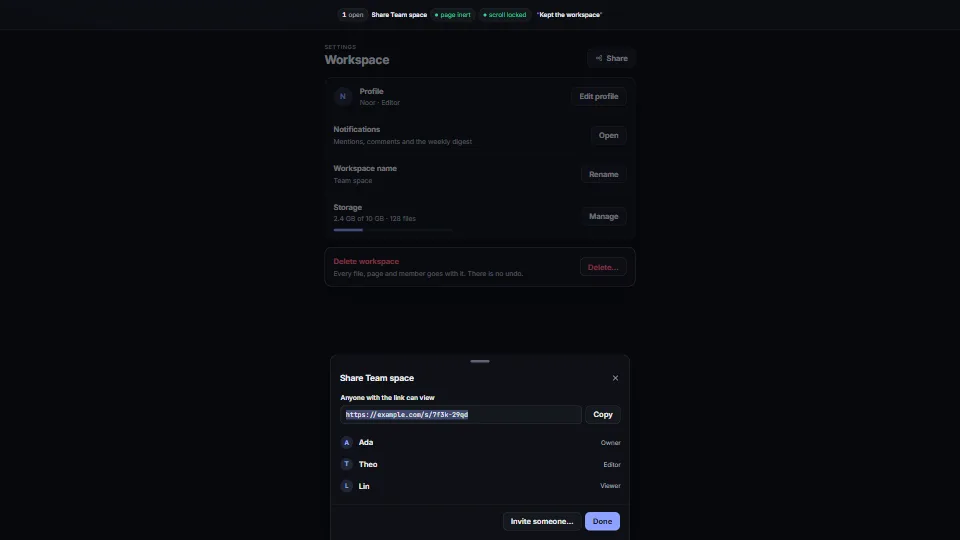
One small dialog core that does the whole job: a modal, side and bottom sheets you can drag away, and awaitable confirm() and prompt().