 UI & interaction
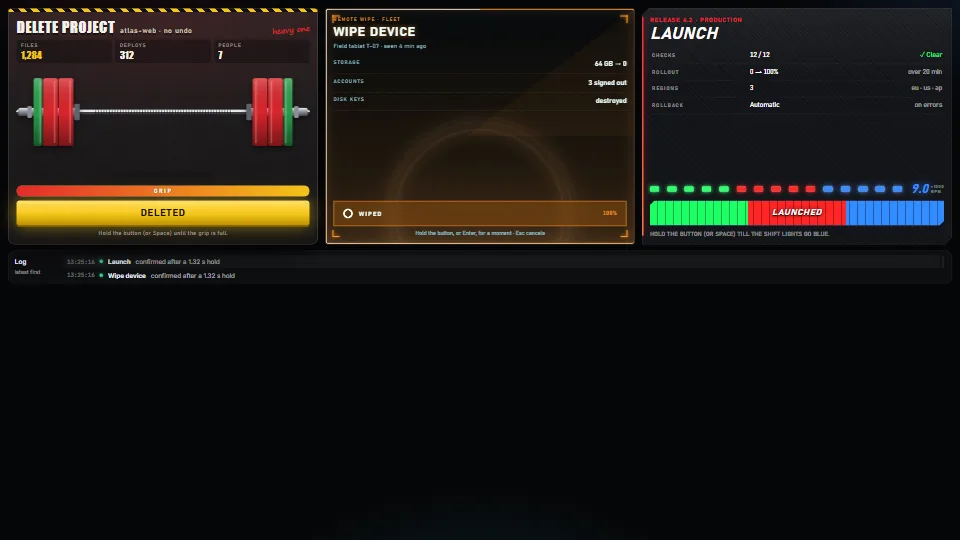
Hold to confirm, four ways
A safe button for actions that cost something: it acts only after being held.
<0.01 CPU ms
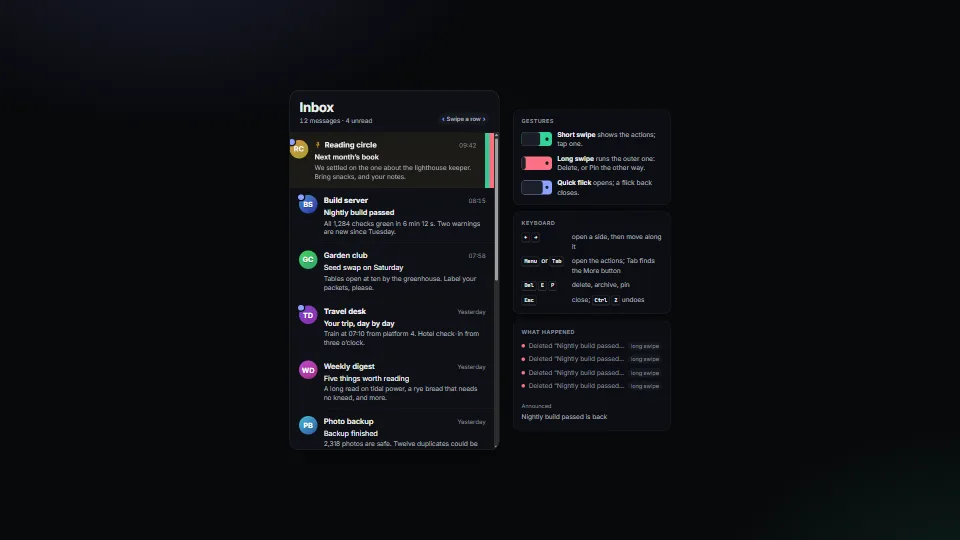
Swipe a list row, as on a phone: a short swipe shows its buttons, a long one runs the outer action (delete), a quick flick opens and a flick back closes.
Measured 11 November 2026 on 13th Gen Intel(R) Core(TM) i9-13900H, Chrome 157, 1920×1080 at 1×. 600 frames × 3 rounds, median kept. What ran: Measured with the demo swiping by itself: synthetic pointer events open a row (24 frames), it rests, closes, then a long swipe deletes the next row (30 frames), it slides out and closes up, the undo toast shows and Undo puts it back. Each moving frame writes three custom properties on one row and its spring; nothing runs between gestures. Phones: tiers are being measured next.
| Machine | GPU ms | CPU ms | CPU p95 |
|---|---|---|---|
| unknown GPU · 13th Gen Intel(R) Core(TM) i9-13900Hreference · measuring tool | not timed | <0.01 | 0.20 |
| apple · Apple A19 Proin a browser tab · 16 November 2026 | not timed | <0.01 | 0.10 |
| Intel Arc 140V (Xe2-LPG) · Intel Core Ultra 7 258Vin a browser tab · 15 November 2026 | not timed | <0.01 | 0.15 |
Bars against one 16.7 ms frame. A browser-tab run is timed in a visible tab without the tool’s scripted input, so read it as close, not exact.
From My other apps. Fully custom code.
Swipe actions on iOS list rows (Apple Human Interface Guidelines): The behaviour it imitates: buttons revealed behind a row, a full swipe running the outer one. No code from it.
WAI-ARIA Authoring Practices Guide (W3C): The More button as a disclosure (aria-expanded, aria-controls) and a named group of buttons.
UI & interactionA safe button for actions that cost something: it acts only after being held.
 UI & interaction
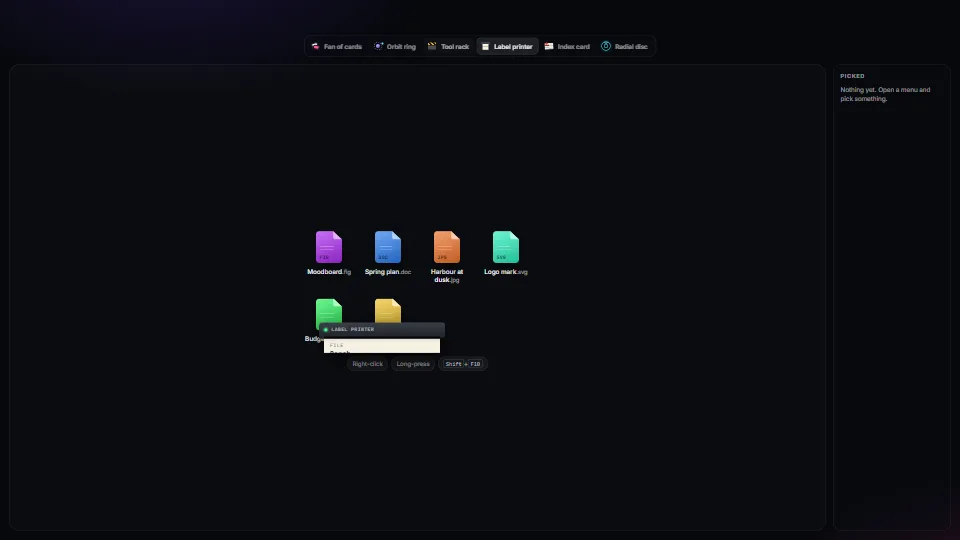
One accessible context-menu core (roles, arrow keys, type-ahead, letter keys, Esc, focus kept and given back, stays on screen, right-click, long-press and…
 UI & interaction
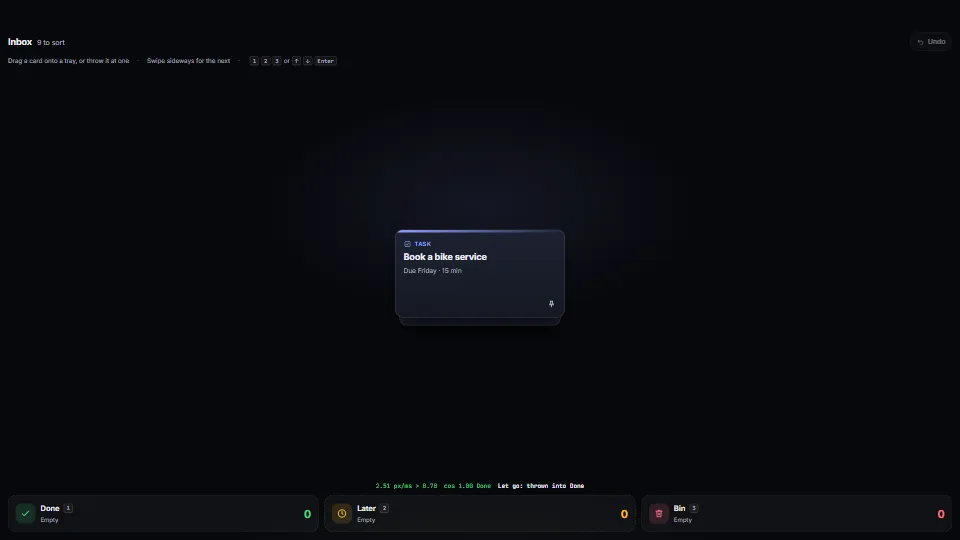
Drag a card and throw it at a tray, a folder or a bin to act on it: it lands when let go near one, or when thrown fast enough and on aim; otherwise it springs back.
 UI & interaction
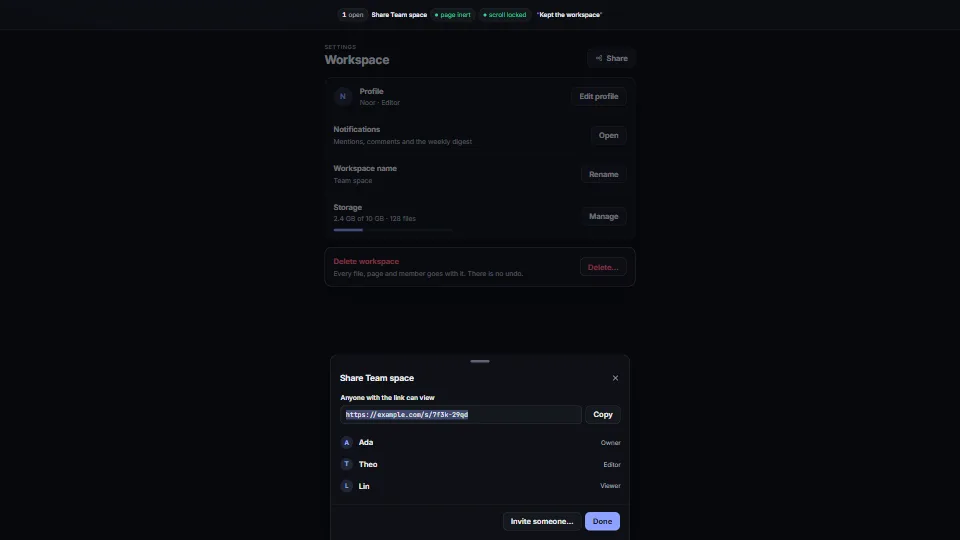
One small dialog core that does the whole job: a modal, side and bottom sheets you can drag away, and awaitable confirm() and prompt().