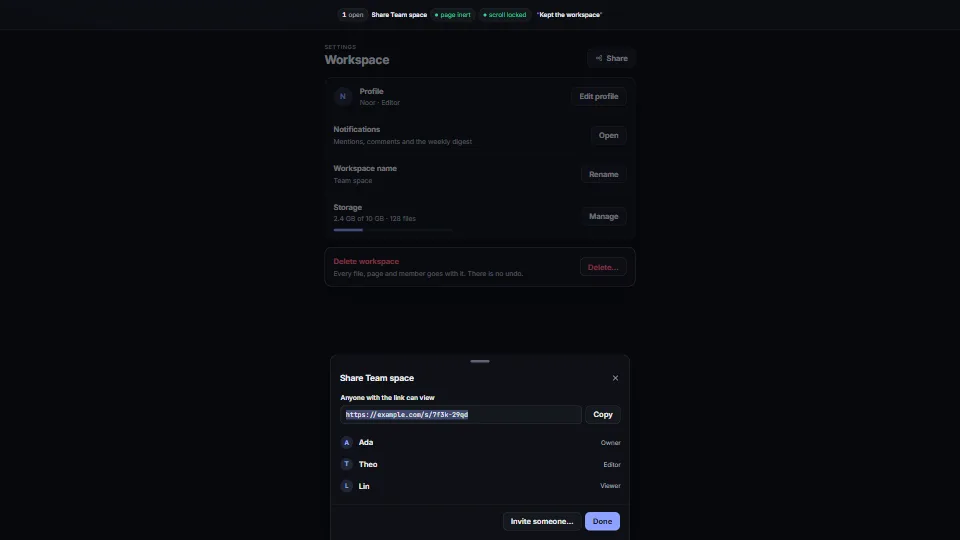
 UI & interactionNew
Accessible dialogs: modal, sheet, confirm
One small dialog core that does the whole job: a modal, side and bottom sheets you can drag away, and awaitable confirm() and prompt().
<0.01 CPU ms
Show service packages or pricing tiers side by side.
Feature rows align across cards, monthly and yearly prices switch in place, and an optional table helps readers compare just the differences.
Not measured yet.
install("service-cards")Your coding agent reads its pitfalls and installs it through the library’s MCP server. Set it upWritten for the library. Fully custom code.
Hannes Andersson: Feature Library module and demo.
UI & interactionNewOne small dialog core that does the whole job: a modal, side and bottom sheets you can drag away, and awaitable confirm() and prompt().
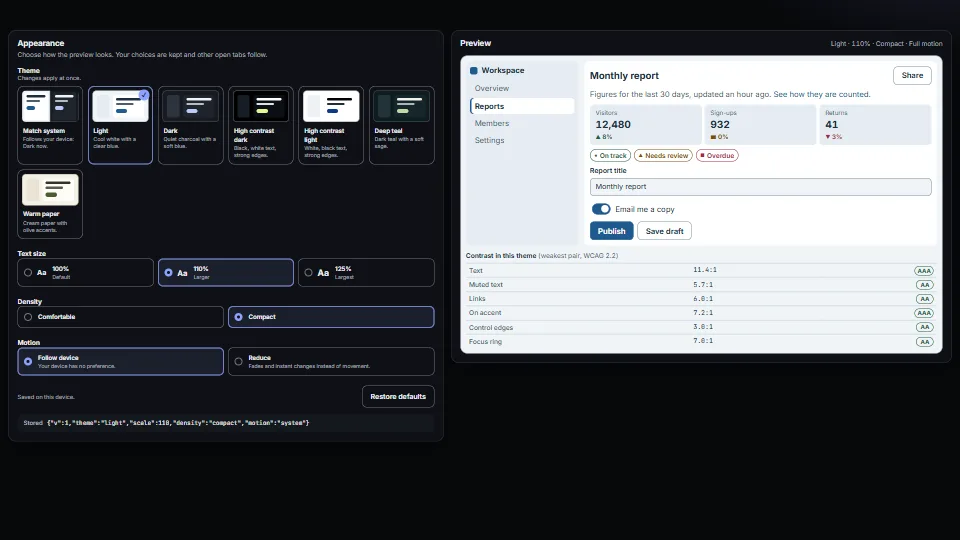 UI & interactionNew
A small appearance system: colour presets as CSS variables (light, dark, two high-contrast, two accent looks), a “Match system” choice that follows the…
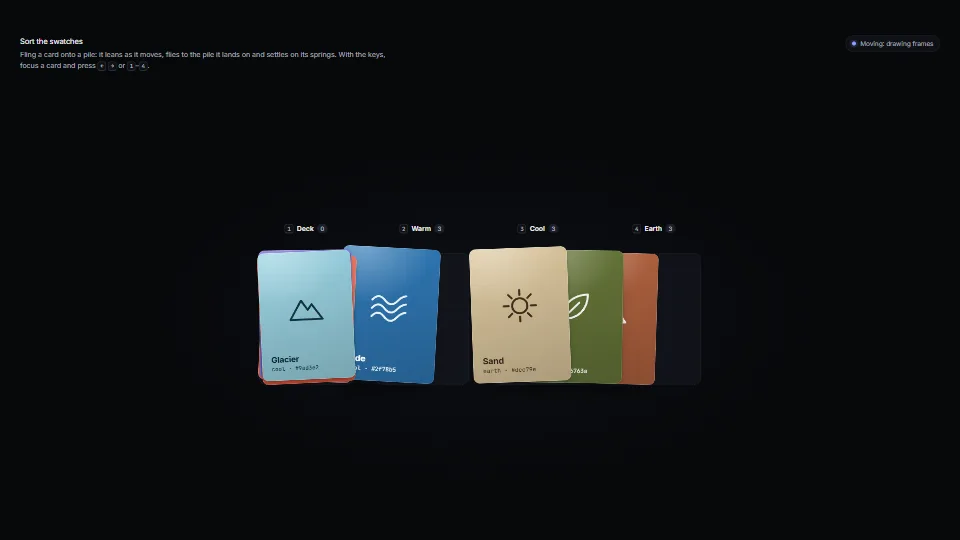 UI & interactionNew
Cards that feel like things: each sits on damped springs for its place, turn, squash, paper flutter and lift.