 UI & interactionNew
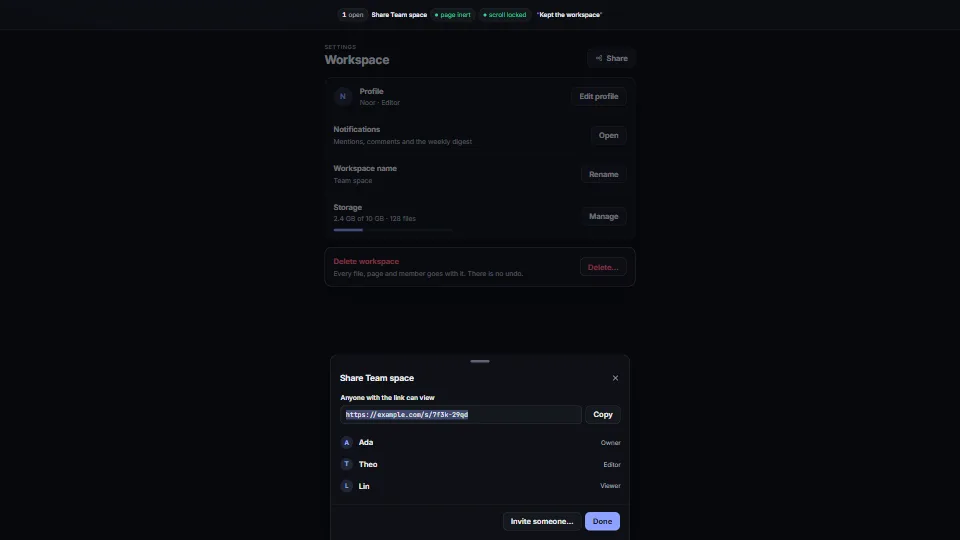
Accessible dialogs: modal, sheet, confirm
One small dialog core that does the whole job: a modal, side and bottom sheets you can drag away, and awaitable confirm() and prompt().
<0.01 CPU ms
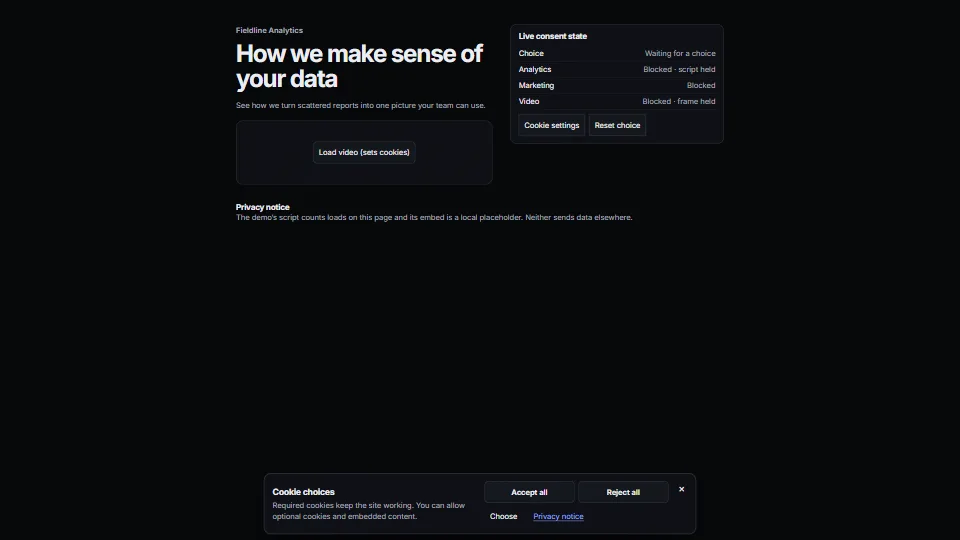
A non-modal cookie consent banner with equally prominent Accept all and Reject all buttons, opt-in purpose switches, and a privacy link.
A versioned, expiring preference keeps optional scripts and embedded content held until the user allows their purpose.
Measured 20 November 2026 on RTX 4060 Laptop, 13th Gen Intel(R) Core(TM) i9-13900H, Chrome 157, 1920×1080 at 1×. 600 frames × 3 rounds, median kept (rounds ranged CPU <0.01–<0.01 ms). What ran: The company page starts with no choice. Real input opens preferences, saves a rejection, reopens and closes the dialog, then resets. The fake analytics and video remain held. Phones: tiers are being measured next.
Frames run on a 60 Hz timer (a page demo), so most frames take about one tick, 16.7 ms: the spread around it is what matters.
install("consent-banner")Your coding agent reads its pitfalls and installs it through the library’s MCP server. Set it upWritten for the library. Adapted from published work, named below.
Hannes Andersson: Feature Library accessible-dialog focus wrapping and scroll lock.
UI & interactionNewOne small dialog core that does the whole job: a modal, side and bottom sheets you can drag away, and awaitable confirm() and prompt().
 UI & interactionNew
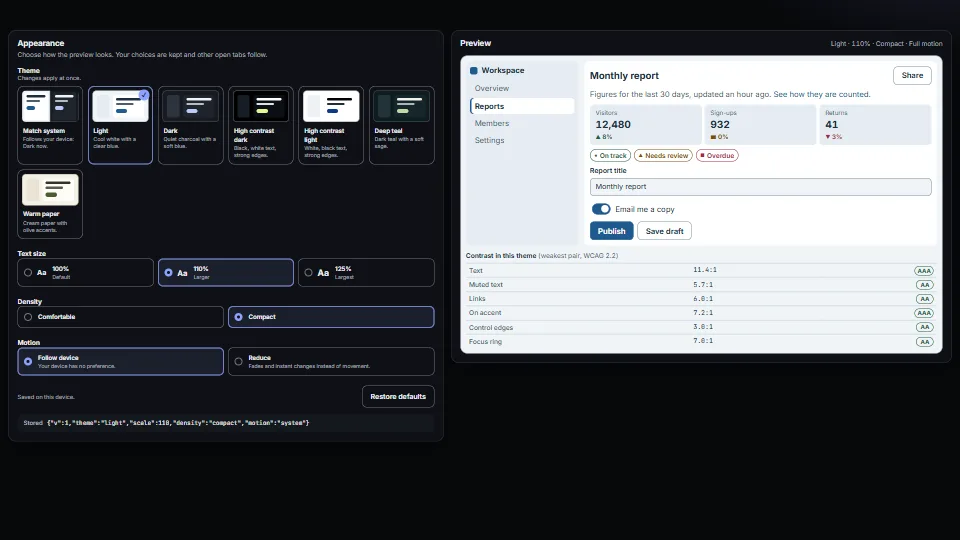
A small appearance system: colour presets as CSS variables (light, dark, two high-contrast, two accent looks), a “Match system” choice that follows the…
 UI & interactionNew
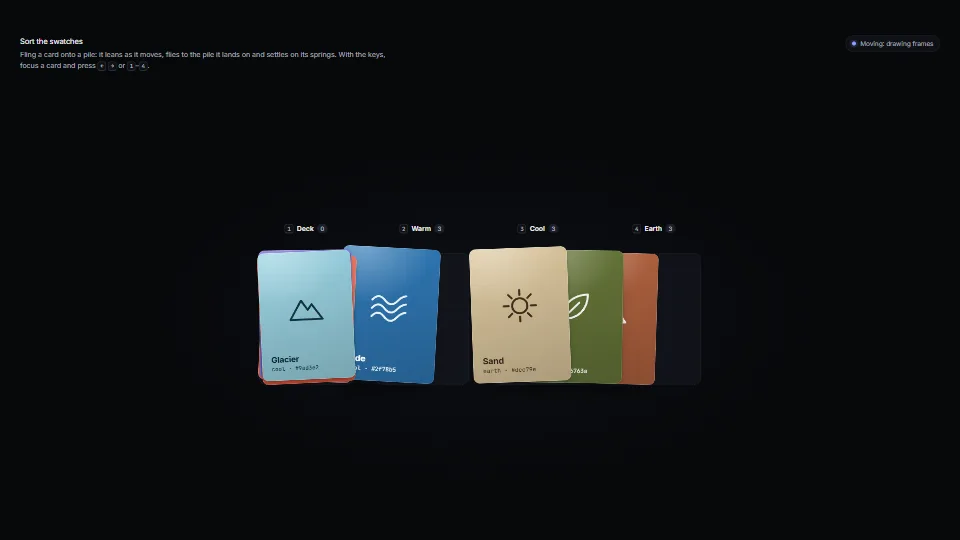
Cards that feel like things: each sits on damped springs for its place, turn, squash, paper flutter and lift.