 Simulation
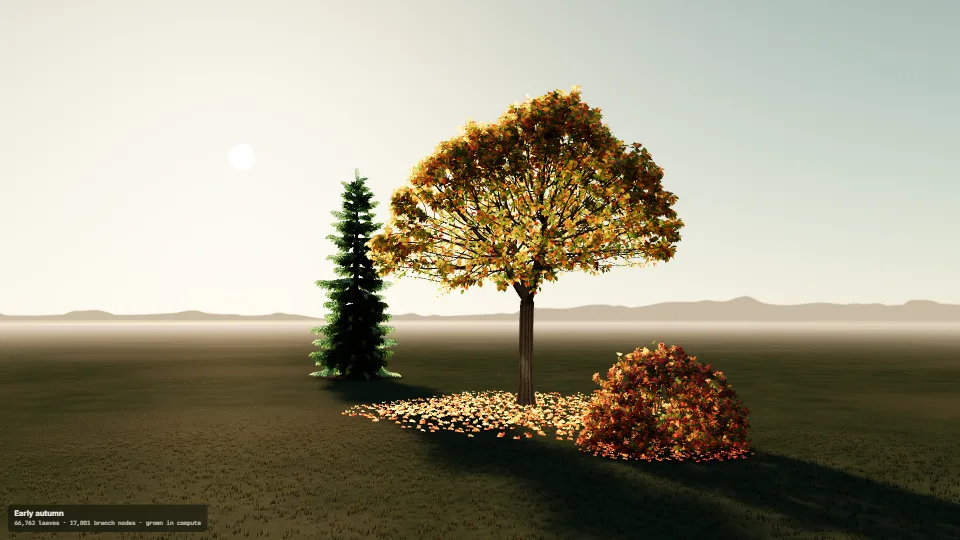
Trees grown in compute
A broadleaf tree, a spruce and a flowering bush grown on the GPU.
1.65 GPU · 0.35 CPU ms
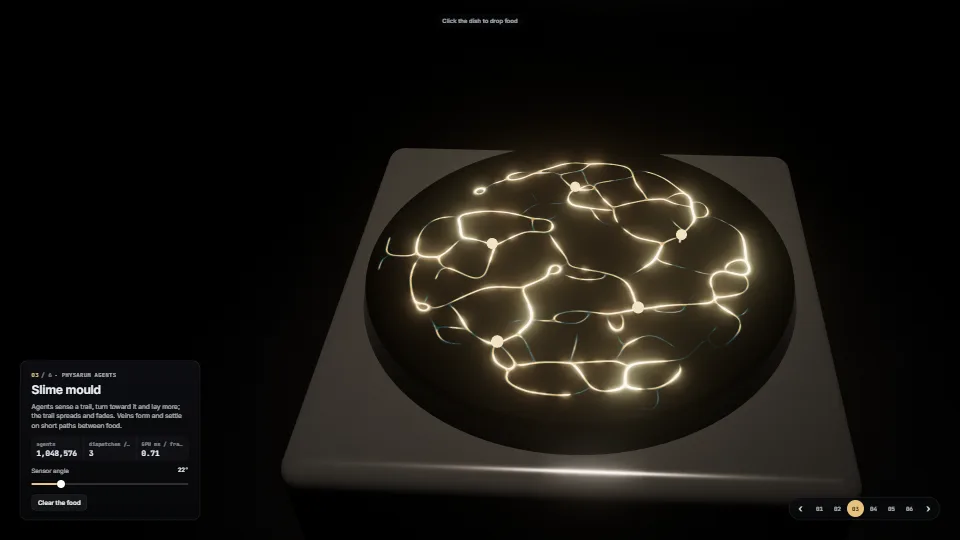
A dark exhibition of six WebGPU compute techniques, each a reusable module on its own plinth.
Measured 11 November 2026 on RTX 4060 Laptop, 13th Gen Intel(R) Core(TM) i9-13900H, Chrome 157, 1920×1080 at 1×. 600 frames × 3 rounds, median kept. What ran: Measured touring by itself, a station every 1.6 s (each glide 0.9 s), so the median spans every station; only the station in view (and the one being left, during a glide) simulates. Full element counts. Phones: tiers are being measured next.
| Machine | GPU ms | CPU ms | CPU p95 |
|---|---|---|---|
| RTX 4060 Laptop · 13th Gen Intel(R) Core(TM) i9-13900Hreference · measuring tool | 1.60 | 0.58 | 1.05 |
| apple · Apple A19 Proin a browser tab · 16 November 2026 | 11.6 | 0.24 | 0.42 |
| Intel Arc 140V (Xe2-LPG) · Intel Core Ultra 7 258Vin a browser tab · 15 November 2026 | 7.47 | 1.88 | 3.04 |
Bars against one 16.7 ms frame. A browser-tab run is timed in a visible tab without the tool’s scripted input, so read it as close, not exact.
Written for the library. Fully custom code.
William Lorensen & Harvey Cline, Marching cubes (SIGGRAPH 1987): The surface from a scalar field; the case table here is built from the cube’s faces rather than copied.
Geoff, Brian & Craig Wyvill, Data structure for soft objects (1986): The (1 − d²/R²)³ falloff the metaballs sum.
Yuanming Hu et al., A moving least squares material point method (SIGGRAPH 2018): MLS-MPM, the liquid’s solver.
Chenfanfu Jiang et al., The affine particle-in-cell method (SIGGRAPH 2015): APIC transfers between particles and grid.
Niall Tessier-Lavigne, MLS-MPM guide and “88 lines” fluid: The weakly compressible fluid’s constants and step order, written here from the description.
Jeff Jones, Characteristics of pattern formation in approximations of Physarum transport networks (2010): The sense–turn–move–deposit agents.
Sage Jenson, physarum artworks (2019): Inspiration for the look of glowing networks.
P. Gray & S. K. Scott (1983); John Pearson, Complex patterns in a simple system (1993): The reaction–diffusion model and its pattern classes.
Karl Sims, Reaction-diffusion tutorial: The grid form: diffusion 1.0 and 0.5, the 3×3 Laplacian weights, coral feed and kill.
Kenneth Batcher, Sorting networks and their applications (1968): The bitonic sort.
Ken Perlin, Improving noise (SIGGRAPH 2002): The smootherstep the glide eases with.
Mark Jarzynski & Marc Olano, Hash functions for GPU rendering (2020): PCG, through three’s TSL hash: the agents’ randomness and the grain.
three.js RoundedBoxGeometry and BloomNode: The plinths and the bloom in the grade (MIT, imported from three/addons, not copied).
SimulationA broadleaf tree, a spruce and a flowering bush grown on the GPU.
 Simulation
Ice crystals that grow over a word, a logo or any shape.
 Simulation
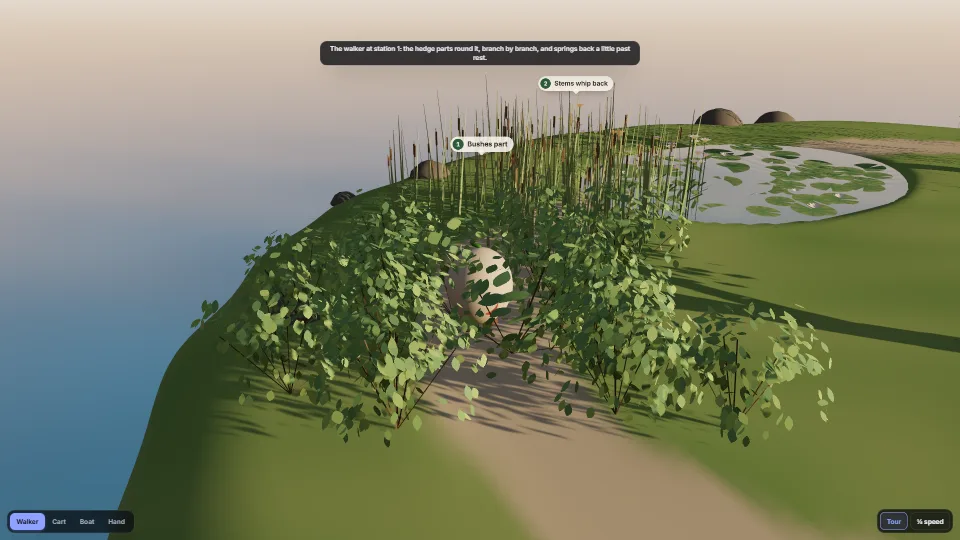
One shared touch field that anything moving presses (walkers, a cart, a boat, the pointer), and responders that read it in their vertex stage.
 Simulation
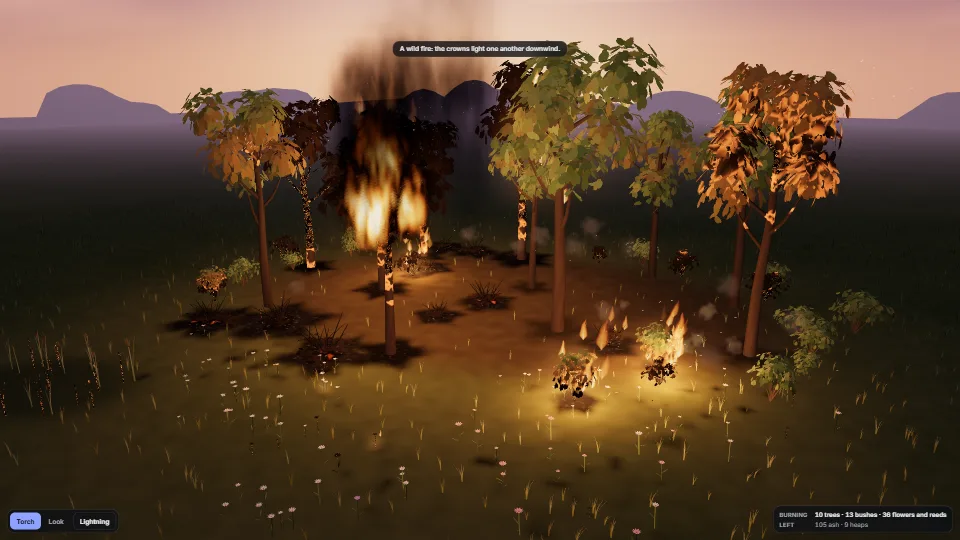
Plants that catch, burn and leave something behind, one at a time by a stable key.