 UI & interaction
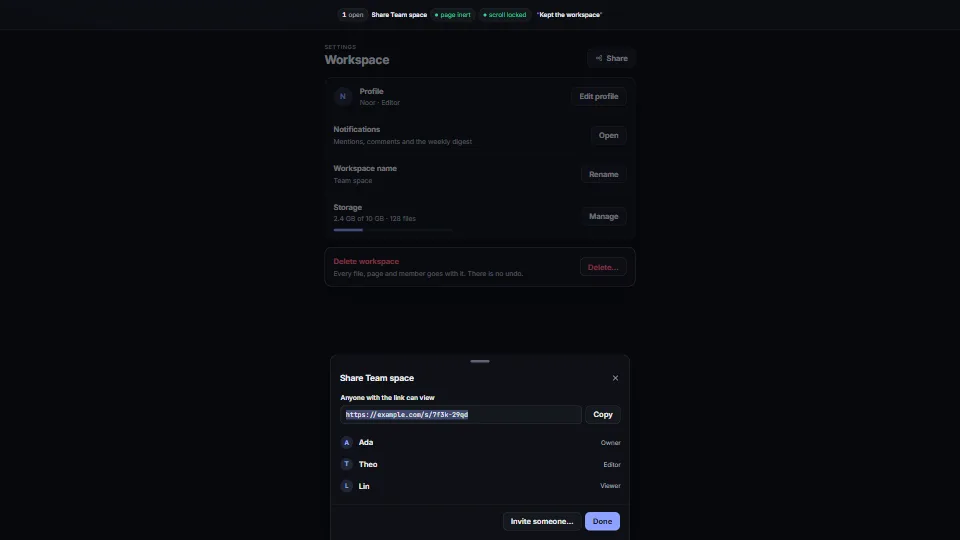
Accessible dialogs: modal, sheet, confirm
One small dialog core that does the whole job: a modal, side and bottom sheets you can drag away, and awaitable confirm() and prompt().
<0.01 CPU ms
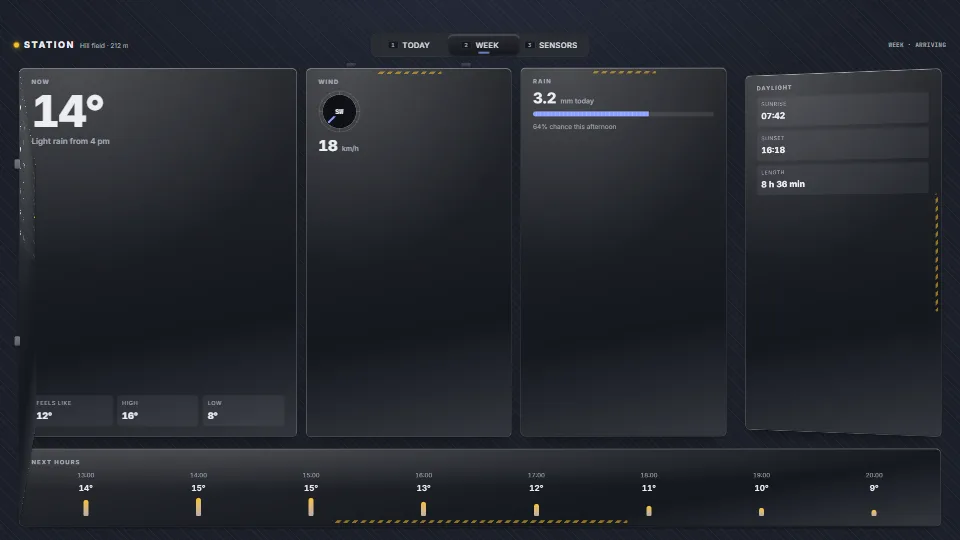
On a screen change the old panels unbolt, unlatch and leave, and the new ones slide or swing in on their rails, hit a hard stop, ring back, latch and bolt…
Measured 13 November 2026 on RTX 4060 Laptop, 13th Gen Intel(R) Core(TM) i9-13900H, Chrome 157, 1920×1080 at 1×. 600 frames × 3 rounds, median kept (rounds ranged CPU <0.01–<0.01 ms). What ran: Measured changing screens by itself every 1.6 s, and every third change turned round halfway, so the frames hold the panels travelling, stopping, latching and bolting (and unbolting and leaving), with the latches and bolts drawn and the stage jolting on each stop. At rest the frame loop stops. Phones: tiers are being measured next.
| Machine | GPU ms | CPU ms | CPU p95 |
|---|---|---|---|
| RTX 4060 Laptop · 13th Gen Intel(R) Core(TM) i9-13900Hreference · measuring tool | not timed | <0.01 | <0.01 |
| apple · Apple A19 Proin a browser tab · 16 November 2026 | not timed | <0.01 | 0.02 |
| Intel Arc 140V (Xe2-LPG) · Intel Core Ultra 7 258Vin a browser tab · 15 November 2026 | not timed | <0.01 | 0.01 |
Bars against one 16.7 ms frame. A browser-tab run is timed in a visible tab without the tool’s scripted input, so read it as close, not exact.
From HaTac. Fully custom code.
UI & interactionOne small dialog core that does the whole job: a modal, side and bottom sheets you can drag away, and awaitable confirm() and prompt().
 UI & interaction
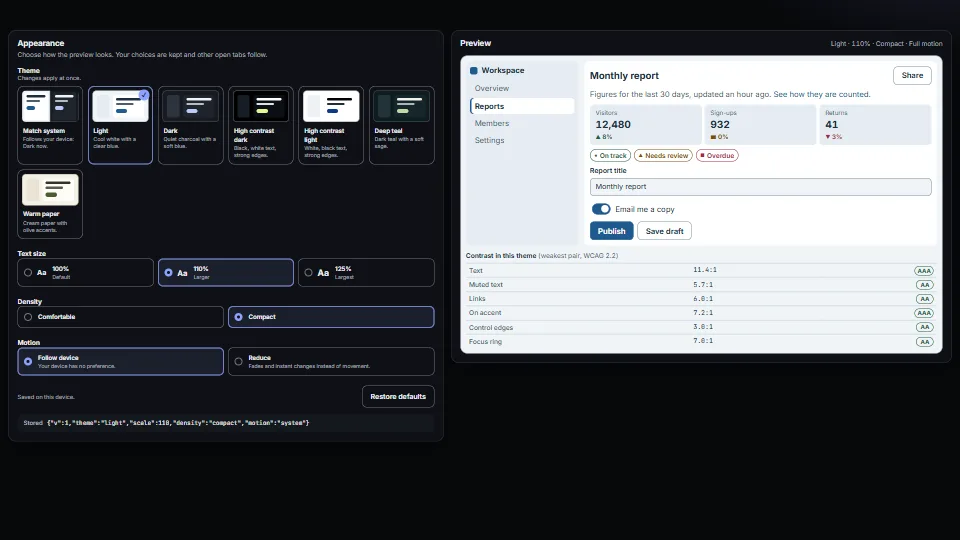
A small appearance system: colour presets as CSS variables (light, dark, two high-contrast, two accent looks), a “Match system” choice that follows the…
 UI & interaction
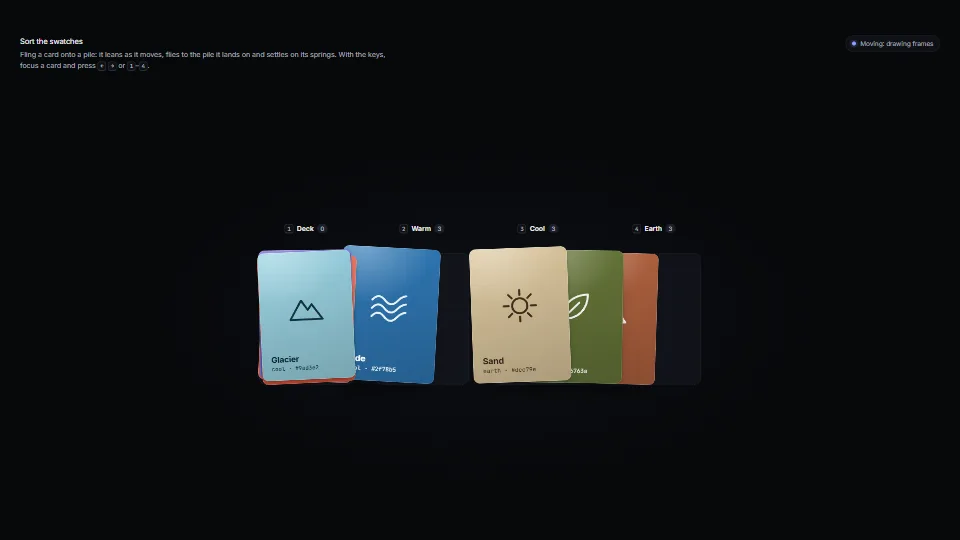
Cards that feel like things: each sits on damped springs for its place, turn, squash, paper flutter and lift.
 UI & interaction