 UI & interaction
Accessible dialogs: modal, sheet, confirm
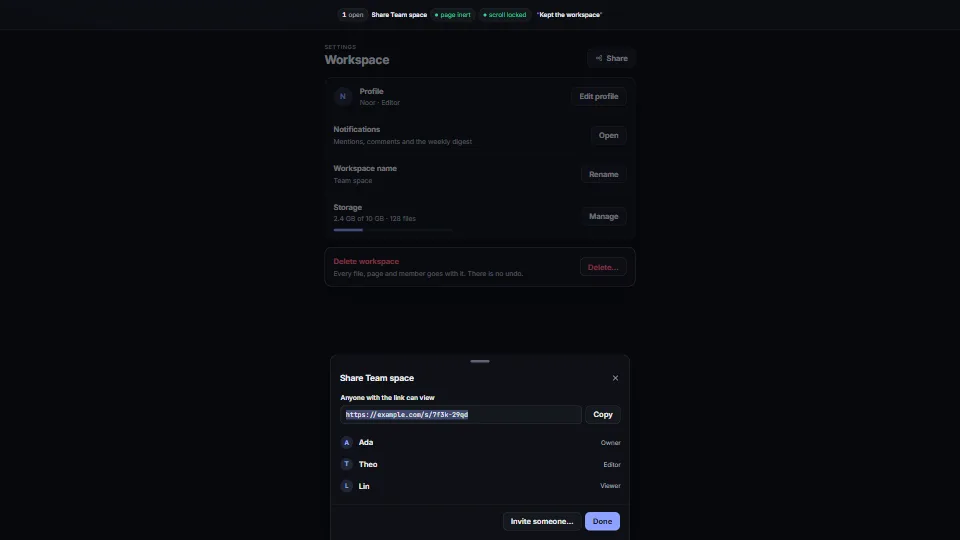
One small dialog core that does the whole job: a modal, side and bottom sheets you can drag away, and awaitable confirm() and prompt().
<0.01 CPU ms
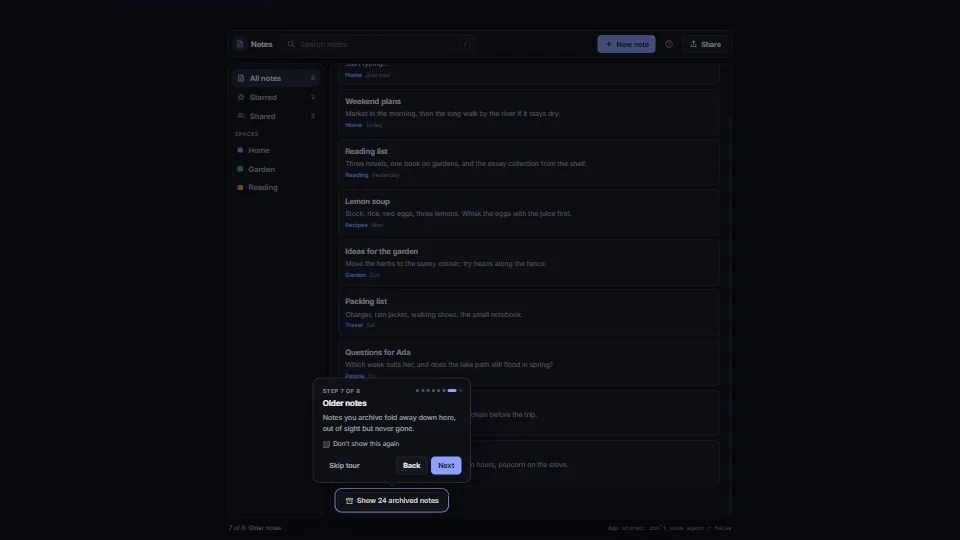
Onboarding steps attached to parts of the page.
Measured 7 November 2026 on 13th Gen Intel(R) Core(TM) i9-13900H, Chrome 156, 1920×1080 at 1×. 600 frames × 3 rounds, median kept. What ran: Measured with the tour driving itself: one step every 40 frames through all eight, gliding the spotlight and popover between targets (one read and one write a frame while it glides), scrolling the list to the last targets, waiting for a note that appears 600 ms after it is asked for, then ending and starting again. Between steps nothing runs: no timers, no animation frames. Phones: tiers are being measured next.
| Machine | GPU ms | CPU ms | CPU p95 |
|---|---|---|---|
| unknown GPU · 13th Gen Intel(R) Core(TM) i9-13900Hreference · measuring tool | not timed | <0.01 | <0.01 |
| apple · Apple A19 Proin a browser tab · 16 November 2026 | not timed | <0.01 | 0.02 |
| Intel Arc 140V (Xe2-LPG) · Intel Core Ultra 7 258Vin a browser tab · 15 November 2026 | not timed | <0.01 | <0.01 |
Bars against one 16.7 ms frame. A browser-tab run is timed in a visible tab without the tool’s scripted input, so read it as close, not exact.
Written for the library. Fully custom code.
WAI-ARIA Authoring Practices Guide (W3C): The dialog pattern’s guidance for a non-modal dialog: role=dialog without aria-modal, named by its title and described by its text (aria-describedby), focus moved into it and given back at the end, Esc to close, and F6 to move between it and the page. Written here from scratch.
UI & interactionOne small dialog core that does the whole job: a modal, side and bottom sheets you can drag away, and awaitable confirm() and prompt().
 UI & interaction
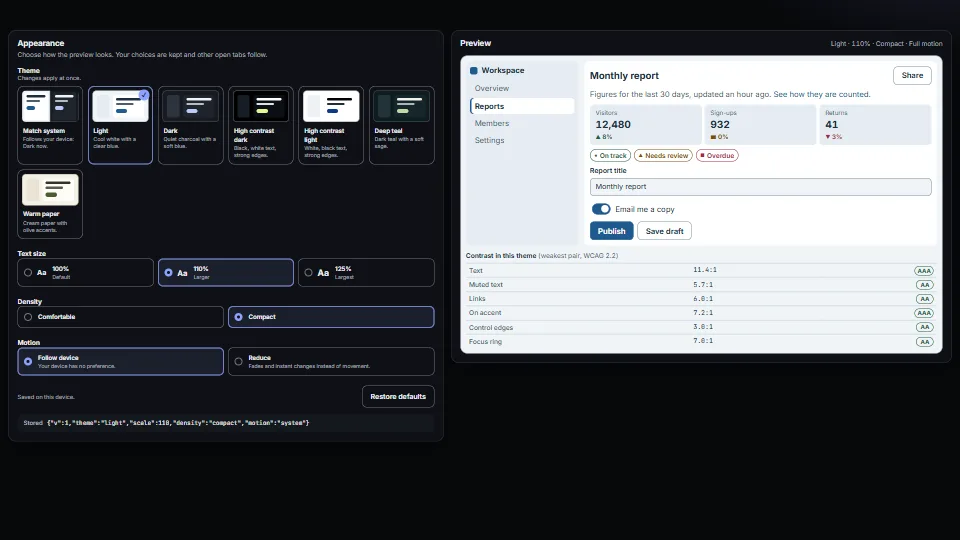
A small appearance system: colour presets as CSS variables (light, dark, two high-contrast, two accent looks), a “Match system” choice that follows the…
 UI & interaction
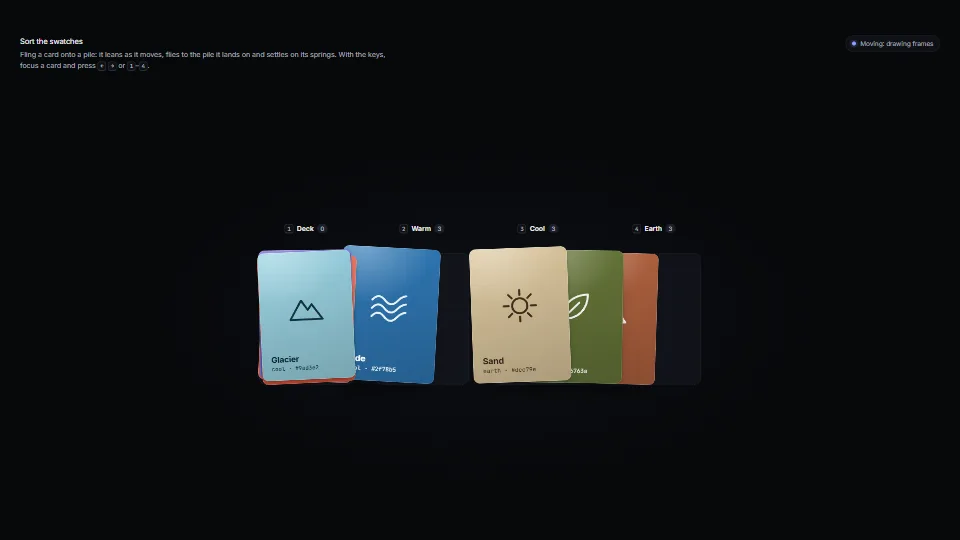
Cards that feel like things: each sits on damped springs for its place, turn, squash, paper flutter and lift.
 UI & interaction