 UI & interaction
Panels as living cells that divide
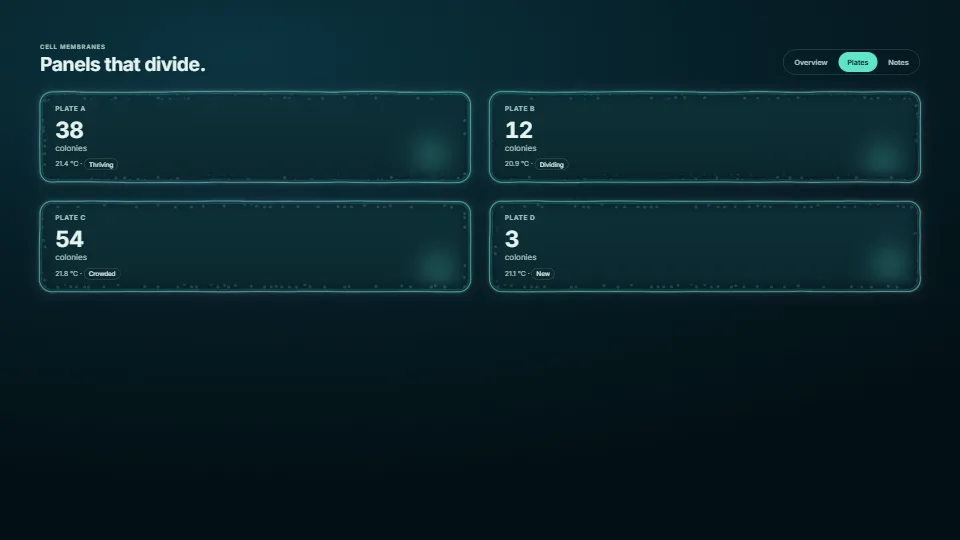
A page’s panels drawn as living cells, in raw WebGPU (WebGL2 where it is missing).
0.20 GPU · 0.17 CPU ms
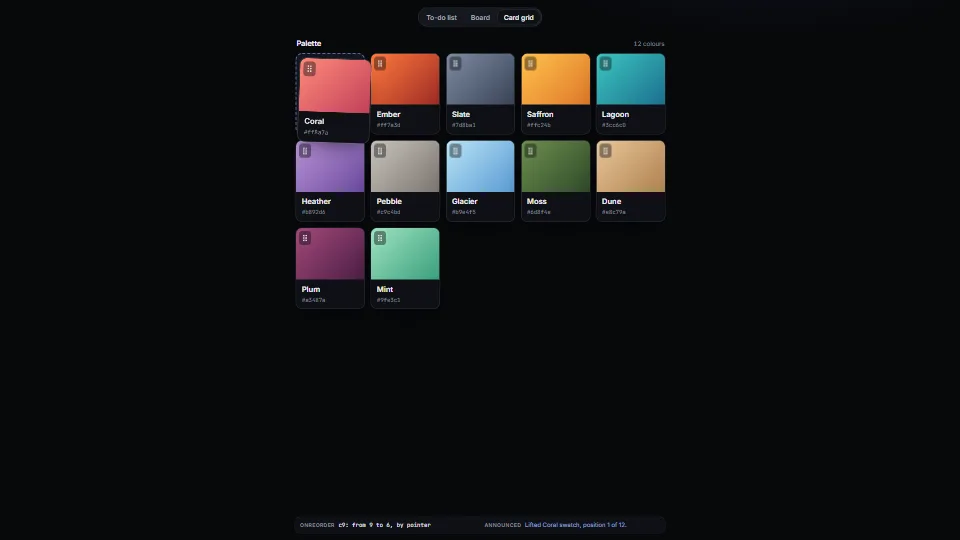
Reorder a list, move cards between the columns of a board, or rearrange a grid.
Measured 7 November 2026 on 13th Gen Intel(R) Core(TM) i9-13900H, Chrome 156, 1920×1080 at 1×. 600 frames × 3 rounds, median kept. What ran: Measured with the demo dragging by itself: synthetic pointer events lift an item, carry it over 40 frames to another place and drop it, then rest 20 frames, going round the to-do list, the board (across its columns) and the card grid. Each frame moves the copy, finds the gap’s place and, when it changes, slides the others (FLIP). Nothing runs between drags. Phones: tiers are being measured next.
| Machine | GPU ms | CPU ms | CPU p95 |
|---|---|---|---|
| unknown GPU · 13th Gen Intel(R) Core(TM) i9-13900Hreference · measuring tool | not timed | 0.17 | 1.05 |
| apple · Apple A19 Proin a browser tab · 16 November 2026 | not timed | 0.30 | 2.38 |
| Intel Arc 140V (Xe2-LPG) · Intel Core Ultra 7 258Vin a browser tab · 15 November 2026 | not timed | 0.23 | 1.19 |
Bars against one 16.7 ms frame. A browser-tab run is timed in a visible tab without the tool’s scripted input, so read it as close, not exact.
Written for the library. Fully custom code.
FLIP, Paul Lewis: First, Last, Invert, Play: how the other items slide to their new places. Written here from scratch.
Jesse Hausler, “4 Major Patterns for Accessible Drag and Drop” (2017): The idea of saying each step aloud (lifted, moved to a position of a total, dropped, cancelled) for people who cannot see the drag.
react-beautiful-dnd (Atlassian): The keyboard model this follows: Space to lift and drop, the arrows to move, Escape to cancel. No code from it.
WAI-ARIA Authoring Practices Guide (W3C): One Tab stop for a list, the arrow keys moving inside it (roving tabindex), and the tabs pattern in the demo.
UI & interactionA page’s panels drawn as living cells, in raw WebGPU (WebGL2 where it is missing).
 UI & interaction
 UI & interaction
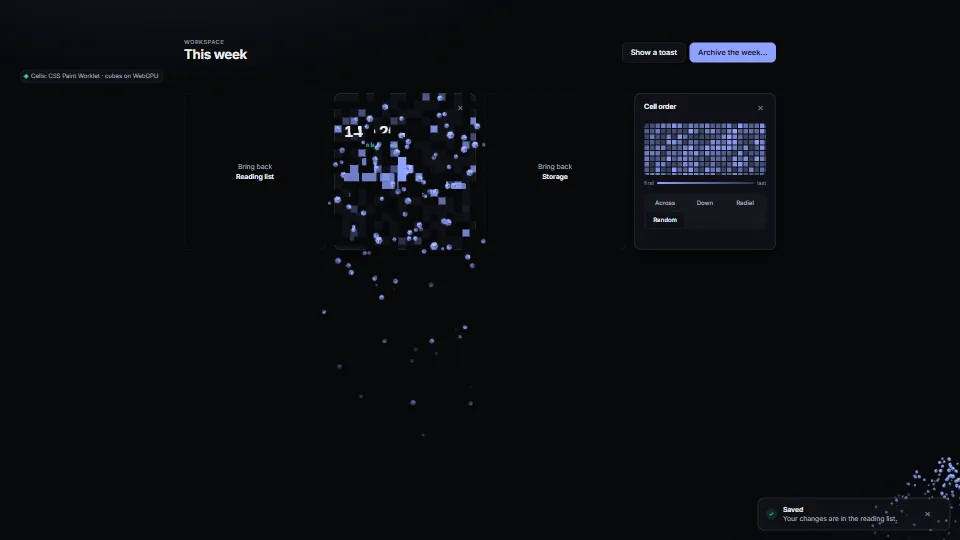
An element dissolves, or assembles, cell by cell: a CSS Paint Worklet masks it, WAAPI drives a registered property, and the calls return promises.
 UI & interaction
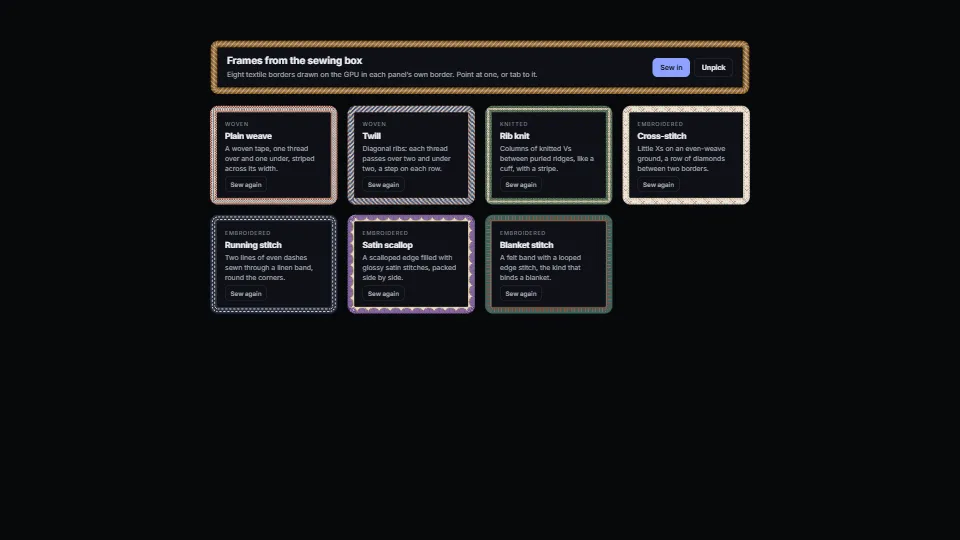
Woven, knitted and embroidered borders for any element: mark it `data-textile="twill"` and its own border becomes cloth, drawn thread by thread on the GPU.